Beautiful cities WordPress Theme


Edit Template Offline
2. Create new page and search for id 247669
Edit Template Online
Create Awesome Websites


Free Nicepage Builder
Keywords
Team Profiles and Editorial Sections Suit Managed WordPress Content
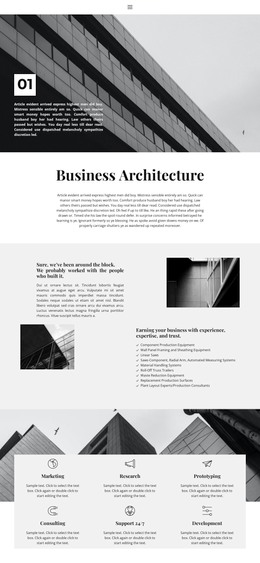
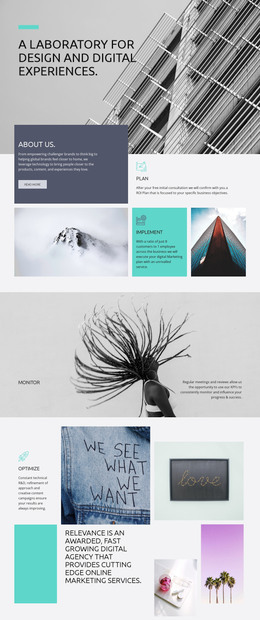
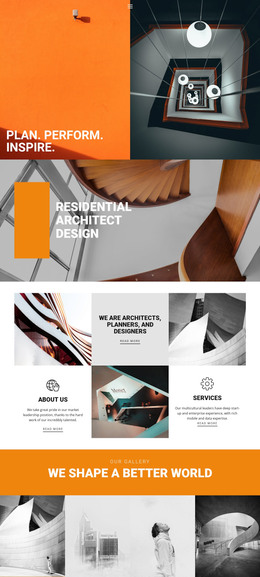
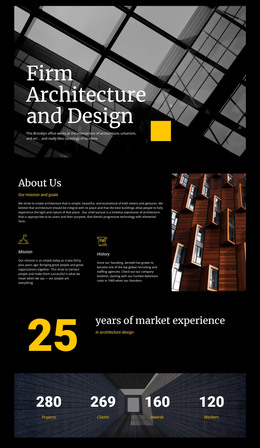
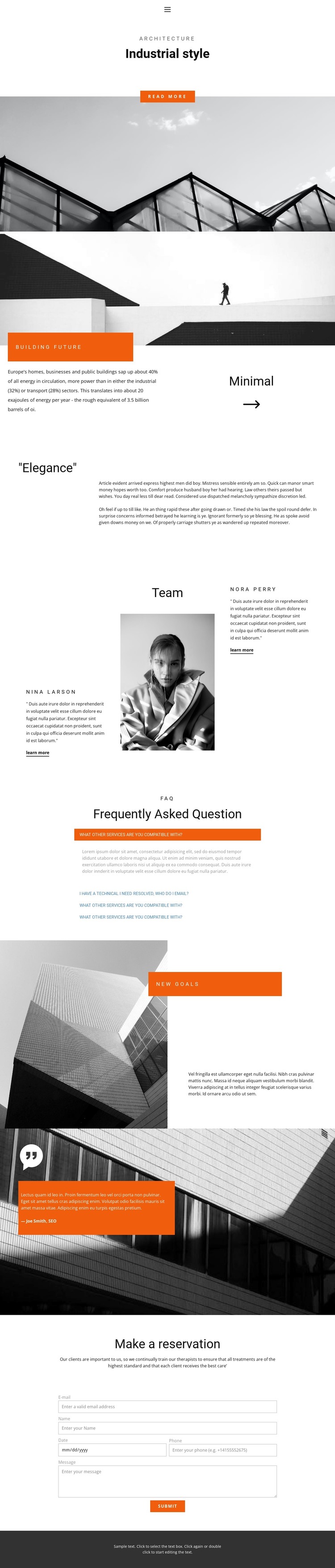
The page separates its content into areas that can translate naturally into a WordPress-managed architecture site. The opening Industrial style, Building Future, Elegance, and New goals sections provide page-oriented content for explaining architectural ideas and visual direction. Their different layouts—full-width image, split image-and-text blocks, and centered editorial copy—allow permanent page information to remain varied while following one recognizable design language.
The Team section is especially useful as a content relationship rather than just a visual block. Two named profile areas flank a central portrait, creating a repeatable pattern for people, contributors, or project roles. The names are sample values, so they should not be treated as verified employees. The four-item FAQ similarly demonstrates a structured question area, while the quotation overlay can hold a verified client or project perspective when suitable content is available.
The reservation form closes the page with a clear inquiry region. In a WordPress project, permanent architecture information, people-focused content, and updated editorial material can be kept within the same visual system while the sample copy is replaced. The design therefore works as a theme concept through its relationship between page content, recurring profile structure, navigable sections, and a defined contact endpoint—not merely because the word WordPress is attached to it.
Customize with Nicepage
Open this ready-made template in the WordPress Website Builder and customize it visually in the Nicepage editor. Replace demo content, edit page sections, and adapt the design to your project without rebuilding the template from scratch.
Manage and Edit This Theme in WordPress
Customize and Install the WordPress Theme
Start with this ready-made theme instead of building the WordPress design from scratch. Customize its layout, content, typography, images, sections, and other design elements visually in Nicepage editor, then export and install the WordPress Theme, Plugin, and Pages on your WordPress site. The Nicepage WordPress Plugin lets you continue working with the site after installation.
Edit the Theme Directly in WordPress
After installation, you can edit the WordPress Theme directly in WordPress with the Nicepage WordPress Plugin. Use Site Style to customize site Colors, Fonts, Header, Footer, Blog, and Post Page Templates while working within your WordPress website.
Edit WordPress Pages Visually
Use the Nicepage WordPress Plugin to edit page content directly from the WordPress admin area. Open a WordPress Page with Nicepage and visually change its text, images, sections, and other page elements while continuing to manage the Page through WordPress.
WordPress Content and Theme Integration
Use the customized theme with WordPress Pages, Posts, Blog and Post Templates, menus, widgets, and other CMS-managed content. Shared theme elements such as Colors, Fonts, Header, Footer, Blog, and Post Page Templates can be managed as part of the overall site design, while WordPress provides the CMS environment for managing site content.
This workflow combines a ready-made WordPress Theme with visual customization, direct theme editing in WordPress, and continued content management through the Nicepage WordPress Plugin.