Digital studio works WordPress Theme


Categorized Work Tiles Form Stable Portfolio Page Content
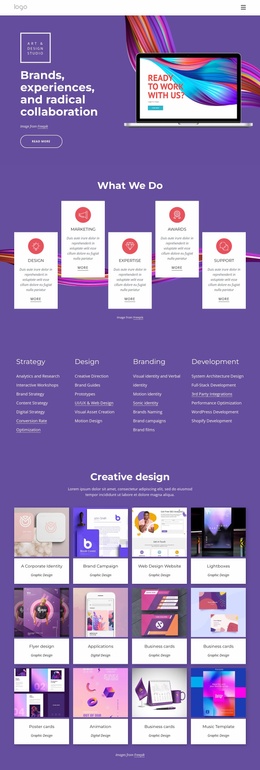
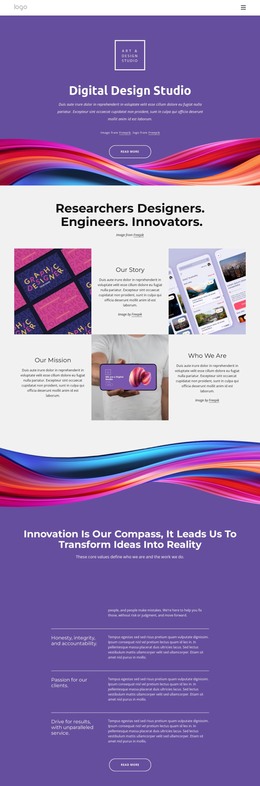
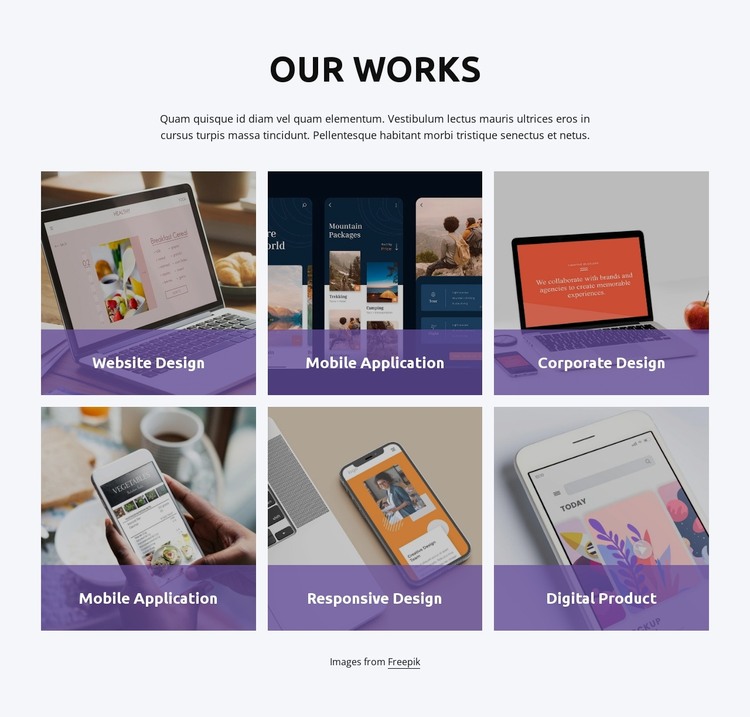
The centered “Our Works” heading and supporting paragraph establish a durable content area before the visitor reaches six portfolio images. Each tile contributes a visual example with a category label, covering Website Design, Mobile Application, Corporate Design, Responsive Design, and Digital Product. Because Mobile Application appears twice, the pattern accommodates multiple examples under one category without requiring a different layout or content treatment. The three-column, two-row arrangement keeps the collection structured as a recognizable works section rather than an unorganized image list.
Within a WordPress-managed page, this block can serve as permanent portfolio content while the wider project handles other page areas and publishing needs. Its static interaction makes the section straightforward to maintain: the image tiles remain visible together, and the labels preserve the relationship between each visual and its work category. The translucent purple lower overlays provide a shared identification zone, while centered white text remains visually distinct against the photography. A light neutral background and consistent rectangular proportions help the section sit alongside other page content without losing its identity. The block therefore fits a stable portfolio or selected-works area in a WordPress-oriented project, while separate content regions can provide detailed case studies, services, or contact information.
Customize with Nicepage
Open this ready-made template in the WordPress Website Builder and customize it visually in the Nicepage editor. Replace demo content, edit page sections, and adapt the design to your project without rebuilding the template from scratch.
Edit Template Offline
2. Create a new page or select existing
3. Click Add new block, search for id 3628888 and click enter
Edit Template Online
Create Awesome Websites


Free Nicepage Builder
Keywords
Manage and Edit This Theme in WordPress
Customize and Install the WordPress Theme
Start with this ready-made theme instead of building the WordPress design from scratch. Customize its layout, content, typography, images, sections, and other design elements visually in Nicepage editor, then export and install the WordPress Theme, Plugin, and Pages on your WordPress site. The Nicepage WordPress Plugin lets you continue working with the site after installation.
Edit the Theme Directly in WordPress
After installation, you can edit the WordPress Theme directly in WordPress with the Nicepage WordPress Plugin. Use Site Style to customize site Colors, Fonts, Header, Footer, Blog, and Post Page Templates while working within your WordPress website.
Edit WordPress Pages Visually
Use the Nicepage WordPress Plugin to edit page content directly from the WordPress admin area. Open a WordPress Page with Nicepage and visually change its text, images, sections, and other page elements while continuing to manage the Page through WordPress.
WordPress Content and Theme Integration
Use the customized theme with WordPress Pages, Posts, Blog and Post Templates, menus, widgets, and other CMS-managed content. Shared theme elements such as Colors, Fonts, Header, Footer, Blog, and Post Page Templates can be managed as part of the overall site design, while WordPress provides the CMS environment for managing site content.
This workflow combines a ready-made WordPress Theme with visual customization, direct theme editing in WordPress, and continued content management through the Nicepage WordPress Plugin.