Reputation management WordPress Theme


Edit Template Offline
2. Create new page and search for id 6343870
Edit Template Online
Create Awesome Websites


Free Nicepage Builder
Keywords
Portfolio Galleries Give Managed Page Content Distinct Roles
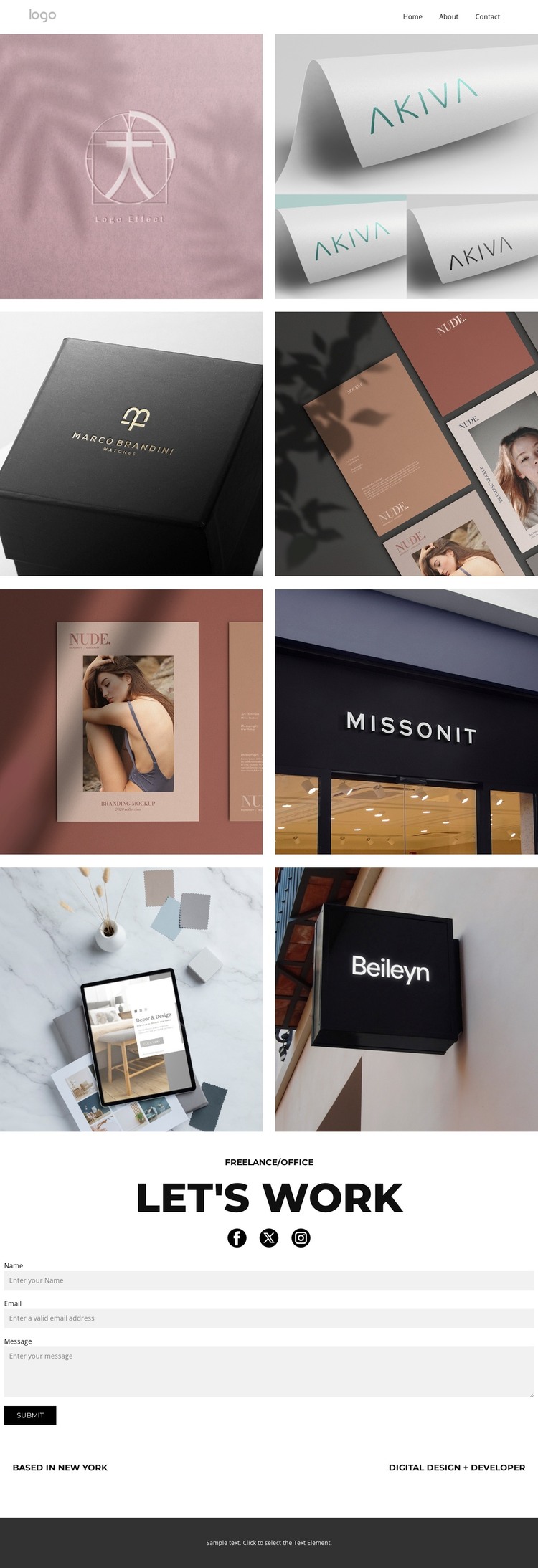
The two gallery sections provide clear permanent content areas for a WordPress-oriented portfolio presentation. The first group contains four labeled works, including logo and print examples, while the second adds photo, shop design, app design, and another print sample. Read as page content, the galleries organize the visual record of the practice without claiming that posts, categories, or blog structures already exist in the template.
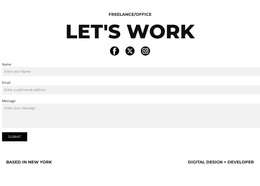
The contact area serves a separate role within that content model. The “let's work” heading frames a project invitation, Facebook, Twitter, and Instagram links connect the page to its social presence, and the form gathers name, email, and message details. New York and the digital design and development descriptor provide stable profile information that can accompany the work. Navigation, mobile navigation, and the dark footer support the shared page presentation.
This separation between portfolio evidence, profile context, and inquiry content is useful for a theme interpretation because each area has a clear editorial purpose. The galleries remain the main page material, while the contact block supports communication around that work. If regularly updated content is later introduced, it could follow the same restrained visual direction, but the current analysis verifies only the galleries, form, social links, navigation, and footer-related content.
Customize with Nicepage
Open this ready-made template in the WordPress Website Builder and customize it visually in the Nicepage editor. Replace demo content, edit page sections, and adapt the design to your project without rebuilding the template from scratch.
Manage and Edit This Theme in WordPress
Customize and Install the WordPress Theme
Start with this ready-made theme instead of building the WordPress design from scratch. Customize its layout, content, typography, images, sections, and other design elements visually in Nicepage editor, then export and install the WordPress Theme, Plugin, and Pages on your WordPress site. The Nicepage WordPress Plugin lets you continue working with the site after installation.
Edit the Theme Directly in WordPress
After installation, you can edit the WordPress Theme directly in WordPress with the Nicepage WordPress Plugin. Use Site Style to customize site Colors, Fonts, Header, Footer, Blog, and Post Page Templates while working within your WordPress website.
Edit WordPress Pages Visually
Use the Nicepage WordPress Plugin to edit page content directly from the WordPress admin area. Open a WordPress Page with Nicepage and visually change its text, images, sections, and other page elements while continuing to manage the Page through WordPress.
WordPress Content and Theme Integration
Use the customized theme with WordPress Pages, Posts, Blog and Post Templates, menus, widgets, and other CMS-managed content. Shared theme elements such as Colors, Fonts, Header, Footer, Blog, and Post Page Templates can be managed as part of the overall site design, while WordPress provides the CMS environment for managing site content.
This workflow combines a ready-made WordPress Theme with visual customization, direct theme editing in WordPress, and continued content management through the Nicepage WordPress Plugin.