We are a creative company WordPress Theme



Edit Template Offline
2. Create new page and search for id 5192394
Edit Template Online
Create Awesome Websites


Free Nicepage Builder
Keywords
Portfolio Cards and Service Content Suit a Managed Studio Theme
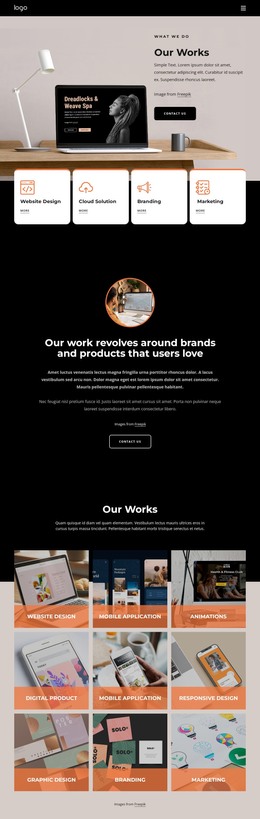
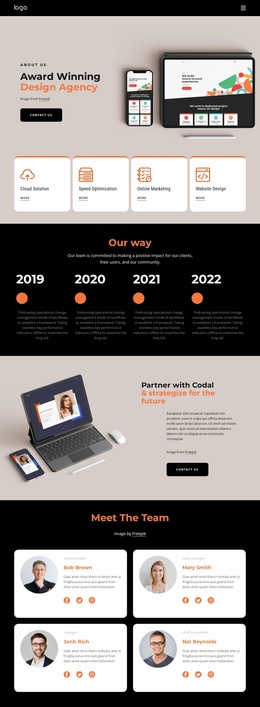
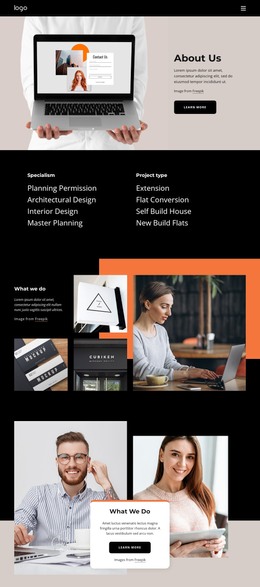
The three service columns create clear page-oriented content for Strategy, Design, and Branding, while their supporting lists provide room for structured descriptions of research, identity, product, and production work. This content is different in character from the six project tiles, which function as a visual record of selected work. Together, the service areas and portfolio create a useful relationship between what the studio offers and what it has chosen to show.
The testimonial section adds three separate client-oriented cards, and the process block presents three ordered ideas beside a four-image gallery. These repeated content patterns can support a WordPress-oriented publishing environment when the studio needs to maintain project descriptions, testimonials, or other regularly updated material. The template analysis confirms the visual sections themselves, but it does not establish that WordPress Posts, categories, or blog structures already exist.
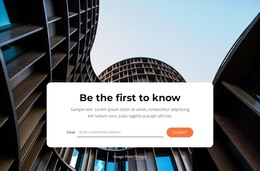
Shared navigation, mobile navigation, the dark CTA, and the final Contact Us region provide stable site elements around those content areas. The closing section includes phone, email, address, opening-hours labels, and Book Consultation, giving permanent contact information a defined place. The theme’s strength is therefore the connection between page content and repeatable visual groups: services can explain the offer, portfolio tiles can present work, testimonials can add perspective, and process content can frame how projects develop.
Customize with Nicepage
Open this ready-made template in the WordPress Website Builder and customize it visually in the Nicepage editor. Replace demo content, edit page sections, and adapt the design to your project without rebuilding the template from scratch.
Manage and Edit This Theme in WordPress
Customize and Install the WordPress Theme
Start with this ready-made theme instead of building the WordPress design from scratch. Customize its layout, content, typography, images, sections, and other design elements visually in Nicepage editor, then export and install the WordPress Theme, Plugin, and Pages on your WordPress site. The Nicepage WordPress Plugin lets you continue working with the site after installation.
Edit the Theme Directly in WordPress
After installation, you can edit the WordPress Theme directly in WordPress with the Nicepage WordPress Plugin. Use Site Style to customize site Colors, Fonts, Header, Footer, Blog, and Post Page Templates while working within your WordPress website.
Edit WordPress Pages Visually
Use the Nicepage WordPress Plugin to edit page content directly from the WordPress admin area. Open a WordPress Page with Nicepage and visually change its text, images, sections, and other page elements while continuing to manage the Page through WordPress.
WordPress Content and Theme Integration
Use the customized theme with WordPress Pages, Posts, Blog and Post Templates, menus, widgets, and other CMS-managed content. Shared theme elements such as Colors, Fonts, Header, Footer, Blog, and Post Page Templates can be managed as part of the overall site design, while WordPress provides the CMS environment for managing site content.
This workflow combines a ready-made WordPress Theme with visual customization, direct theme editing in WordPress, and continued content management through the Nicepage WordPress Plugin.