Get in touch block wih icons WordPress Theme


Stable contact details support a publishable inquiry section
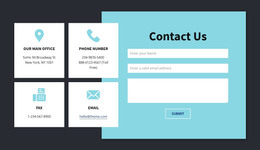
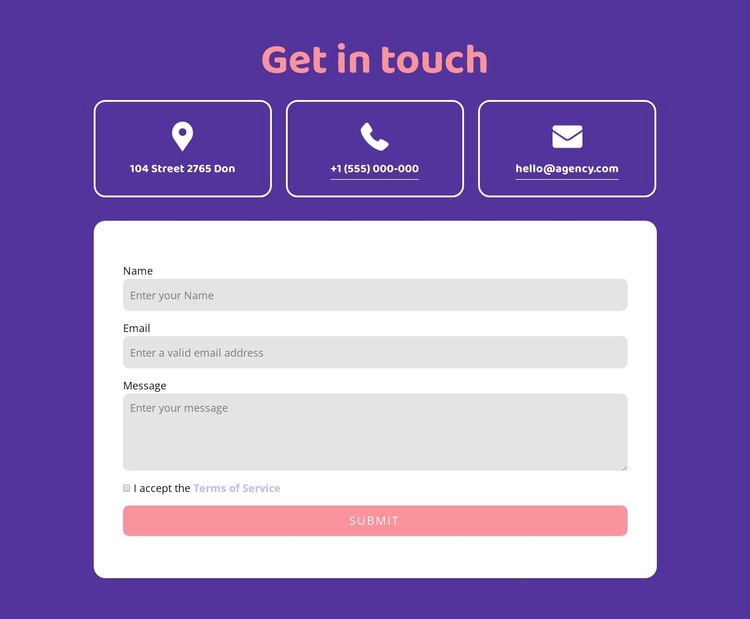
The three-card row works as durable page content rather than a time-sensitive listing. It separates an address, telephone number, and email address into clear contact channels, giving a WordPress-managed page a compact way to present essential reach-out information. The “Get in touch” heading names the area, while the shared white outlines and rounded corners make the three cards read as one reusable content pattern.
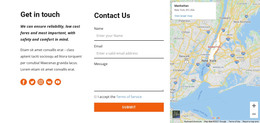
The form beneath the cards adds a second, practical content region. Name, email, and message inputs provide the fields for a visitor’s inquiry, and the required terms acceptance checkbox establishes a separate confirmation step before the Submit action. This makes the block suitable for a stable contact or inquiry section whose visual arrangement can remain consistent while the surrounding WordPress project grows with other page content.
The presentation keeps these roles distinct. The purple background frames the section, coral accents emphasize the heading and action, and the white rounded form panel gives data entry a clear boundary. The sample contact details and field prompts can be replaced with the site’s actual content while preserving the layout relationship. In a WordPress-oriented project, the block can function as one permanent page section within a broader theme and content system, not as a standalone WordPress Theme.
Customize with Nicepage
Open this ready-made template in the WordPress Website Builder and customize it visually in the Nicepage editor. Replace demo content, edit page sections, and adapt the design to your project without rebuilding the template from scratch.
Edit Template Offline
2. Create a new page or select existing
3. Click Add new block, search for id 2919478 and click enter
Edit Template Online
Create Awesome Websites


Free Nicepage Builder
Keywords
Manage and Edit This Theme in WordPress
Customize and Install the WordPress Theme
Start with this ready-made theme instead of building the WordPress design from scratch. Customize its layout, content, typography, images, sections, and other design elements visually in Nicepage editor, then export and install the WordPress Theme, Plugin, and Pages on your WordPress site. The Nicepage WordPress Plugin lets you continue working with the site after installation.
Edit the Theme Directly in WordPress
After installation, you can edit the WordPress Theme directly in WordPress with the Nicepage WordPress Plugin. Use Site Style to customize site Colors, Fonts, Header, Footer, Blog, and Post Page Templates while working within your WordPress website.
Edit WordPress Pages Visually
Use the Nicepage WordPress Plugin to edit page content directly from the WordPress admin area. Open a WordPress Page with Nicepage and visually change its text, images, sections, and other page elements while continuing to manage the Page through WordPress.
WordPress Content and Theme Integration
Use the customized theme with WordPress Pages, Posts, Blog and Post Templates, menus, widgets, and other CMS-managed content. Shared theme elements such as Colors, Fonts, Header, Footer, Blog, and Post Page Templates can be managed as part of the overall site design, while WordPress provides the CMS environment for managing site content.
This workflow combines a ready-made WordPress Theme with visual customization, direct theme editing in WordPress, and continued content management through the Nicepage WordPress Plugin.