Better audiences WordPress Theme


Edit Template Offline
2. Create new page and search for id 6284250
Edit Template Online
Create Awesome Websites


Free Nicepage Builder
Keywords
Page Content and Repeated Agency Areas Fit a WordPress Theme Structure
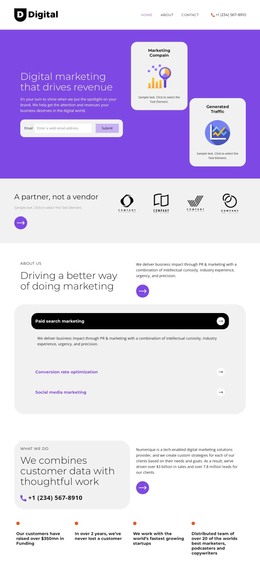
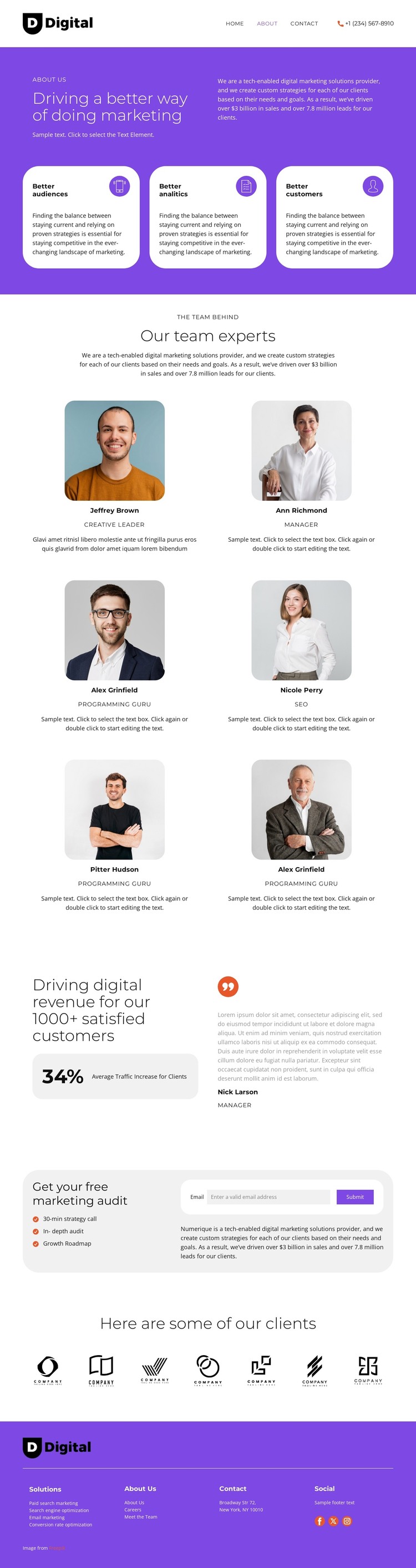
The page-oriented content is clearly divided into areas that can remain permanent parts of a marketing site. The purple introduction and three capability cards provide the main agency explanation, while the six portrait profiles create a repeated team-content region. The results and testimonial section adds a separate place for client-facing evidence, and the seven logo marks provide a compact showcase that can sit alongside those more detailed sections.
The footer’s service references—paid search marketing, search engine optimization, email marketing, and conversion rate optimization—give the design a useful relationship between summary content and more specific page directions. In a WordPress project, those areas could support page-oriented content and future editorial expansion, but the analysis does not verify existing Posts, categories, blog templates, or widgets. The CMS interpretation should therefore remain potential rather than being presented as a component already inside the template.
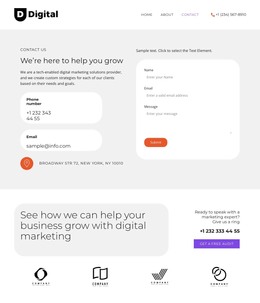
The audit offer is the most important interaction region. Its strategy call, in-depth audit, growth roadmap, and email form provide a clear page-level response path, while the header, footer, social links, and contact content support site navigation around it. A WordPress-oriented implementation can preserve these permanent content areas as part of one theme character while allowing the agency to expand service or editorial material later. The distinction comes from mapping content relationships to a managed site, not from simply replacing the template name with WordPress.
Customize with Nicepage
Open this ready-made template in the WordPress Website Builder and customize it visually in the Nicepage editor. Replace demo content, edit page sections, and adapt the design to your project without rebuilding the template from scratch.
Manage and Edit This Theme in WordPress
Customize and Install the WordPress Theme
Start with this ready-made theme instead of building the WordPress design from scratch. Customize its layout, content, typography, images, sections, and other design elements visually in Nicepage editor, then export and install the WordPress Theme, Plugin, and Pages on your WordPress site. The Nicepage WordPress Plugin lets you continue working with the site after installation.
Edit the Theme Directly in WordPress
After installation, you can edit the WordPress Theme directly in WordPress with the Nicepage WordPress Plugin. Use Site Style to customize site Colors, Fonts, Header, Footer, Blog, and Post Page Templates while working within your WordPress website.
Edit WordPress Pages Visually
Use the Nicepage WordPress Plugin to edit page content directly from the WordPress admin area. Open a WordPress Page with Nicepage and visually change its text, images, sections, and other page elements while continuing to manage the Page through WordPress.
WordPress Content and Theme Integration
Use the customized theme with WordPress Pages, Posts, Blog and Post Templates, menus, widgets, and other CMS-managed content. Shared theme elements such as Colors, Fonts, Header, Footer, Blog, and Post Page Templates can be managed as part of the overall site design, while WordPress provides the CMS environment for managing site content.
This workflow combines a ready-made WordPress Theme with visual customization, direct theme editing in WordPress, and continued content management through the Nicepage WordPress Plugin.