Custom web development WordPress Theme



Edit Template Offline
2. Create new page and search for id 5201439
Edit Template Online
Create Awesome Websites


Free Nicepage Builder
Keywords
Service Pages and Reusable Creative Content Fit the WordPress Structure
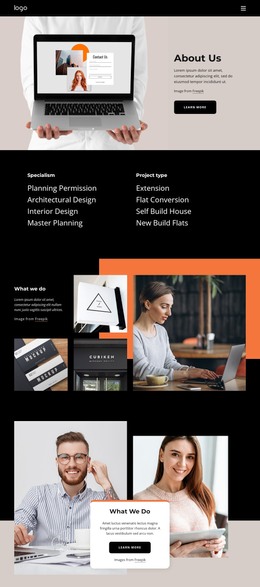
The page’s strongest WordPress-oriented value comes from its division of permanent organizational content into recognizable areas. The architectural category columns can guide page-oriented content about planning permission, architectural design, interior design, master planning, extensions, flat conversions, self-build houses, and new-build flats. Each subject has a clear place in the design, making the visual structure suitable for a site where service information is expanded or maintained over time.
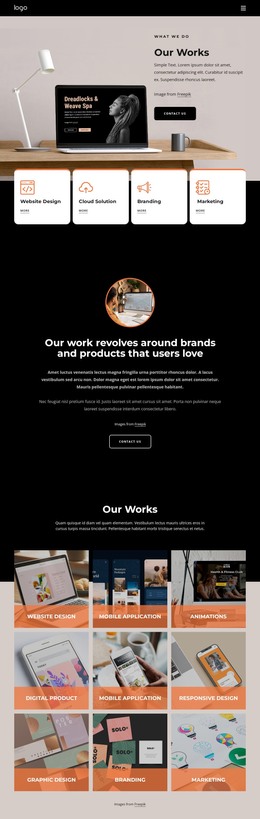
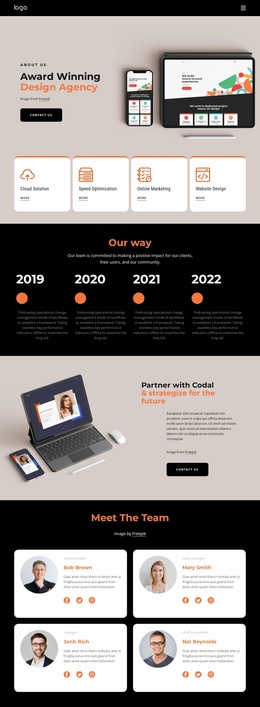
The Strategy, Design, and Branding section supports a different kind of content relationship. Its grouped items—analytics and research, creative direction, brand strategy, content strategy, digital strategy, UI/UX and web design, visual asset creation, motion design, social media, and website design—can organize recurring creative material while keeping the three top-level capabilities visible. The image-led What we do areas add a natural presentation context for projects, visual work, or other publishable examples, without requiring the template to claim that a blog or post structure already exists.
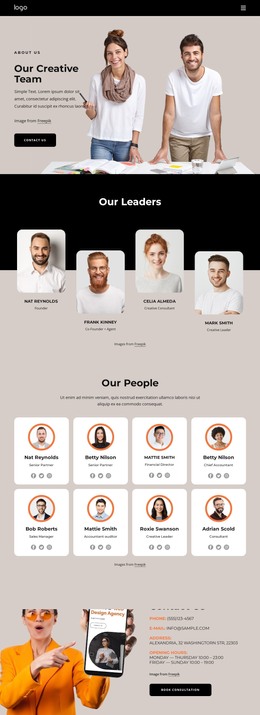
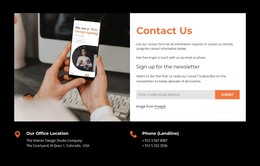
Shared visual regions also matter to the theme interpretation. The navigation header, repeated black and pale backgrounds, overlapping white cards, and final contact section create a consistent frame around the content. Contact details and the Book Consultation action give permanent page content a defined response role. Together, these areas allow WordPress-managed pages and regularly updated creative material to remain within one recognizable design system rather than becoming disconnected content blocks.
Customize with Nicepage
Open this ready-made template in the WordPress Website Builder and customize it visually in the Nicepage editor. Replace demo content, edit page sections, and adapt the design to your project without rebuilding the template from scratch.
Manage and Edit This Theme in WordPress
Customize and Install the WordPress Theme
Start with this ready-made theme instead of building the WordPress design from scratch. Customize its layout, content, typography, images, sections, and other design elements visually in Nicepage editor, then export and install the WordPress Theme, Plugin, and Pages on your WordPress site. The Nicepage WordPress Plugin lets you continue working with the site after installation.
Edit the Theme Directly in WordPress
After installation, you can edit the WordPress Theme directly in WordPress with the Nicepage WordPress Plugin. Use Site Style to customize site Colors, Fonts, Header, Footer, Blog, and Post Page Templates while working within your WordPress website.
Edit WordPress Pages Visually
Use the Nicepage WordPress Plugin to edit page content directly from the WordPress admin area. Open a WordPress Page with Nicepage and visually change its text, images, sections, and other page elements while continuing to manage the Page through WordPress.
WordPress Content and Theme Integration
Use the customized theme with WordPress Pages, Posts, Blog and Post Templates, menus, widgets, and other CMS-managed content. Shared theme elements such as Colors, Fonts, Header, Footer, Blog, and Post Page Templates can be managed as part of the overall site design, while WordPress provides the CMS environment for managing site content.
This workflow combines a ready-made WordPress Theme with visual customization, direct theme editing in WordPress, and continued content management through the Nicepage WordPress Plugin.