We will build a better home WordPress Theme


Edit Template Offline
2. Create new page and search for id 6002028
Edit Template Online
Create Awesome Websites


Free Nicepage Builder
Keywords
Service Content and Profile Cards Give WordPress Pages Clear Roles
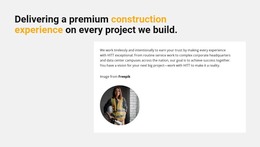
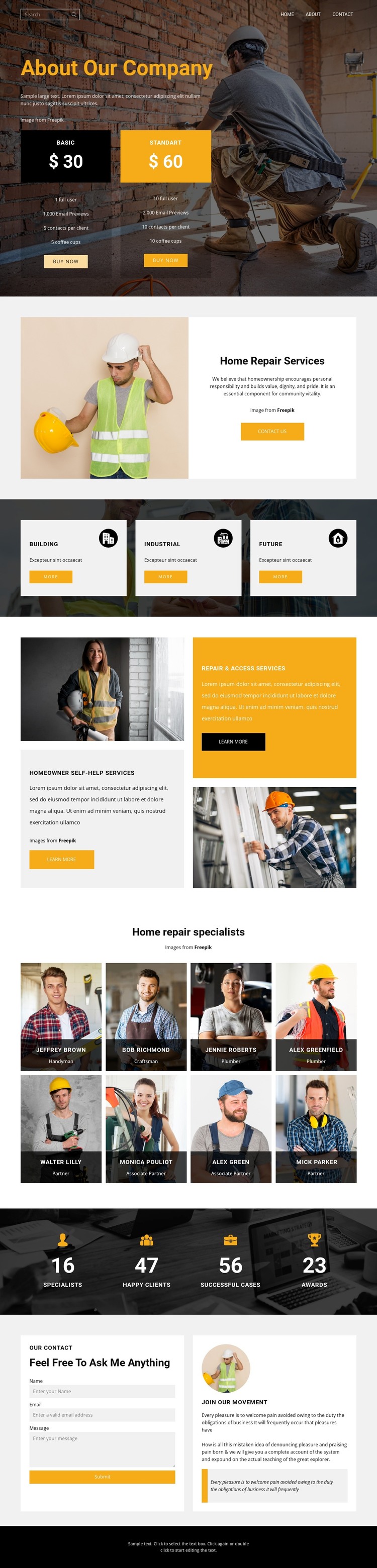
The opening company section provides a natural page-oriented area for introducing the home repair business and presenting two pricing options. Its large background image and purchase actions establish a focused company overview, while the next split block gives the featured repair service its own explanatory space. These sections can function as stable page content rather than being treated as one undifferentiated text stream.
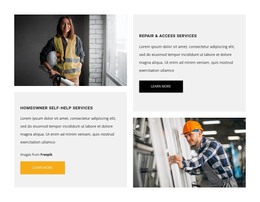
The three category tiles add a second layer of organization by grouping Building, Industrial, and Future as related service directions. The alternating panels then make Homeowner Self-Help Services and Repair & Access Services distinct content areas with their own imagery and descriptions. This separation is useful when a WordPress project needs to expand service information or publish related updates without losing the visual relationship between categories and detailed offerings.
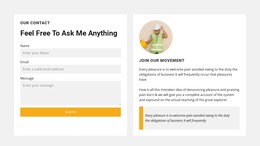
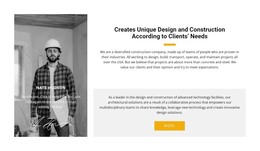
The eight specialist cards create a people-focused region, while the four displayed metrics provide a compact summary of the structure. Because the names and figures are sample content, they should be replaced with verified company information before publication. The closing contact form completes the page with a clear inquiry area. Together, the service groups, profile content, metrics, navigation, and contact section give WordPress-managed pages a coherent visual system for permanent information and future content additions.
Customize with Nicepage
Open this ready-made template in the WordPress Website Builder and customize it visually in the Nicepage editor. Replace demo content, edit page sections, and adapt the design to your project without rebuilding the template from scratch.
Manage and Edit This Theme in WordPress
Customize and Install the WordPress Theme
Start with this ready-made theme instead of building the WordPress design from scratch. Customize its layout, content, typography, images, sections, and other design elements visually in Nicepage editor, then export and install the WordPress Theme, Plugin, and Pages on your WordPress site. The Nicepage WordPress Plugin lets you continue working with the site after installation.
Edit the Theme Directly in WordPress
After installation, you can edit the WordPress Theme directly in WordPress with the Nicepage WordPress Plugin. Use Site Style to customize site Colors, Fonts, Header, Footer, Blog, and Post Page Templates while working within your WordPress website.
Edit WordPress Pages Visually
Use the Nicepage WordPress Plugin to edit page content directly from the WordPress admin area. Open a WordPress Page with Nicepage and visually change its text, images, sections, and other page elements while continuing to manage the Page through WordPress.
WordPress Content and Theme Integration
Use the customized theme with WordPress Pages, Posts, Blog and Post Templates, menus, widgets, and other CMS-managed content. Shared theme elements such as Colors, Fonts, Header, Footer, Blog, and Post Page Templates can be managed as part of the overall site design, while WordPress provides the CMS environment for managing site content.
This workflow combines a ready-made WordPress Theme with visual customization, direct theme editing in WordPress, and continued content management through the Nicepage WordPress Plugin.