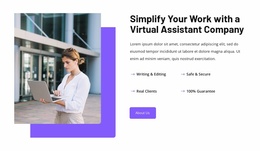
We provide best virtual assistant service WordPress Theme


Edit Template Offline
2. Create new page and search for id 6351571
Edit Template Online
Create Awesome Websites


Free Nicepage Builder
Keywords
Partnership Cards and Contact Content Give WordPress Pages Clear Roles
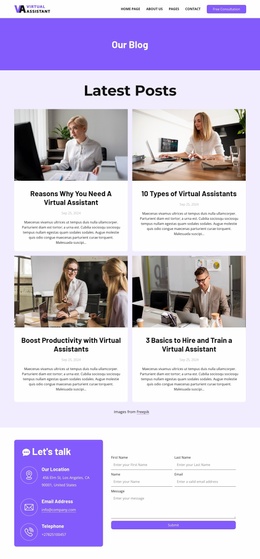
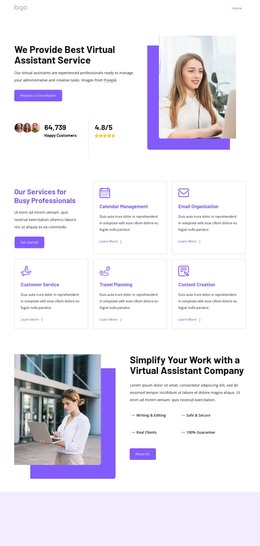
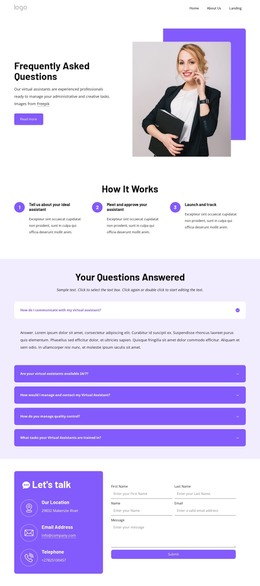
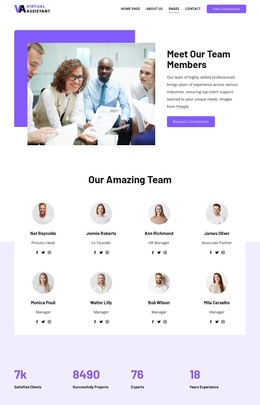
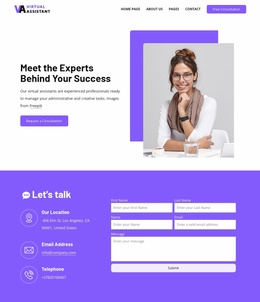
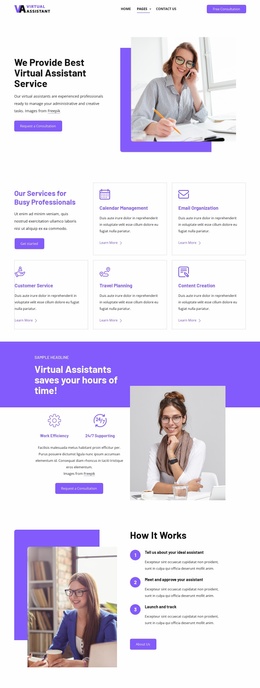
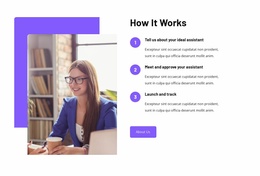
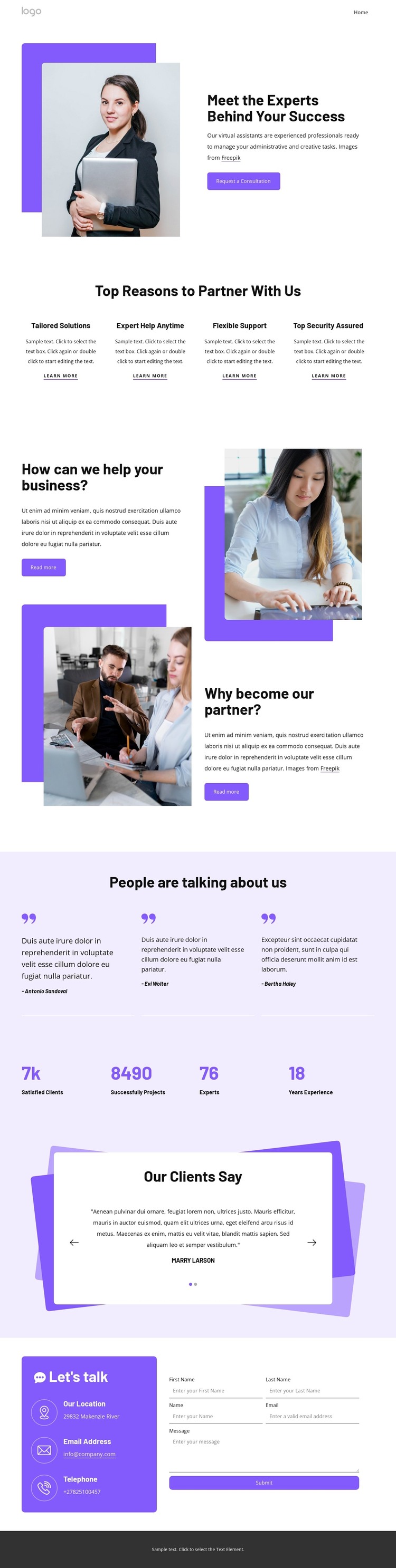
The opening portrait and consultation message provide a natural permanent page area for explaining who delivers the virtual assistant service and how businesses can begin a conversation. Four evenly arranged cards then divide the partnership case into Tailored Solutions, Expert Help Anytime, Flexible Support, and Top Security Assured. In a WordPress-managed project, these repeated items can remain part of a page-oriented content structure while their wording and supporting details are adapted to the actual service.
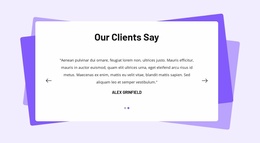
The alternating image-and-text section adds two related explanations of business support, giving the page more depth than a short company introduction. Testimonial content appears in two forms: three compact attributed entries and a separate slider with indicators and navigation controls. This distinction creates room for different kinds of client-facing proof within the same visual direction, without claiming that the sample names or statements represent verified customers.
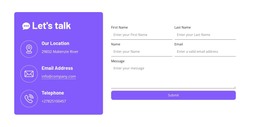
The lower sections connect informational content with response content. A four-item metrics row can present verified service information after the sample values are replaced, while the colored contact panel groups location, email, and telephone details beside the inquiry form. The footer extends the shared site framework with client links, quick links, and contact information. Together, these page areas suit a WordPress theme interpretation in which fixed service pages and regularly updated content can retain the same visual system.
Customize with Nicepage
Open this ready-made template in the WordPress Website Builder and customize it visually in the Nicepage editor. Replace demo content, edit page sections, and adapt the design to your project without rebuilding the template from scratch.
Manage and Edit This Theme in WordPress
Customize and Install the WordPress Theme
Start with this ready-made theme instead of building the WordPress design from scratch. Customize its layout, content, typography, images, sections, and other design elements visually in Nicepage editor, then export and install the WordPress Theme, Plugin, and Pages on your WordPress site. The Nicepage WordPress Plugin lets you continue working with the site after installation.
Edit the Theme Directly in WordPress
After installation, you can edit the WordPress Theme directly in WordPress with the Nicepage WordPress Plugin. Use Site Style to customize site Colors, Fonts, Header, Footer, Blog, and Post Page Templates while working within your WordPress website.
Edit WordPress Pages Visually
Use the Nicepage WordPress Plugin to edit page content directly from the WordPress admin area. Open a WordPress Page with Nicepage and visually change its text, images, sections, and other page elements while continuing to manage the Page through WordPress.
WordPress Content and Theme Integration
Use the customized theme with WordPress Pages, Posts, Blog and Post Templates, menus, widgets, and other CMS-managed content. Shared theme elements such as Colors, Fonts, Header, Footer, Blog, and Post Page Templates can be managed as part of the overall site design, while WordPress provides the CMS environment for managing site content.
This workflow combines a ready-made WordPress Theme with visual customization, direct theme editing in WordPress, and continued content management through the Nicepage WordPress Plugin.