Transforming Waste WordPress Theme


Edit Template Offline
2. Create new page and search for id 6453796
Edit Template Online
Create Awesome Websites


Free Nicepage Builder
Keywords
Founder Profiles and Mission Content Create Reusable Page Areas
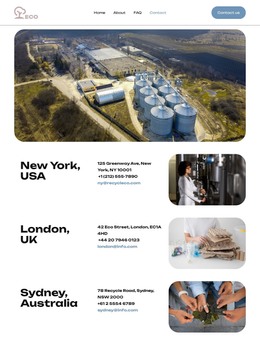
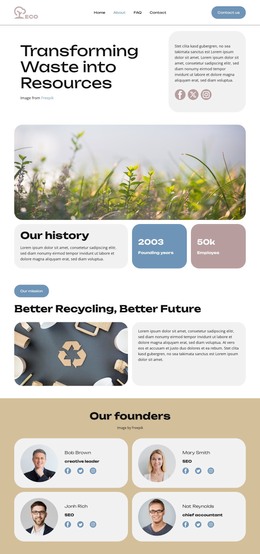
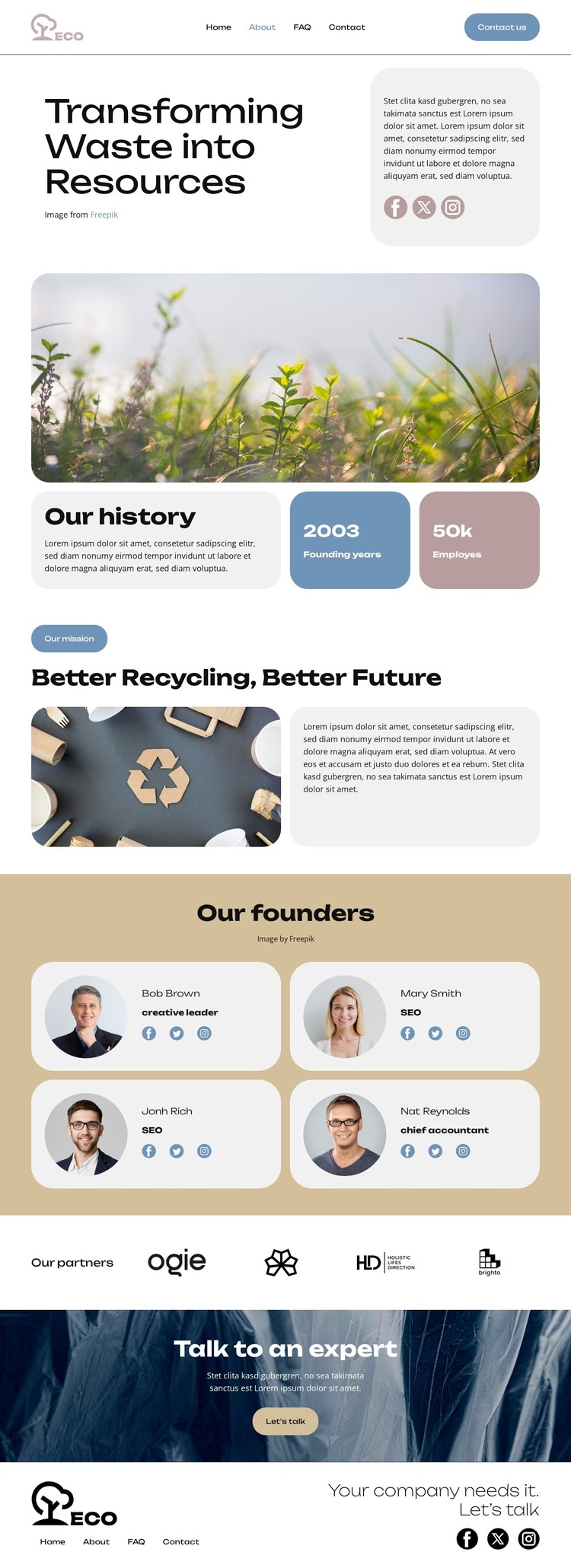
The mission, history, founder, partner, and contact areas give the design several distinct roles for a WordPress-oriented site. The history section can hold the organization’s background, while the recycling mission section communicates the central direction through an image-and-text arrangement. Keeping those subjects separate helps permanent organizational information remain readable as the site develops around additional content.
The four founder cards provide a repeated profile structure, with names, roles, images, and social links shown as a group. The four partner logos serve a different purpose by presenting relationships rather than people. Together, these areas suggest a content model that can distinguish leadership information from partner or collaboration material, while the shared typography, muted panels, and rounded cards keep both within one theme character. The sample names and values should be replaced with verified content rather than treated as real organizational data.
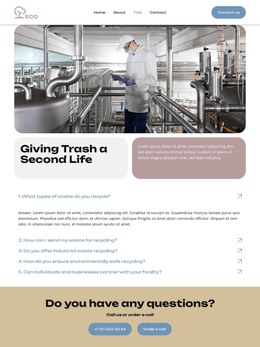
The navigation includes Home, About, FAQ, and Contact, and the final dark section centers on “Talk to an expert” and “Let’s talk.” Those page-oriented areas can remain part of the site’s permanent content while later additions, such as articles or announcements, use the same visual direction if needed. The result is a theme concept grounded in this specific recycling page, not merely a CMS label attached to a generic business layout.
Customize with Nicepage
Open this ready-made template in the WordPress Website Builder and customize it visually in the Nicepage editor. Replace demo content, edit page sections, and adapt the design to your project without rebuilding the template from scratch.
Manage and Edit This Theme in WordPress
Customize and Install the WordPress Theme
Start with this ready-made theme instead of building the WordPress design from scratch. Customize its layout, content, typography, images, sections, and other design elements visually in Nicepage editor, then export and install the WordPress Theme, Plugin, and Pages on your WordPress site. The Nicepage WordPress Plugin lets you continue working with the site after installation.
Edit the Theme Directly in WordPress
After installation, you can edit the WordPress Theme directly in WordPress with the Nicepage WordPress Plugin. Use Site Style to customize site Colors, Fonts, Header, Footer, Blog, and Post Page Templates while working within your WordPress website.
Edit WordPress Pages Visually
Use the Nicepage WordPress Plugin to edit page content directly from the WordPress admin area. Open a WordPress Page with Nicepage and visually change its text, images, sections, and other page elements while continuing to manage the Page through WordPress.
WordPress Content and Theme Integration
Use the customized theme with WordPress Pages, Posts, Blog and Post Templates, menus, widgets, and other CMS-managed content. Shared theme elements such as Colors, Fonts, Header, Footer, Blog, and Post Page Templates can be managed as part of the overall site design, while WordPress provides the CMS environment for managing site content.
This workflow combines a ready-made WordPress Theme with visual customization, direct theme editing in WordPress, and continued content management through the Nicepage WordPress Plugin.