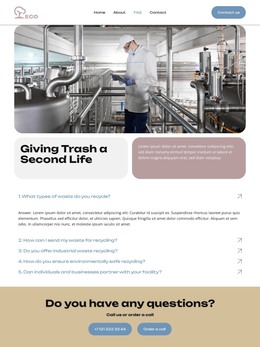
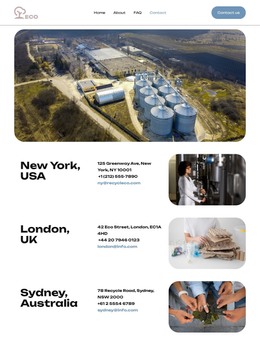
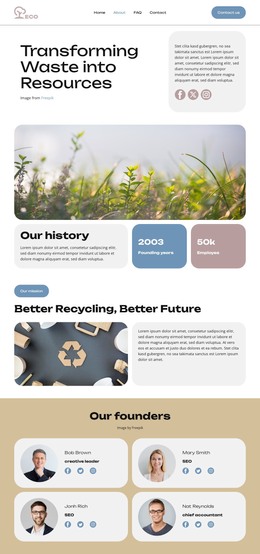
Better Recycling, Better Future WordPress Theme


A Stable Sustainability Section for WordPress Page Content
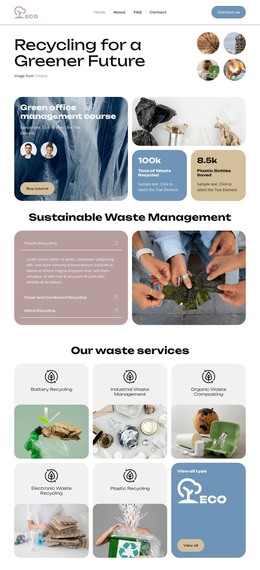
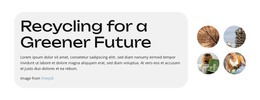
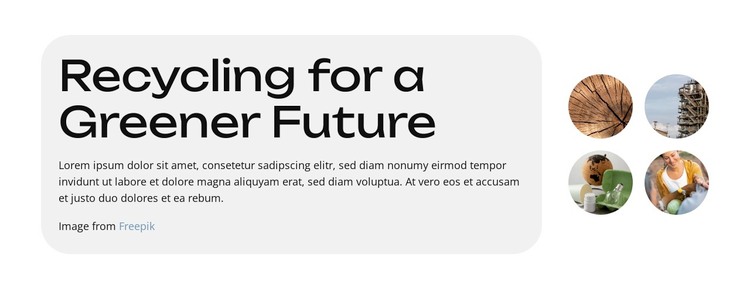
The left panel gives the block a clear place for permanent page content in a WordPress-managed project. “Recycling for a Greener Future” works as the section’s central heading, and the single supporting paragraph can introduce the subject before visitors reach more detailed environmental information elsewhere. The rounded light-gray surface separates this message from the white page background, making the introductory text easy to identify without adding a second content function.
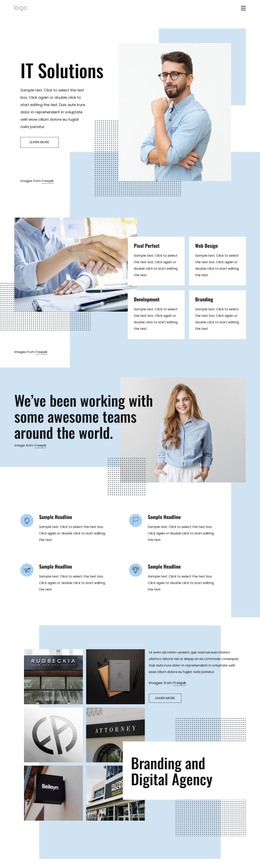
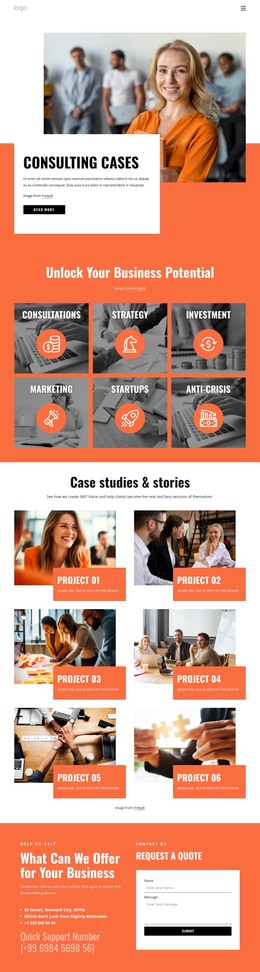
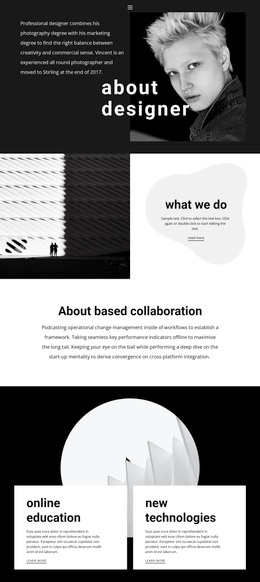
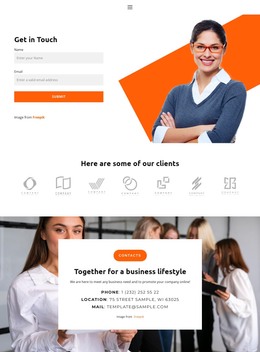
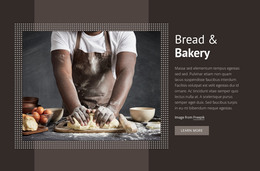
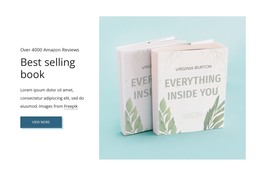
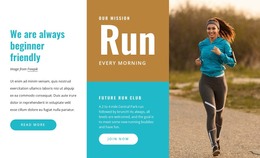
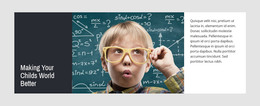
On the right, four circular photographic images create a visual cluster rather than a conventional list of repeated cards. Their shape and grouping reinforce the theme through imagery, while the generous whitespace between the cluster and the text panel protects the reading order. The image attribution line remains part of the section’s content arrangement. Since interaction is static, the photographs provide visual support rather than a confirmed slider, gallery, or content filter.
Within a WordPress-oriented site, the block can serve as a reusable section of a stable sustainability or environmental-services page. Its page-content logic differs from a blog feed: one heading, one explanatory text area, and one coordinated image group communicate a defined topic at a glance. The surrounding WordPress project can provide other page content and publishing structures, while this section retains its own visual hierarchy and introductory role.
Customize with Nicepage
Open this ready-made template in the WordPress Website Builder and customize it visually in the Nicepage editor. Replace demo content, edit page sections, and adapt the design to your project without rebuilding the template from scratch.
Edit Template Offline
2. Create a new page or select existing
3. Click Add new block, search for id 6452999 and click enter
Edit Template Online
Create Awesome Websites


Free Nicepage Builder
Keywords
Use This Block in a WordPress-Managed Website
Keep the Block as Page Content
Use the block as one content/layout section inside a WordPress-oriented site rather than treating the Block ID as a complete WordPress Theme. Its verified text, images, repeated items, forms, galleries, or other elements can remain part of permanent page content while WordPress manages the wider site.
Work With Nicepage and WordPress
A Nicepage WordPress project can be installed using the WordPress Theme, Plugin, and Pages workflow. After installation, the same visual section can participate in WordPress-managed pages as part of the broader theme/site structure.
Continue Editing in WordPress
Nicepage supports editing the WordPress Theme directly in WordPress. Use WordPress Pages, Posts, Blog structures, and other CMS concepts only when they are relevant to the surrounding project; their existence must not be inferred from the analyzed block alone.
This workflow keeps the block's verified section function separate from the WordPress theme architecture while allowing it to participate in a CMS-managed website.