Designing success WordPress Theme



Edit Template Offline
2. Create new page and search for id 4967836
Edit Template Online
Create Awesome Websites


Free Nicepage Builder
Keywords
Service and Editorial Areas Keep the Consulting Theme Content-Ready
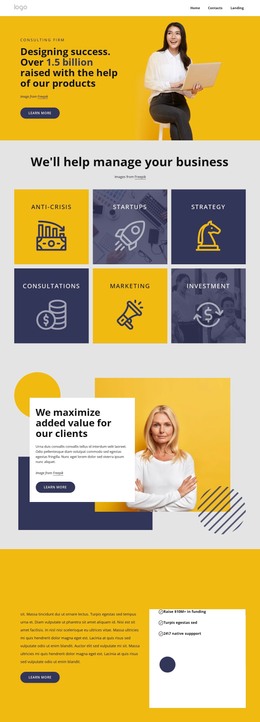
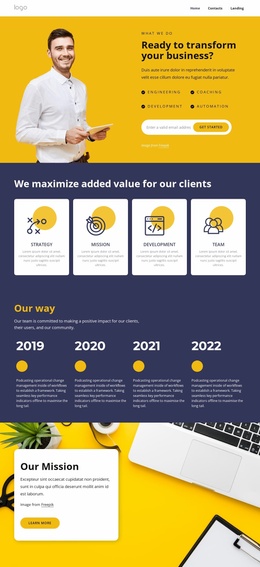
The page-oriented sections make the design suitable for organizing permanent consulting information alongside content that may grow over time. The hero gives the firm a clear introduction, while the alternating Leadership, Innovations, and Coaching panels separate the main service subjects into recognizable areas. The value proposition and About Us sections add deeper material through Strategy, Mission, Development, Team, UI/UX Development, and Databass Planning rather than repeating the same service summary.
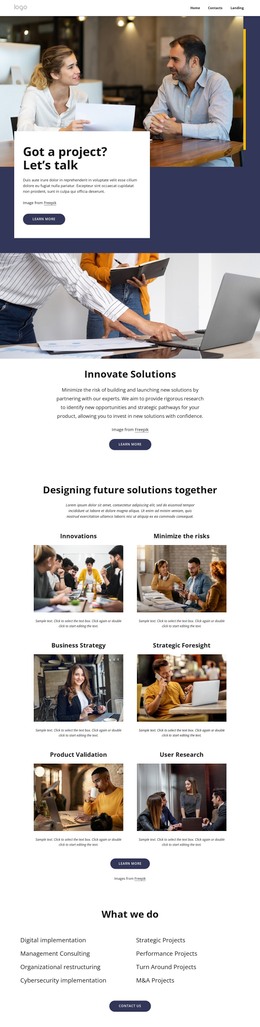
The collage provides another content relationship: Consulting, Solution & Service, Our Team, and custom software and business platforms appear together as related directions within the firm’s offer. The separate creative-team section can support people-focused content, while the four metric cards create a compact performance area. These distinctions are useful when a WordPress-managed site needs permanent service and company information to coexist with additional publishable material without losing the visual system.
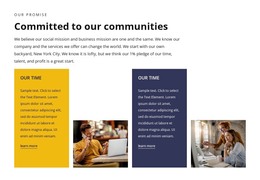
The closing region consolidates Consulting, Coaching, and Development as top services, alongside social links, contact details, a location, and the message form. The form’s name, email, and message inputs give the page a defined inquiry area. In a WordPress project, this content mapping allows the theme design to remain the visual framework while page content and future editorial additions are organized around the sections already present.
Customize with Nicepage
Open this ready-made template in the WordPress Website Builder and customize it visually in the Nicepage editor. Replace demo content, edit page sections, and adapt the design to your project without rebuilding the template from scratch.
Manage and Edit This Theme in WordPress
Customize and Install the WordPress Theme
Start with this ready-made theme instead of building the WordPress design from scratch. Customize its layout, content, typography, images, sections, and other design elements visually in Nicepage editor, then export and install the WordPress Theme, Plugin, and Pages on your WordPress site. The Nicepage WordPress Plugin lets you continue working with the site after installation.
Edit the Theme Directly in WordPress
After installation, you can edit the WordPress Theme directly in WordPress with the Nicepage WordPress Plugin. Use Site Style to customize site Colors, Fonts, Header, Footer, Blog, and Post Page Templates while working within your WordPress website.
Edit WordPress Pages Visually
Use the Nicepage WordPress Plugin to edit page content directly from the WordPress admin area. Open a WordPress Page with Nicepage and visually change its text, images, sections, and other page elements while continuing to manage the Page through WordPress.
WordPress Content and Theme Integration
Use the customized theme with WordPress Pages, Posts, Blog and Post Templates, menus, widgets, and other CMS-managed content. Shared theme elements such as Colors, Fonts, Header, Footer, Blog, and Post Page Templates can be managed as part of the overall site design, while WordPress provides the CMS environment for managing site content.
This workflow combines a ready-made WordPress Theme with visual customization, direct theme editing in WordPress, and continued content management through the Nicepage WordPress Plugin.