Web developer works WordPress Theme


Edit Template Offline
2. Create new page and search for id 6343435
Edit Template Online
Create Awesome Websites


Free Nicepage Builder
Keywords
Project Content and Page-Based Skills Support a Portfolio Theme
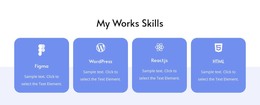
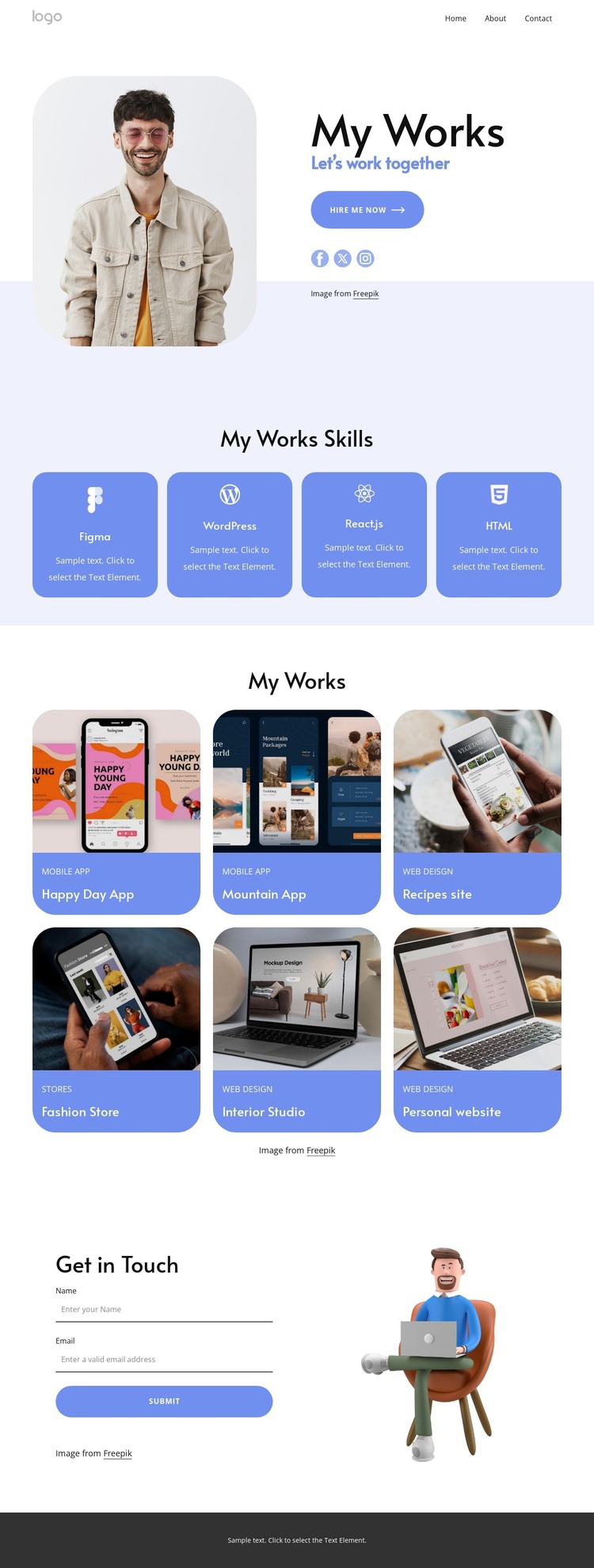
The four named skills create a clear permanent content area for the portfolio: Figma, WordPress, React.js, and HTML. Presented in evenly arranged cards, they can function as page-oriented capability content rather than as a temporary promotional detail. The six project entries provide a different type of content relationship. Happy Day App, Mountain App, Recipes site, Fashion Store, Interior Studio, and Personal website are visual examples that can anchor portfolio presentation and later support more detailed project information if the site expands.
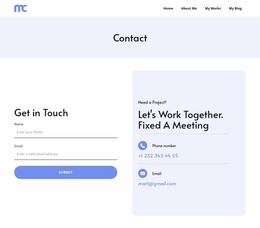
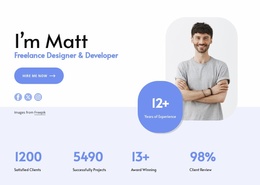
The opening and closing regions connect those content areas to the person behind the work. The portrait, My Works heading, Let’s work together message, Hire Me Now action, and social links introduce the portfolio identity, while the contact form collects name and email information through a direct inquiry path. The footer repeats social and contact information, including an email channel, so communication remains available after visitors review the projects.
This structure translates naturally into a WordPress-managed theme because it separates enduring page content—skills, portfolio presentation, and contact information—from the visual system that displays it. The analysis does not verify posts, categories, or blog content, so those should not be treated as existing elements. If the project later adds regularly updated editorial material, the same palette, card treatment, and typography can continue around it. The Nicepage WordPress Plugin is an optional bridge for maintaining page content within WordPress, not evidence that CMS content is already present.
Customize with Nicepage
Open this ready-made template in the WordPress Website Builder and customize it visually in the Nicepage editor. Replace demo content, edit page sections, and adapt the design to your project without rebuilding the template from scratch.
Manage and Edit This Theme in WordPress
Customize and Install the WordPress Theme
Start with this ready-made theme instead of building the WordPress design from scratch. Customize its layout, content, typography, images, sections, and other design elements visually in Nicepage editor, then export and install the WordPress Theme, Plugin, and Pages on your WordPress site. The Nicepage WordPress Plugin lets you continue working with the site after installation.
Edit the Theme Directly in WordPress
After installation, you can edit the WordPress Theme directly in WordPress with the Nicepage WordPress Plugin. Use Site Style to customize site Colors, Fonts, Header, Footer, Blog, and Post Page Templates while working within your WordPress website.
Edit WordPress Pages Visually
Use the Nicepage WordPress Plugin to edit page content directly from the WordPress admin area. Open a WordPress Page with Nicepage and visually change its text, images, sections, and other page elements while continuing to manage the Page through WordPress.
WordPress Content and Theme Integration
Use the customized theme with WordPress Pages, Posts, Blog and Post Templates, menus, widgets, and other CMS-managed content. Shared theme elements such as Colors, Fonts, Header, Footer, Blog, and Post Page Templates can be managed as part of the overall site design, while WordPress provides the CMS environment for managing site content.
This workflow combines a ready-made WordPress Theme with visual customization, direct theme editing in WordPress, and continued content management through the Nicepage WordPress Plugin.