Trust begins with transparency WordPress Theme


Edit Template Offline
2. Create new page and search for id 6542693
Edit Template Online
Create Awesome Websites


Free Nicepage Builder
Keywords
Permanent Policy Content Within a Reusable Theme Frame
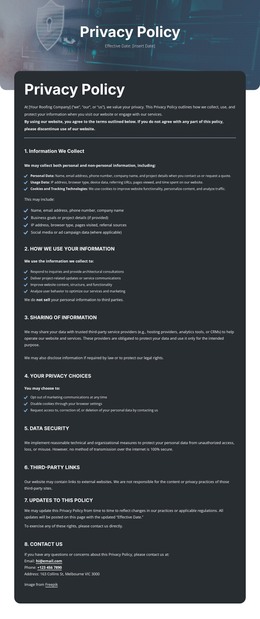
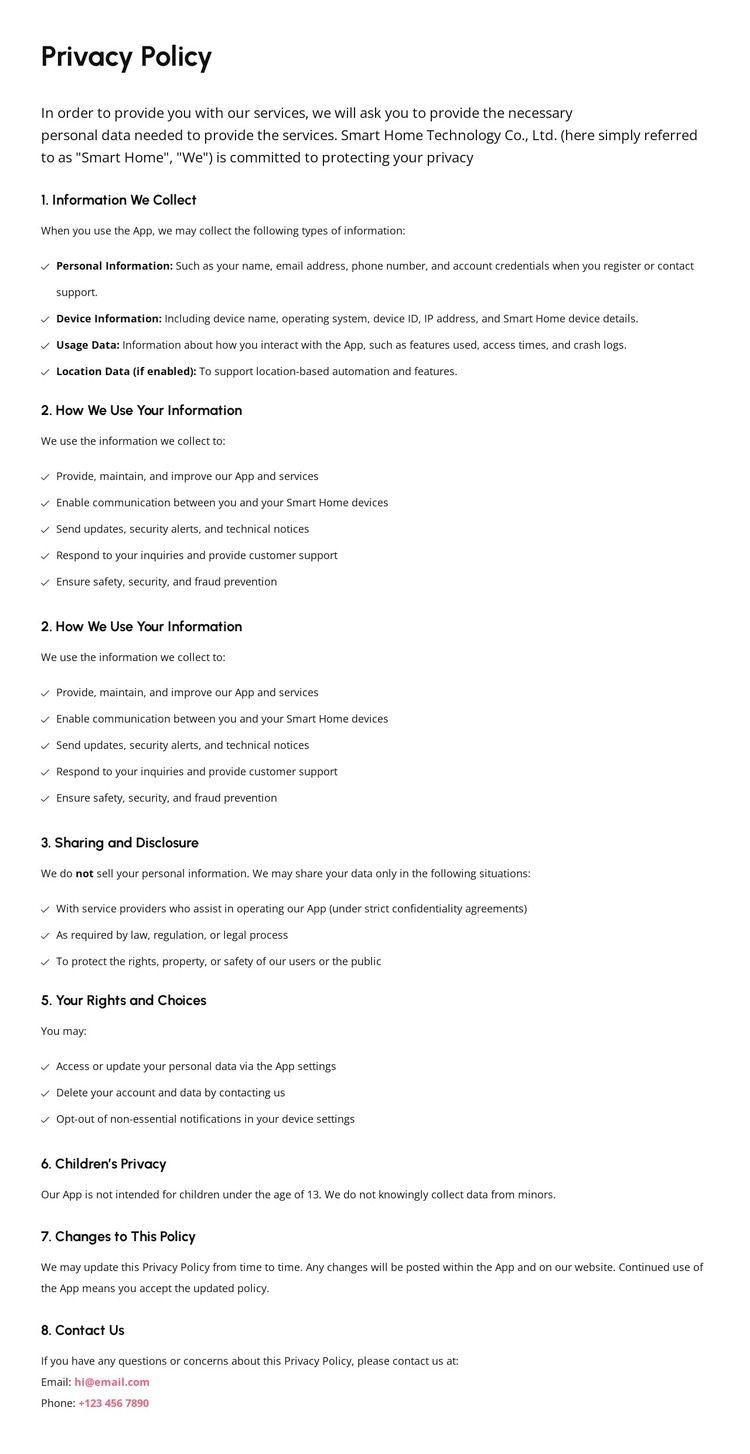
The page separates permanent informational content from shared site regions in a way that suits a WordPress-oriented project. The dark header carries the logo, navigation, pages menu, and phone contact action, giving the site a consistent access layer. The pink banner identifies the privacy document, while the central text area contains the lasting policy subjects: collected information, information use, sharing and disclosure, rights and choices, children’s privacy, policy changes, and contact inquiries.
The four data categories—personal, device, usage, and location—give the opening section a clear content focus, and the later numbered headings provide natural boundaries for maintaining the document’s wording. The footer adds reusable site content through office details, phone and email contacts, quick links, solutions, help and support, and copyright information. In a WordPress project, these areas can be interpreted as permanent page content and shared theme regions, while additional regularly updated content could be introduced around the same visual direction if needed. The template does not prove that WordPress Posts, categories, or blog structures already exist, so the strongest interpretation remains the relationship between a stable policy page and reusable navigation and footer elements. This makes the design suitable for a CMS-managed site where policy content must remain connected to the broader app identity.
Customize with Nicepage
Open this ready-made template in the WordPress Website Builder and customize it visually in the Nicepage editor. Replace demo content, edit page sections, and adapt the design to your project without rebuilding the template from scratch.
Manage and Edit This Theme in WordPress
Customize and Install the WordPress Theme
Start with this ready-made theme instead of building the WordPress design from scratch. Customize its layout, content, typography, images, sections, and other design elements visually in Nicepage editor, then export and install the WordPress Theme, Plugin, and Pages on your WordPress site. The Nicepage WordPress Plugin lets you continue working with the site after installation.
Edit the Theme Directly in WordPress
After installation, you can edit the WordPress Theme directly in WordPress with the Nicepage WordPress Plugin. Use Site Style to customize site Colors, Fonts, Header, Footer, Blog, and Post Page Templates while working within your WordPress website.
Edit WordPress Pages Visually
Use the Nicepage WordPress Plugin to edit page content directly from the WordPress admin area. Open a WordPress Page with Nicepage and visually change its text, images, sections, and other page elements while continuing to manage the Page through WordPress.
WordPress Content and Theme Integration
Use the customized theme with WordPress Pages, Posts, Blog and Post Templates, menus, widgets, and other CMS-managed content. Shared theme elements such as Colors, Fonts, Header, Footer, Blog, and Post Page Templates can be managed as part of the overall site design, while WordPress provides the CMS environment for managing site content.
This workflow combines a ready-made WordPress Theme with visual customization, direct theme editing in WordPress, and continued content management through the Nicepage WordPress Plugin.