One of the best-known firms WordPress Theme



Edit Template Offline
2. Create new page and search for id 4596310
Edit Template Online
Create Awesome Websites


Free Nicepage Builder
Keywords
Capability Pages and Repeated Service Content Fit the Theme Direction
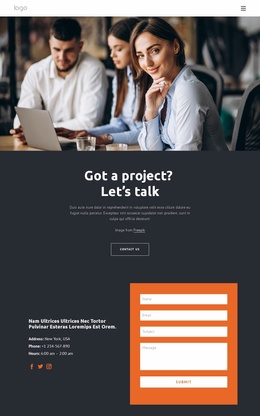
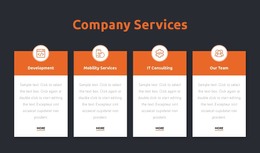
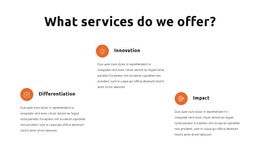
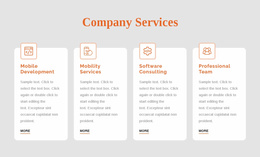
The page-oriented content is divided into areas that can remain understandable as a WordPress-managed business site. The opening project inquiry provides introductory page content, while the Business Technology Solutions section gives the design a clear capability subject through its business platform, analytics, and technologies labels. The three service-principle items create a repeated content pattern around differentiation, innovation, and impact, making them distinct from the more descriptive capability area.
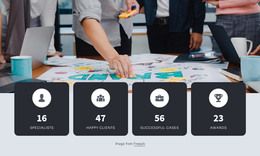
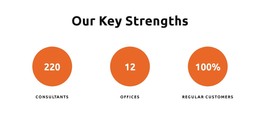
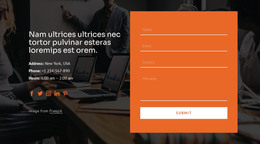
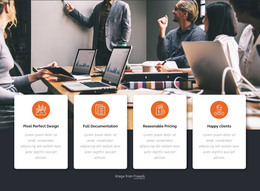
The later Innovative solutions block can support a focused page message or featured explanation, while the three circular strength indicators present a compact proof area. The orange problem-solving band connects that content back to contact, and the final region combines contact details, social links, and an inquiry form. These relationships are useful for interpreting the design as theme content: permanent informational areas, repeatable service or principle items, shared navigation, and a defined inquiry destination all belong to the same visual direction.
If the project later adds regularly updated editorial content, it should be introduced without treating the sample metrics, address, phone number, hours, or placeholder wording as verified business data. The existing design instead supplies the visual and page-content framework. Nicepage documentation describes the WordPress Plugin as a way to edit a theme directly in WordPress; here, that capability is a product bridge, while the template-specific value comes from the way its capability, principle, proof, and contact areas already relate.
Customize with Nicepage
Open this ready-made template in the WordPress Website Builder and customize it visually in the Nicepage editor. Replace demo content, edit page sections, and adapt the design to your project without rebuilding the template from scratch.
Manage and Edit This Theme in WordPress
Customize and Install the WordPress Theme
Start with this ready-made theme instead of building the WordPress design from scratch. Customize its layout, content, typography, images, sections, and other design elements visually in Nicepage editor, then export and install the WordPress Theme, Plugin, and Pages on your WordPress site. The Nicepage WordPress Plugin lets you continue working with the site after installation.
Edit the Theme Directly in WordPress
After installation, you can edit the WordPress Theme directly in WordPress with the Nicepage WordPress Plugin. Use Site Style to customize site Colors, Fonts, Header, Footer, Blog, and Post Page Templates while working within your WordPress website.
Edit WordPress Pages Visually
Use the Nicepage WordPress Plugin to edit page content directly from the WordPress admin area. Open a WordPress Page with Nicepage and visually change its text, images, sections, and other page elements while continuing to manage the Page through WordPress.
WordPress Content and Theme Integration
Use the customized theme with WordPress Pages, Posts, Blog and Post Templates, menus, widgets, and other CMS-managed content. Shared theme elements such as Colors, Fonts, Header, Footer, Blog, and Post Page Templates can be managed as part of the overall site design, while WordPress provides the CMS environment for managing site content.
This workflow combines a ready-made WordPress Theme with visual customization, direct theme editing in WordPress, and continued content management through the Nicepage WordPress Plugin.