We support you in your daily HR work WordPress Theme


Edit Template Offline
2. Create new page and search for id 6400425
Edit Template Online
Create Awesome Websites


Free Nicepage Builder
Keywords
Expandable HR Topics Give the Theme Reusable Content Focus
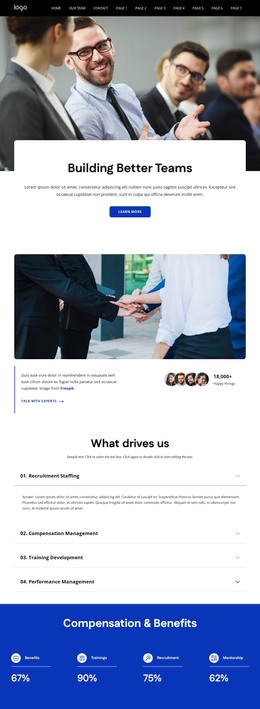
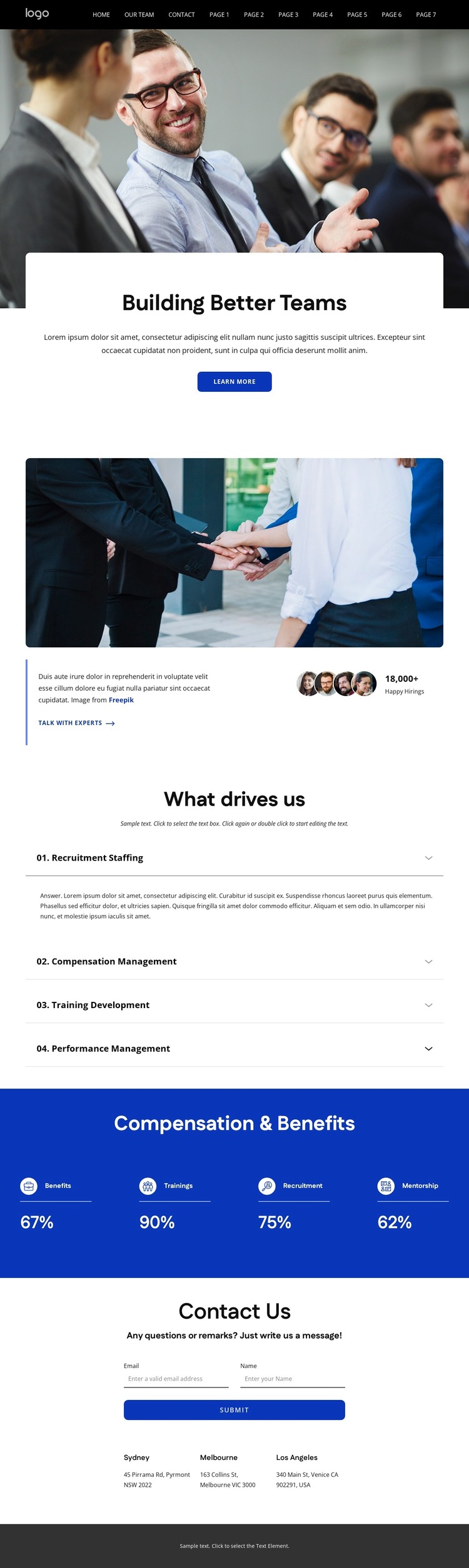
The page’s strongest WordPress-oriented content pattern is the relationship between its named HR topics and its repeated site framing. The “What drives us” section separates Recruitment Staffing, Compensation Management, Training Development, and Performance Management into four expandable subjects. These are not presented as verified posts or existing WordPress categories; they are concrete content areas in the design that could guide page-oriented or regularly updated material while the dark navigation and blue footer maintain a shared visual context.
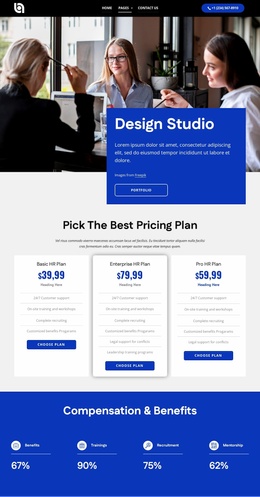
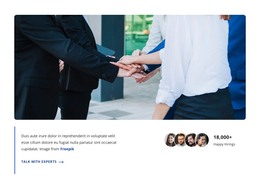
The surrounding sections add complementary permanent content. The hero introduces the organization through a team image and “Building Better Teams” heading, while the split area combines a second teamwork photograph with explanatory copy and a “Talk With experts” action. The four-item “Compensation & Benefits” band provides a compact summary of Benefits, Trainings, Recruitment, and Mentorship. Near the bottom, the contact form and three office-location entries create a practical inquiry area, and the footer extends it with phone, email, social links, and grouped navigation. In a WordPress project, this mixture can support stable organizational pages alongside content that changes over time, without claiming that the sample figures, addresses, or placeholder text represent verified business information.
Customize with Nicepage
Open this ready-made template in the WordPress Website Builder and customize it visually in the Nicepage editor. Replace demo content, edit page sections, and adapt the design to your project without rebuilding the template from scratch.
Manage and Edit This Theme in WordPress
Customize and Install the WordPress Theme
Start with this ready-made theme instead of building the WordPress design from scratch. Customize its layout, content, typography, images, sections, and other design elements visually in Nicepage editor, then export and install the WordPress Theme, Plugin, and Pages on your WordPress site. The Nicepage WordPress Plugin lets you continue working with the site after installation.
Edit the Theme Directly in WordPress
After installation, you can edit the WordPress Theme directly in WordPress with the Nicepage WordPress Plugin. Use Site Style to customize site Colors, Fonts, Header, Footer, Blog, and Post Page Templates while working within your WordPress website.
Edit WordPress Pages Visually
Use the Nicepage WordPress Plugin to edit page content directly from the WordPress admin area. Open a WordPress Page with Nicepage and visually change its text, images, sections, and other page elements while continuing to manage the Page through WordPress.
WordPress Content and Theme Integration
Use the customized theme with WordPress Pages, Posts, Blog and Post Templates, menus, widgets, and other CMS-managed content. Shared theme elements such as Colors, Fonts, Header, Footer, Blog, and Post Page Templates can be managed as part of the overall site design, while WordPress provides the CMS environment for managing site content.
This workflow combines a ready-made WordPress Theme with visual customization, direct theme editing in WordPress, and continued content management through the Nicepage WordPress Plugin.