Development Marketing WordPress Theme



Edit Template Offline
2. Create new page and search for id 5615087
Edit Template Online
Create Awesome Websites


Free Nicepage Builder
Keywords
Service, Team, and Plan Content Give WordPress Pages Clear Roles
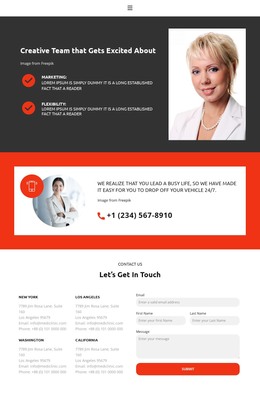
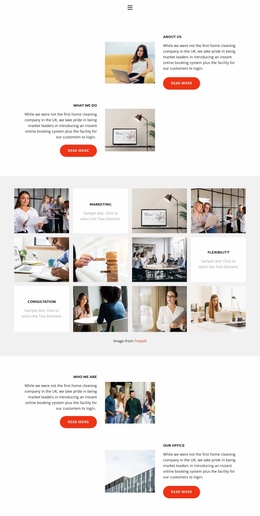
The three service cards provide the most direct page-oriented content in the design. Business Security, Powerful Admin Panel, and Multi-Language Support each occupy a parallel card with supporting feature lists, making them easy to interpret as separate business topics within a broader WordPress content structure. The image collage adds a visual content area for Marketing and Flexibility, while the partnership section offers three expandable subjects that can hold supporting explanations without disrupting the main page rhythm.
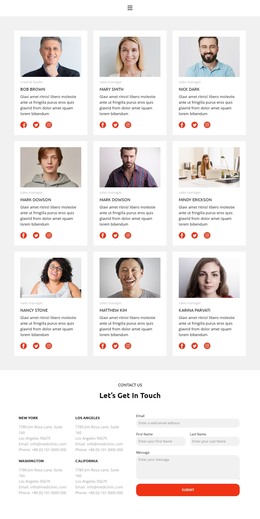
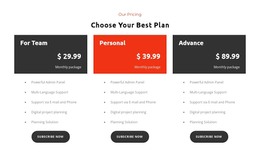
The team and pricing regions introduce two different kinds of recurring content. Four profiles include portraits, role labels, descriptions, and social links, giving the design a people-focused area distinct from service information. Three subscription cards organize plan names, monthly framing, feature lists, and Subscribe now actions as a separate commercial comparison. These relationships are more useful than treating the page as one undifferentiated block because each content group has a clear editorial purpose.
The closing area reinforces the page structure with four location labels and a contact form containing email, first name, last name, and message inputs. Along with the phone contact strip, navigation, and shared footer, these elements create permanent business content areas that can sit alongside additional managed content in a WordPress project. The template therefore supports a content environment where services, people, plans, and inquiries remain visually connected while serving different page roles.
Customize with Nicepage
Open this ready-made template in the WordPress Website Builder and customize it visually in the Nicepage editor. Replace demo content, edit page sections, and adapt the design to your project without rebuilding the template from scratch.
Manage and Edit This Theme in WordPress
Customize and Install the WordPress Theme
Start with this ready-made theme instead of building the WordPress design from scratch. Customize its layout, content, typography, images, sections, and other design elements visually in Nicepage editor, then export and install the WordPress Theme, Plugin, and Pages on your WordPress site. The Nicepage WordPress Plugin lets you continue working with the site after installation.
Edit the Theme Directly in WordPress
After installation, you can edit the WordPress Theme directly in WordPress with the Nicepage WordPress Plugin. Use Site Style to customize site Colors, Fonts, Header, Footer, Blog, and Post Page Templates while working within your WordPress website.
Edit WordPress Pages Visually
Use the Nicepage WordPress Plugin to edit page content directly from the WordPress admin area. Open a WordPress Page with Nicepage and visually change its text, images, sections, and other page elements while continuing to manage the Page through WordPress.
WordPress Content and Theme Integration
Use the customized theme with WordPress Pages, Posts, Blog and Post Templates, menus, widgets, and other CMS-managed content. Shared theme elements such as Colors, Fonts, Header, Footer, Blog, and Post Page Templates can be managed as part of the overall site design, while WordPress provides the CMS environment for managing site content.
This workflow combines a ready-made WordPress Theme with visual customization, direct theme editing in WordPress, and continued content management through the Nicepage WordPress Plugin.