Quick online consultation WordPress Theme


Edit Template Offline
2. Create new page and search for id 6453073
Edit Template Online
Create Awesome Websites


Free Nicepage Builder
Keywords
Page content and recurring contact regions suit a WordPress-managed presentation
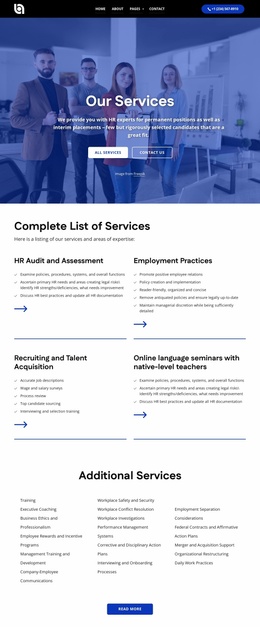
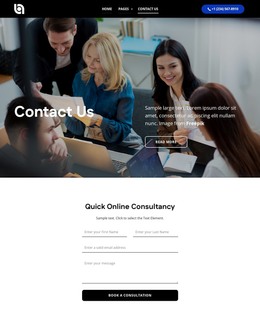
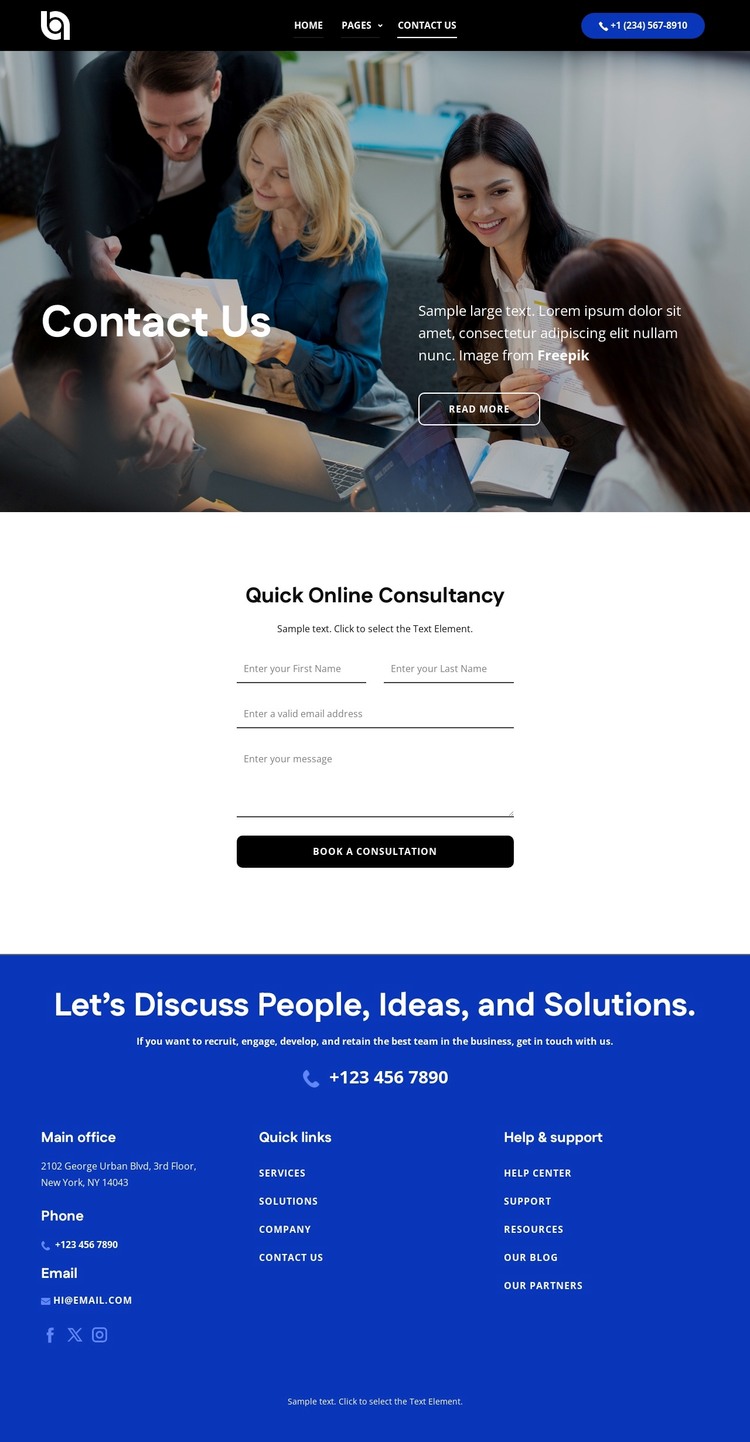
The page-oriented content is clearly divided into a contact introduction, consultation inquiry area, and supporting contact region. The Contact Us hero can hold relatively stable page information, using the team photograph, title, supporting copy, and Read more action to explain the purpose of the page. The Quick Online Consultancy panel then supplies a separate content area for the inquiry form and Book a Consultation response, keeping the central action distinct from the introduction.
The footer adds recurring site information that can remain visually consistent around related pages: phone, email, social links, a New York, NY office reference, quick links, and help and support links. Together with the header's logo, navigation, and phone action, these shared regions give the design a recognizable site frame while page content changes or expands. A WordPress project could use this structure for permanent consultation and contact information, while later editorial or service content would need to be verified and added separately rather than assumed to exist in the template. The design's main strength in this context is the separation of content roles: introductory copy explains the contact purpose, the form handles consultation intent, and the recurring footer supports alternative communication paths. That relationship makes the theme suitable for managing page-based consultancy content within a consistent visual system.
Customize with Nicepage
Open this ready-made template in the WordPress Website Builder and customize it visually in the Nicepage editor. Replace demo content, edit page sections, and adapt the design to your project without rebuilding the template from scratch.
Manage and Edit This Theme in WordPress
Customize and Install the WordPress Theme
Start with this ready-made theme instead of building the WordPress design from scratch. Customize its layout, content, typography, images, sections, and other design elements visually in Nicepage editor, then export and install the WordPress Theme, Plugin, and Pages on your WordPress site. The Nicepage WordPress Plugin lets you continue working with the site after installation.
Edit the Theme Directly in WordPress
After installation, you can edit the WordPress Theme directly in WordPress with the Nicepage WordPress Plugin. Use Site Style to customize site Colors, Fonts, Header, Footer, Blog, and Post Page Templates while working within your WordPress website.
Edit WordPress Pages Visually
Use the Nicepage WordPress Plugin to edit page content directly from the WordPress admin area. Open a WordPress Page with Nicepage and visually change its text, images, sections, and other page elements while continuing to manage the Page through WordPress.
WordPress Content and Theme Integration
Use the customized theme with WordPress Pages, Posts, Blog and Post Templates, menus, widgets, and other CMS-managed content. Shared theme elements such as Colors, Fonts, Header, Footer, Blog, and Post Page Templates can be managed as part of the overall site design, while WordPress provides the CMS environment for managing site content.
This workflow combines a ready-made WordPress Theme with visual customization, direct theme editing in WordPress, and continued content management through the Nicepage WordPress Plugin.