Meet interior studio team WordPress Theme


Edit Template Offline
2. Create new page and search for id 6282702
Edit Template Online
Create Awesome Websites


Free Nicepage Builder
Keywords
Portrait cards and studio content suit a WordPress-managed theme
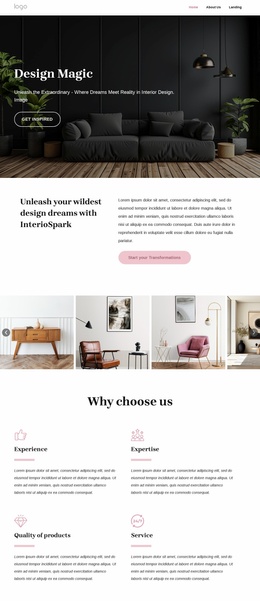
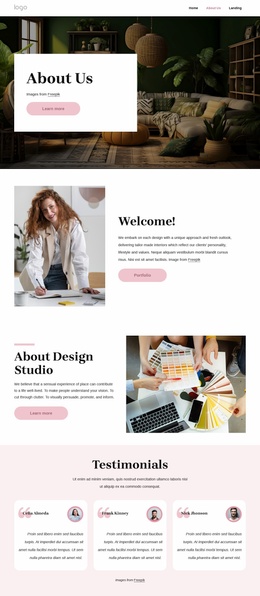
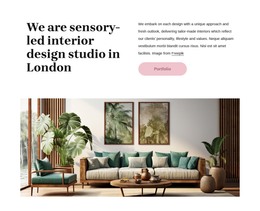
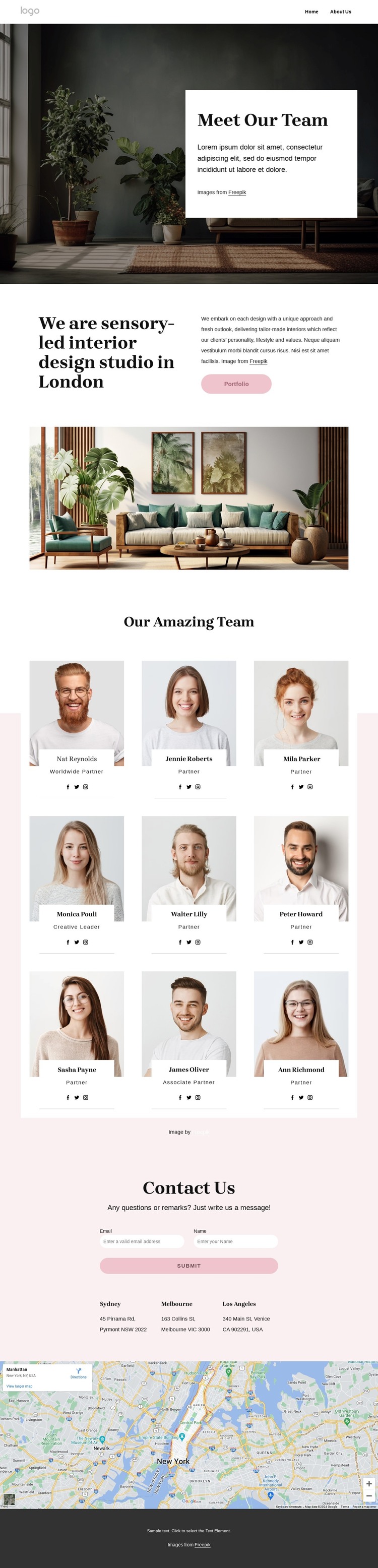
The nine portrait profiles give this design a strong page-oriented content core. Each repeated card combines a team image with a name, role label, and social links, creating a consistent pattern for permanent studio information that can sit alongside other WordPress-managed pages. The directory is introduced by the sensory-led London studio statement rather than appearing as an isolated collection, so the people remain connected to the interior design identity established at the top of the page.
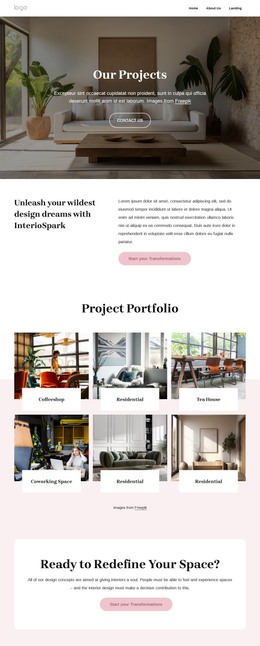
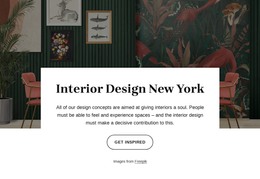
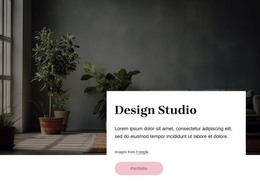
The hero and split introduction provide additional permanent content areas: a large interior photograph establishes the visual subject, the white card presents the team message, and the Portfolio action points toward the studio’s work. Below the profiles, the Contact Us section supplies a practical content destination with a short prompt, contact form, and three office locations. The map beneath the location row reinforces the geographic context without turning sample address details into business claims. Navigation and the dark footer complete the shared site frame. In a WordPress project, this arrangement can support a theme where studio pages, team information, portfolio-oriented content, and contact details retain one editorial visual direction. The design’s repeated cards are especially useful for keeping people-focused content recognizable as the site grows, while the form and location area preserve a clear path for inquiries.
Customize with Nicepage
Open this ready-made template in the WordPress Website Builder and customize it visually in the Nicepage editor. Replace demo content, edit page sections, and adapt the design to your project without rebuilding the template from scratch.
Manage and Edit This Theme in WordPress
Customize and Install the WordPress Theme
Start with this ready-made theme instead of building the WordPress design from scratch. Customize its layout, content, typography, images, sections, and other design elements visually in Nicepage editor, then export and install the WordPress Theme, Plugin, and Pages on your WordPress site. The Nicepage WordPress Plugin lets you continue working with the site after installation.
Edit the Theme Directly in WordPress
After installation, you can edit the WordPress Theme directly in WordPress with the Nicepage WordPress Plugin. Use Site Style to customize site Colors, Fonts, Header, Footer, Blog, and Post Page Templates while working within your WordPress website.
Edit WordPress Pages Visually
Use the Nicepage WordPress Plugin to edit page content directly from the WordPress admin area. Open a WordPress Page with Nicepage and visually change its text, images, sections, and other page elements while continuing to manage the Page through WordPress.
WordPress Content and Theme Integration
Use the customized theme with WordPress Pages, Posts, Blog and Post Templates, menus, widgets, and other CMS-managed content. Shared theme elements such as Colors, Fonts, Header, Footer, Blog, and Post Page Templates can be managed as part of the overall site design, while WordPress provides the CMS environment for managing site content.
This workflow combines a ready-made WordPress Theme with visual customization, direct theme editing in WordPress, and continued content management through the Nicepage WordPress Plugin.