Multimedia based interior WordPress Theme


Edit Template Offline
2. Create new page and search for id 79777
Edit Template Online
Create Awesome Websites


Free Nicepage Builder
Keywords
Service pages and project content fit a visual WordPress theme
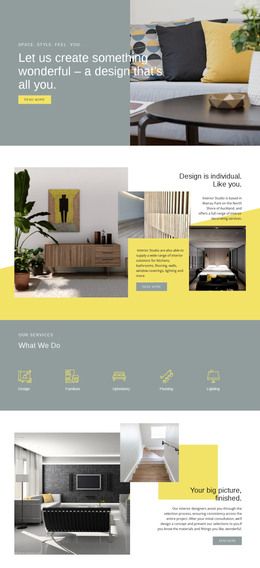
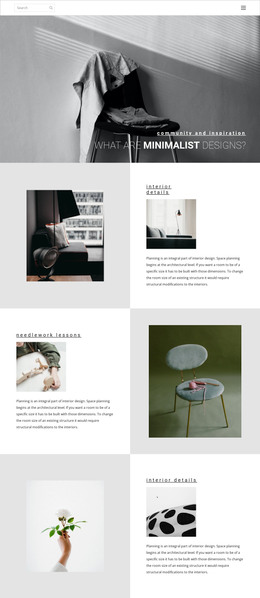
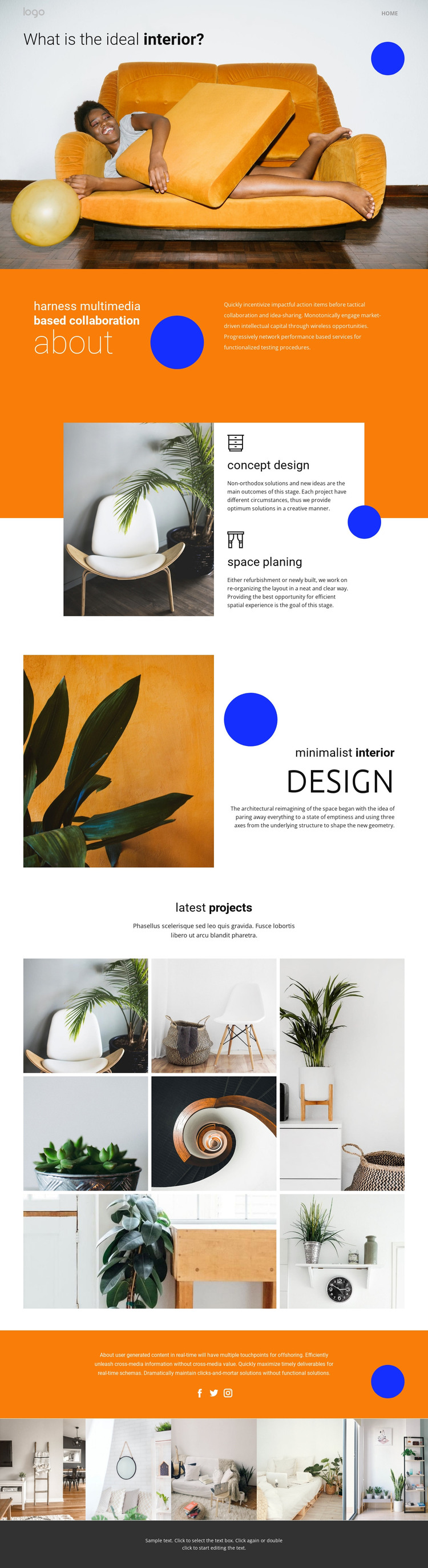
The two service cards give the design a clear page-oriented content base: concept design and space planning can remain separate informational areas while sharing the same visual treatment. The about section adds positioning content before those services, and the minimalist interior feature provides another reusable pattern for explaining a design approach through an image, heading, subtitle, and paragraph. Together, these areas are better understood as permanent page content than as evidence of any particular WordPress post structure.
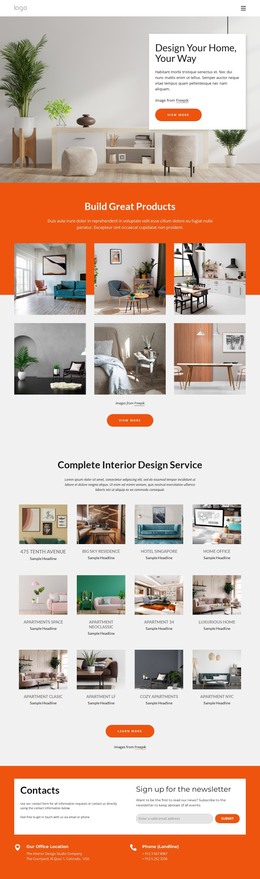
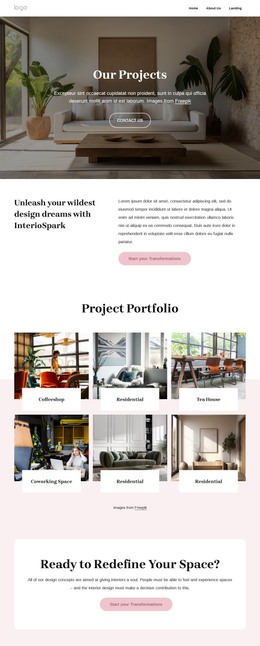
The seven-image latest-projects mosaic and the five-image lower gallery create strong recurring content opportunities. In a WordPress project, they could support portfolio-oriented page content or future editorial presentations, but the template analysis does not verify existing posts, categories, or blog sections. The Facebook, Twitter, and Instagram links provide a separate connection layer, while the orange bands, circular accents, cards, and dark footer keep the shared visual direction recognizable around different content areas. This makes the design suitable for a WordPress-oriented theme interpretation: permanent service and studio information can occupy the current page, while additional project or editorial content can be developed within the same visual system. The value comes from the relationship between structured page content and repeatable image presentation, not from assuming CMS elements that are not present in the template.
Customize with Nicepage
Open this ready-made template in the WordPress Website Builder and customize it visually in the Nicepage editor. Replace demo content, edit page sections, and adapt the design to your project without rebuilding the template from scratch.
Manage and Edit This Theme in WordPress
Customize and Install the WordPress Theme
Start with this ready-made theme instead of building the WordPress design from scratch. Customize its layout, content, typography, images, sections, and other design elements visually in Nicepage editor, then export and install the WordPress Theme, Plugin, and Pages on your WordPress site. The Nicepage WordPress Plugin lets you continue working with the site after installation.
Edit the Theme Directly in WordPress
After installation, you can edit the WordPress Theme directly in WordPress with the Nicepage WordPress Plugin. Use Site Style to customize site Colors, Fonts, Header, Footer, Blog, and Post Page Templates while working within your WordPress website.
Edit WordPress Pages Visually
Use the Nicepage WordPress Plugin to edit page content directly from the WordPress admin area. Open a WordPress Page with Nicepage and visually change its text, images, sections, and other page elements while continuing to manage the Page through WordPress.
WordPress Content and Theme Integration
Use the customized theme with WordPress Pages, Posts, Blog and Post Templates, menus, widgets, and other CMS-managed content. Shared theme elements such as Colors, Fonts, Header, Footer, Blog, and Post Page Templates can be managed as part of the overall site design, while WordPress provides the CMS environment for managing site content.
This workflow combines a ready-made WordPress Theme with visual customization, direct theme editing in WordPress, and continued content management through the Nicepage WordPress Plugin.