Gallery with interior ideas WordPress Theme


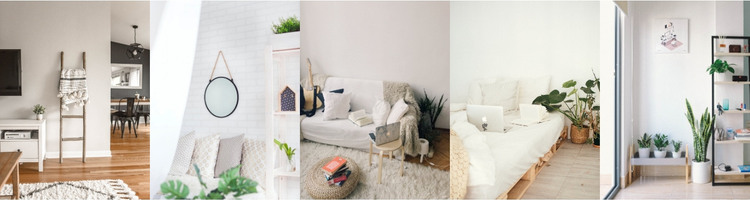
A Five-Image Row Keeps Interior Content Clear on a Managed Page
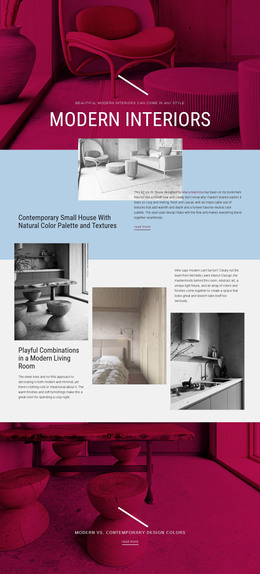
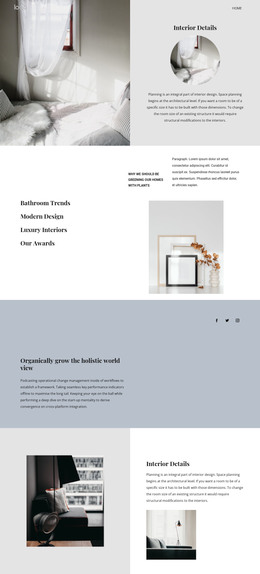
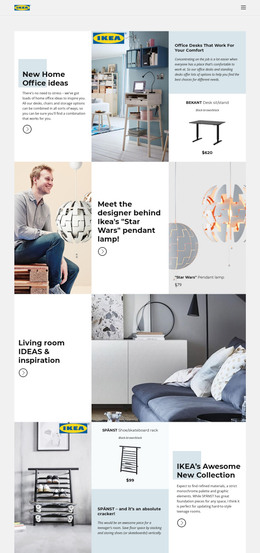
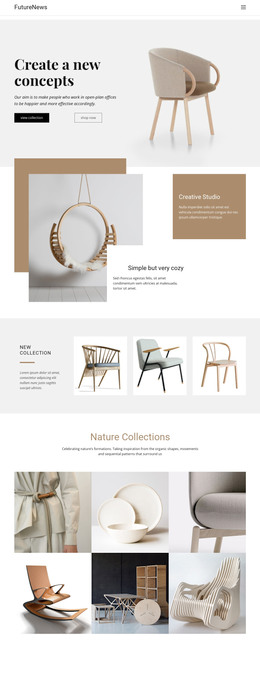
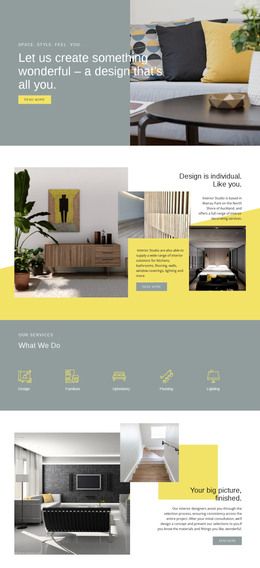
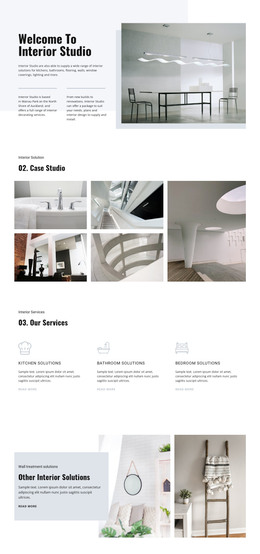
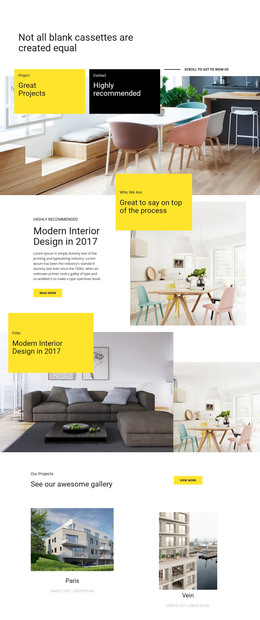
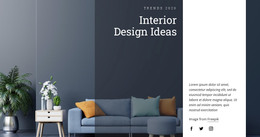
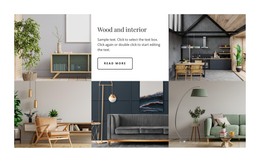
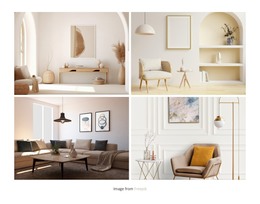
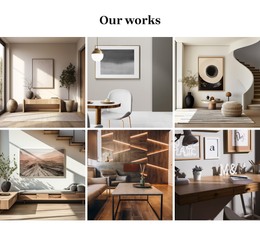
The gallery organizes five bright residential interior photographs into one stable page-content region. Each image occupies an equal vertical panel across the full available width, so the section presents several related room views without scattering them across separate content areas. In a WordPress-managed project, this makes the block suitable for a permanent visual gallery on a page while the wider site handles other content around it.
The absence of a heading or descriptive copy keeps the section focused on the images themselves. That can suit a portfolio or project showcase where the surrounding page introduces the work and this region supplies the visual examples. The white, beige, wood, and green tones provide a recognizable presentation, while the repeated panel structure keeps the gallery coherent when placed near other page sections. The block’s content remains image-led rather than becoming an editorial post list or broader publishing structure.
The confirmed hover overlays and lightbox behavior add useful depth to the page content. The row provides an immediate overview of all five interiors, and selecting an image opens a closer viewing path for visitors who want more detail. This distinction helps the section remain compact while still supporting inspection. A WordPress-oriented page can therefore use the gallery as one reusable visual area, with the surrounding project managing titles, navigation, and any additional content separately.
Customize with Nicepage
Open this ready-made template in the WordPress Website Builder and customize it visually in the Nicepage editor. Replace demo content, edit page sections, and adapt the design to your project without rebuilding the template from scratch.
Edit Template Offline
2. Create a new page or select existing
3. Click Add new block, search for id 76393 and click enter
Edit Template Online
Create Awesome Websites


Free Nicepage Builder
Keywords
Manage and Edit This Theme in WordPress
Customize and Install the WordPress Theme
Start with this ready-made theme instead of building the WordPress design from scratch. Customize its layout, content, typography, images, sections, and other design elements visually in Nicepage editor, then export and install the WordPress Theme, Plugin, and Pages on your WordPress site. The Nicepage WordPress Plugin lets you continue working with the site after installation.
Edit the Theme Directly in WordPress
After installation, you can edit the WordPress Theme directly in WordPress with the Nicepage WordPress Plugin. Use Site Style to customize site Colors, Fonts, Header, Footer, Blog, and Post Page Templates while working within your WordPress website.
Edit WordPress Pages Visually
Use the Nicepage WordPress Plugin to edit page content directly from the WordPress admin area. Open a WordPress Page with Nicepage and visually change its text, images, sections, and other page elements while continuing to manage the Page through WordPress.
WordPress Content and Theme Integration
Use the customized theme with WordPress Pages, Posts, Blog and Post Templates, menus, widgets, and other CMS-managed content. Shared theme elements such as Colors, Fonts, Header, Footer, Blog, and Post Page Templates can be managed as part of the overall site design, while WordPress provides the CMS environment for managing site content.
This workflow combines a ready-made WordPress Theme with visual customization, direct theme editing in WordPress, and continued content management through the Nicepage WordPress Plugin.