Contact form with text WordPress Theme


Permanent Contact Content With a Supporting Profile Panel
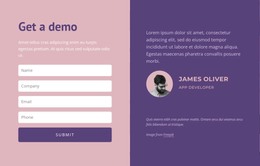
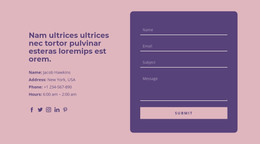
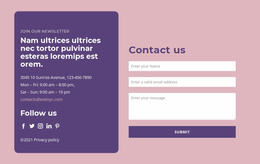
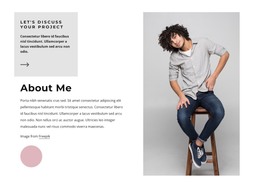
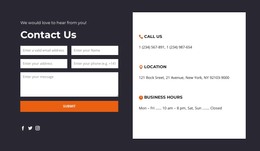
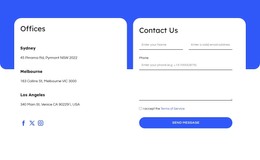
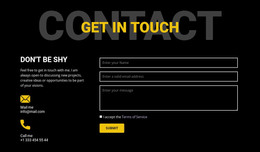
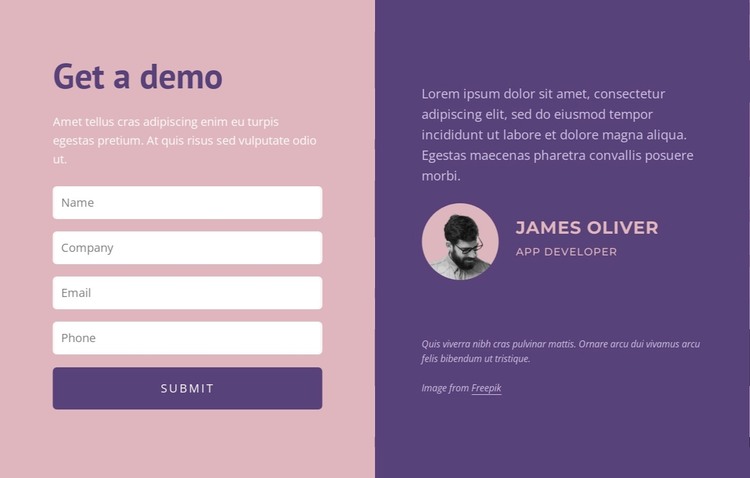
The form side reads as stable page content rather than a time-sensitive article: it introduces an inquiry and collects name, company, email, and phone details before the submit control. The opposite panel adds a quote, supporting paragraph, circular portrait, and James Oliver attribution, giving the contact area a human context that can remain visually associated with the form. This combination fits a WordPress-managed page where the section contributes one durable content area to the wider site.
The WordPress interpretation centers on how the block can be reused as page content, not on treating it as a standalone theme. A services, about, or contact page could contain this section while other CMS-managed content surrounds it. The dusty pink and deep purple panels preserve a clear visual distinction between the input sequence and the profile material, and equal widths make the two groups feel intentionally related. The four fields also provide a stable content pattern that can be adapted when the project’s real inquiry requirements are known. The portrait and quote should likewise be replaced or edited to match the actual page context rather than being read as fixed business information. In this role, the block functions as a publishable contact section within a broader WordPress site, with its visual structure kept separate from the site-wide theme architecture.
Customize with Nicepage
Open this ready-made template in the WordPress Website Builder and customize it visually in the Nicepage editor. Replace demo content, edit page sections, and adapt the design to your project without rebuilding the template from scratch.
Edit Template Offline
2. Create a new page or select existing
3. Click Add new block, search for id 5562062 and click enter
Edit Template Online
Create Awesome Websites


Free Nicepage Builder
Keywords
Manage and Edit This Theme in WordPress
Customize and Install the WordPress Theme
Start with this ready-made theme instead of building the WordPress design from scratch. Customize its layout, content, typography, images, sections, and other design elements visually in Nicepage editor, then export and install the WordPress Theme, Plugin, and Pages on your WordPress site. The Nicepage WordPress Plugin lets you continue working with the site after installation.
Edit the Theme Directly in WordPress
After installation, you can edit the WordPress Theme directly in WordPress with the Nicepage WordPress Plugin. Use Site Style to customize site Colors, Fonts, Header, Footer, Blog, and Post Page Templates while working within your WordPress website.
Edit WordPress Pages Visually
Use the Nicepage WordPress Plugin to edit page content directly from the WordPress admin area. Open a WordPress Page with Nicepage and visually change its text, images, sections, and other page elements while continuing to manage the Page through WordPress.
WordPress Content and Theme Integration
Use the customized theme with WordPress Pages, Posts, Blog and Post Templates, menus, widgets, and other CMS-managed content. Shared theme elements such as Colors, Fonts, Header, Footer, Blog, and Post Page Templates can be managed as part of the overall site design, while WordPress provides the CMS environment for managing site content.
This workflow combines a ready-made WordPress Theme with visual customization, direct theme editing in WordPress, and continued content management through the Nicepage WordPress Plugin.