Professional consulting service firm WordPress Theme



Edit Template Offline
2. Create new page and search for id 2369328
Edit Template Online
Create Awesome Websites


Free Nicepage Builder
Keywords
Page Content and Repeated Capability Groups Suit a WordPress Theme
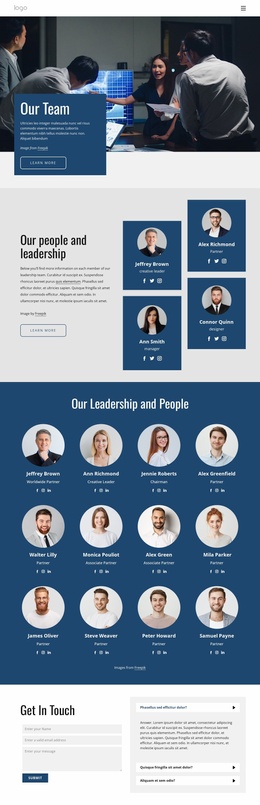
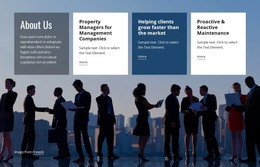
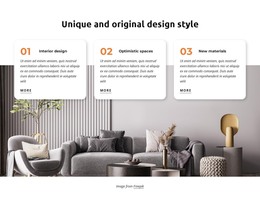
The service overview gives the design a clear page-oriented content structure. Consulting, Strategy, Management, and Investment appear as four distinct cards, so permanent service information can remain separated while sharing the same visual treatment. The numbered capability panels add a compact supporting group, and the About Us section provides a dedicated place for the organization’s belief in bold ideas and its client focus.
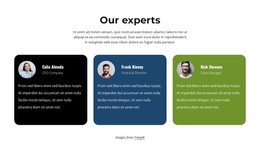
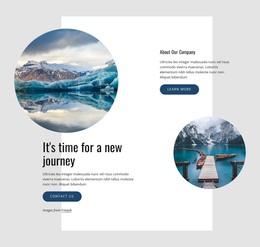
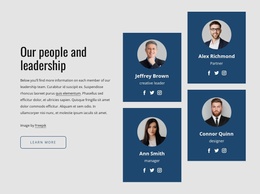
The leadership block offers a second repeated content pattern through Team Alignment, Board Consultation, Personal Coaching, and another feature. That group works alongside the practical management advice section and the Business communication block to create several kinds of page content: capability descriptions, company perspective, and client-facing guidance. The Consulting Firm collage adds a visual editorial area rather than another plain text section, helping the same design direction accommodate different content formats.
The contact area completes the permanent page content with name, email, and message inputs, a Submit action, and expandable-looking FAQ rows. If the project later publishes additional articles or announcements, those new materials would need to be created and managed separately; the analysis does not verify an existing blog or post structure. The theme’s main value lies in how its service cards, leadership group, image-led sections, navigation, and shared footer establish a coordinated visual environment for WordPress-managed consulting content.
Customize with Nicepage
Open this ready-made template in the WordPress Website Builder and customize it visually in the Nicepage editor. Replace demo content, edit page sections, and adapt the design to your project without rebuilding the template from scratch.
Manage and Edit This Theme in WordPress
Customize and Install the WordPress Theme
Start with this ready-made theme instead of building the WordPress design from scratch. Customize its layout, content, typography, images, sections, and other design elements visually in Nicepage editor, then export and install the WordPress Theme, Plugin, and Pages on your WordPress site. The Nicepage WordPress Plugin lets you continue working with the site after installation.
Edit the Theme Directly in WordPress
After installation, you can edit the WordPress Theme directly in WordPress with the Nicepage WordPress Plugin. Use Site Style to customize site Colors, Fonts, Header, Footer, Blog, and Post Page Templates while working within your WordPress website.
Edit WordPress Pages Visually
Use the Nicepage WordPress Plugin to edit page content directly from the WordPress admin area. Open a WordPress Page with Nicepage and visually change its text, images, sections, and other page elements while continuing to manage the Page through WordPress.
WordPress Content and Theme Integration
Use the customized theme with WordPress Pages, Posts, Blog and Post Templates, menus, widgets, and other CMS-managed content. Shared theme elements such as Colors, Fonts, Header, Footer, Blog, and Post Page Templates can be managed as part of the overall site design, while WordPress provides the CMS environment for managing site content.
This workflow combines a ready-made WordPress Theme with visual customization, direct theme editing in WordPress, and continued content management through the Nicepage WordPress Plugin.