Custom iOS and Android apps for your business WordPress Theme


Edit Template Offline
2. Create new page and search for id 5564969
Edit Template Online
Create Awesome Websites


Free Nicepage Builder
Keywords
Project Cards and Featured App Content Suit a Managed Portfolio Theme
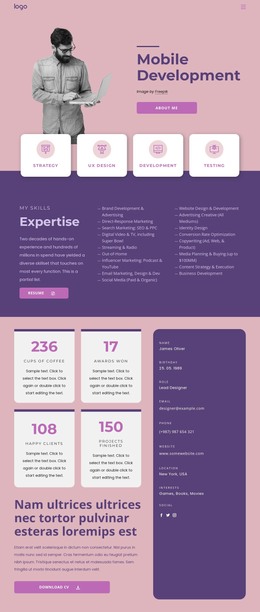
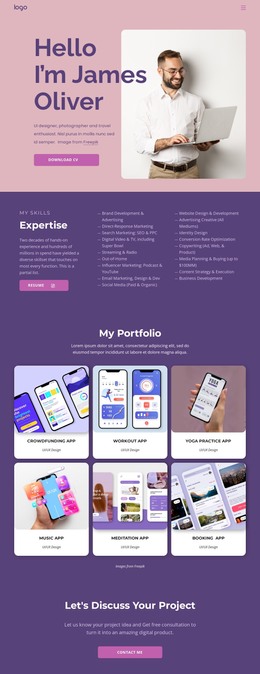
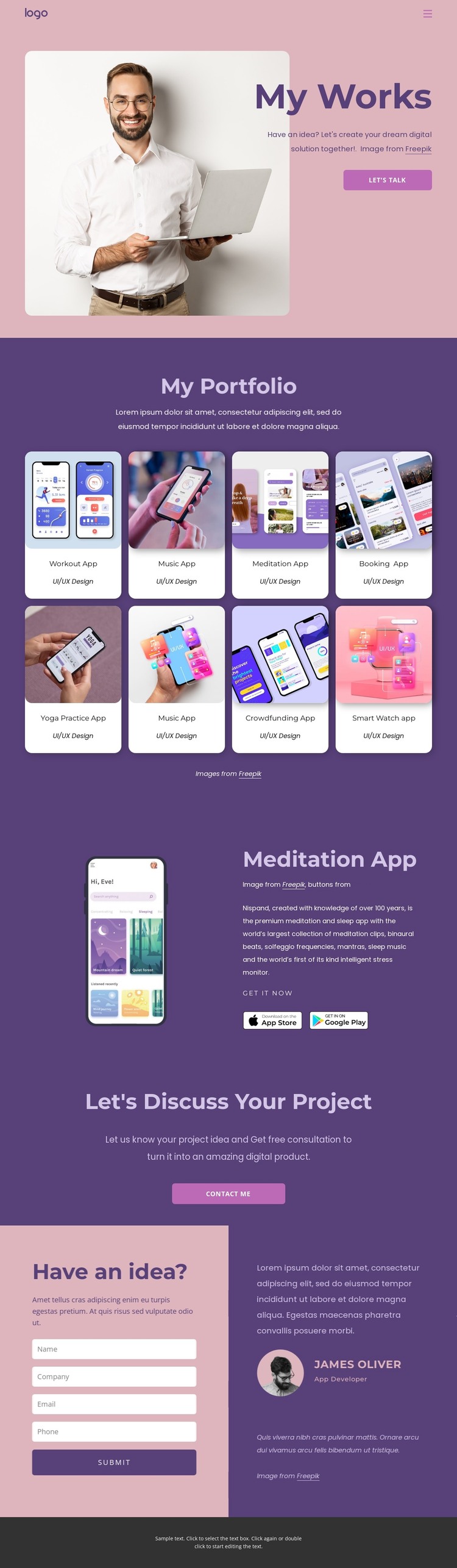
The eight project cards provide a natural set of permanent portfolio content areas. Each entry communicates an app concept through its visual card, project name, and UI/UX Design label, making the collection suitable for a WordPress-managed page structure without claiming that posts or categories already exist. The repeated card pattern also gives future project content a visual rule to follow, while the navigation keeps the main areas connected.
The featured Meditation App offers a more detailed content relationship than the overview grid. A phone mockup appears beside project copy, a “Get It Now” label, and two store badges, so one selected piece of work can be presented with additional context while the eight-card collection remains the broader index. This separation is useful for a portfolio where permanent project information and periodically expanded editorial content may need to share one design direction.
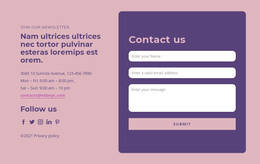
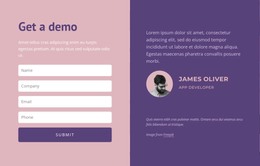
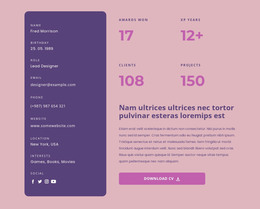
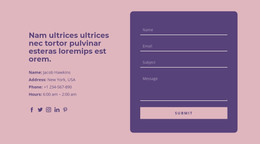
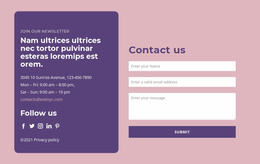
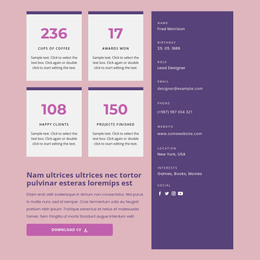
The “Let’s Discuss Your Project” block and “Have an idea?” area support the page’s communication purpose. The contact form is positioned beside profile imagery and a displayed profile identity, giving the inquiry content a personal frame rather than leaving it as an isolated control. In a WordPress-oriented project, these page areas can remain visually coordinated as content grows, while the theme’s navigation and footer preserve shared site elements. The key value is the mapping of existing portfolio and profile regions to managed content, not a claim that CMS content is already populated.
Customize with Nicepage
Open this ready-made template in the WordPress Website Builder and customize it visually in the Nicepage editor. Replace demo content, edit page sections, and adapt the design to your project without rebuilding the template from scratch.
Manage and Edit This Theme in WordPress
Customize and Install the WordPress Theme
Start with this ready-made theme instead of building the WordPress design from scratch. Customize its layout, content, typography, images, sections, and other design elements visually in Nicepage editor, then export and install the WordPress Theme, Plugin, and Pages on your WordPress site. The Nicepage WordPress Plugin lets you continue working with the site after installation.
Edit the Theme Directly in WordPress
After installation, you can edit the WordPress Theme directly in WordPress with the Nicepage WordPress Plugin. Use Site Style to customize site Colors, Fonts, Header, Footer, Blog, and Post Page Templates while working within your WordPress website.
Edit WordPress Pages Visually
Use the Nicepage WordPress Plugin to edit page content directly from the WordPress admin area. Open a WordPress Page with Nicepage and visually change its text, images, sections, and other page elements while continuing to manage the Page through WordPress.
WordPress Content and Theme Integration
Use the customized theme with WordPress Pages, Posts, Blog and Post Templates, menus, widgets, and other CMS-managed content. Shared theme elements such as Colors, Fonts, Header, Footer, Blog, and Post Page Templates can be managed as part of the overall site design, while WordPress provides the CMS environment for managing site content.
This workflow combines a ready-made WordPress Theme with visual customization, direct theme editing in WordPress, and continued content management through the Nicepage WordPress Plugin.