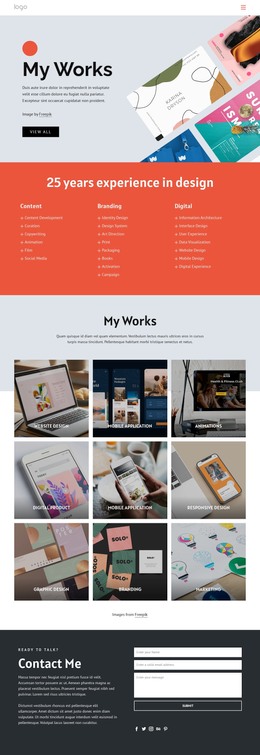
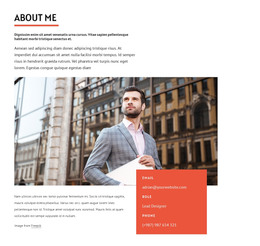
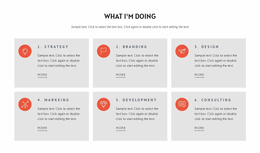
I am a website designer and developer WordPress Theme


Edit Template Offline
2. Create new page and search for id 6006671
Edit Template Online
Create Awesome Websites


Free Nicepage Builder
Keywords
Personal Page Content Extends Beyond the Contact Form
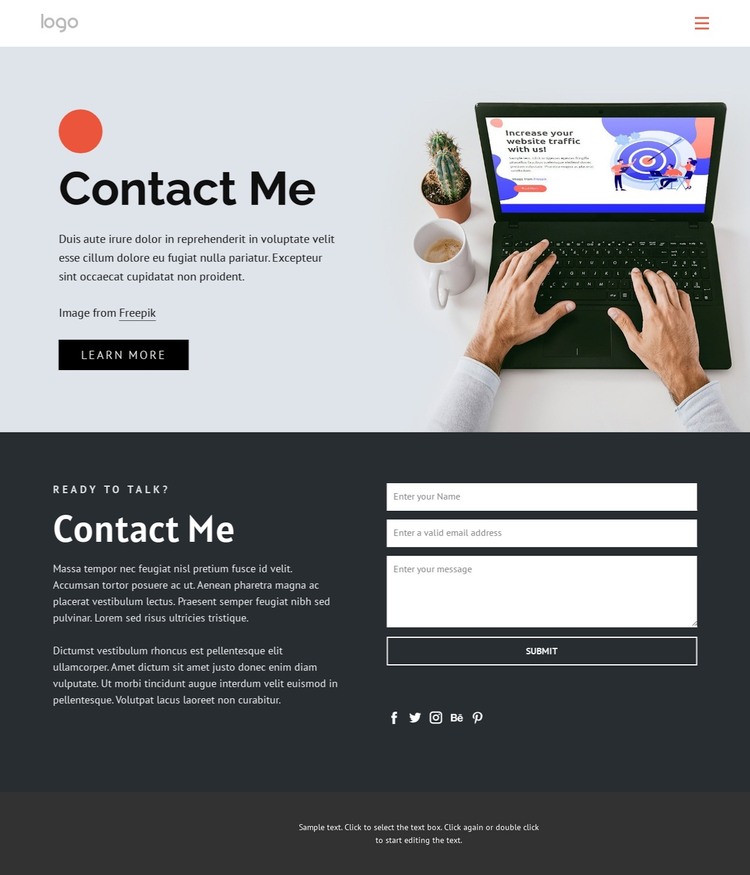
The opening section is naturally read as permanent personal page content. Contact Me, the short introduction, the Learn More button, and the laptop-and-smartphone workspace image establish who the individual is before visitors reach the response area. The verified My Portfolio and About Me links create two different content directions that could be represented by page-oriented material in a WordPress project: work examples and personal background. They are not evidence that those WordPress structures already exist, but they show how the design can organize related content around the contact page.
The dark lower section gives the theme a distinct reusable content region. Its supporting copy, message form, Submit action, and social icons for Facebook, Twitter, Instagram, Behance, and Pinterest can remain visually connected while the site’s personal content develops. A WordPress implementation could preserve the pale hero and charcoal contact treatment across related pages, using the same compact typography and footer character to keep the visual direction recognizable. The central interpretation is therefore content continuity rather than a generic CMS claim: personal introduction, portfolio reference, About Me information, social presence, and direct contact have already been placed into meaningful relationships. That makes the design suitable for a WordPress Theme when the project needs a personal content environment built around clear page areas and a consistent visual system.
Customize with Nicepage
Open this ready-made template in the WordPress Website Builder and customize it visually in the Nicepage editor. Replace demo content, edit page sections, and adapt the design to your project without rebuilding the template from scratch.
Manage and Edit This Theme in WordPress
Customize and Install the WordPress Theme
Start with this ready-made theme instead of building the WordPress design from scratch. Customize its layout, content, typography, images, sections, and other design elements visually in Nicepage editor, then export and install the WordPress Theme, Plugin, and Pages on your WordPress site. The Nicepage WordPress Plugin lets you continue working with the site after installation.
Edit the Theme Directly in WordPress
After installation, you can edit the WordPress Theme directly in WordPress with the Nicepage WordPress Plugin. Use Site Style to customize site Colors, Fonts, Header, Footer, Blog, and Post Page Templates while working within your WordPress website.
Edit WordPress Pages Visually
Use the Nicepage WordPress Plugin to edit page content directly from the WordPress admin area. Open a WordPress Page with Nicepage and visually change its text, images, sections, and other page elements while continuing to manage the Page through WordPress.
WordPress Content and Theme Integration
Use the customized theme with WordPress Pages, Posts, Blog and Post Templates, menus, widgets, and other CMS-managed content. Shared theme elements such as Colors, Fonts, Header, Footer, Blog, and Post Page Templates can be managed as part of the overall site design, while WordPress provides the CMS environment for managing site content.
This workflow combines a ready-made WordPress Theme with visual customization, direct theme editing in WordPress, and continued content management through the Nicepage WordPress Plugin.