Creative developer portfolio WordPress Theme


Edit Template Offline
2. Create new page and search for id 6003873
Edit Template Online
Create Awesome Websites


Free Nicepage Builder
Keywords
Project Categories and Service Areas Suit Managed Portfolio Content
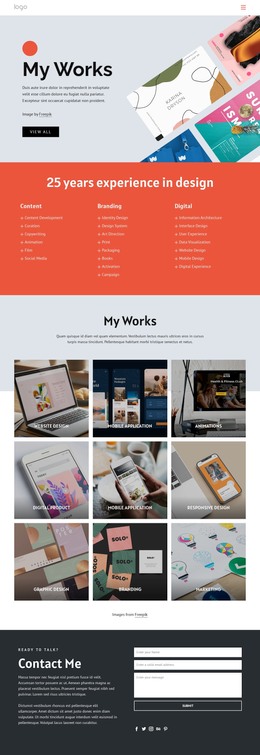
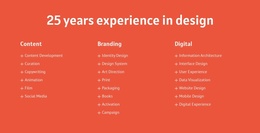
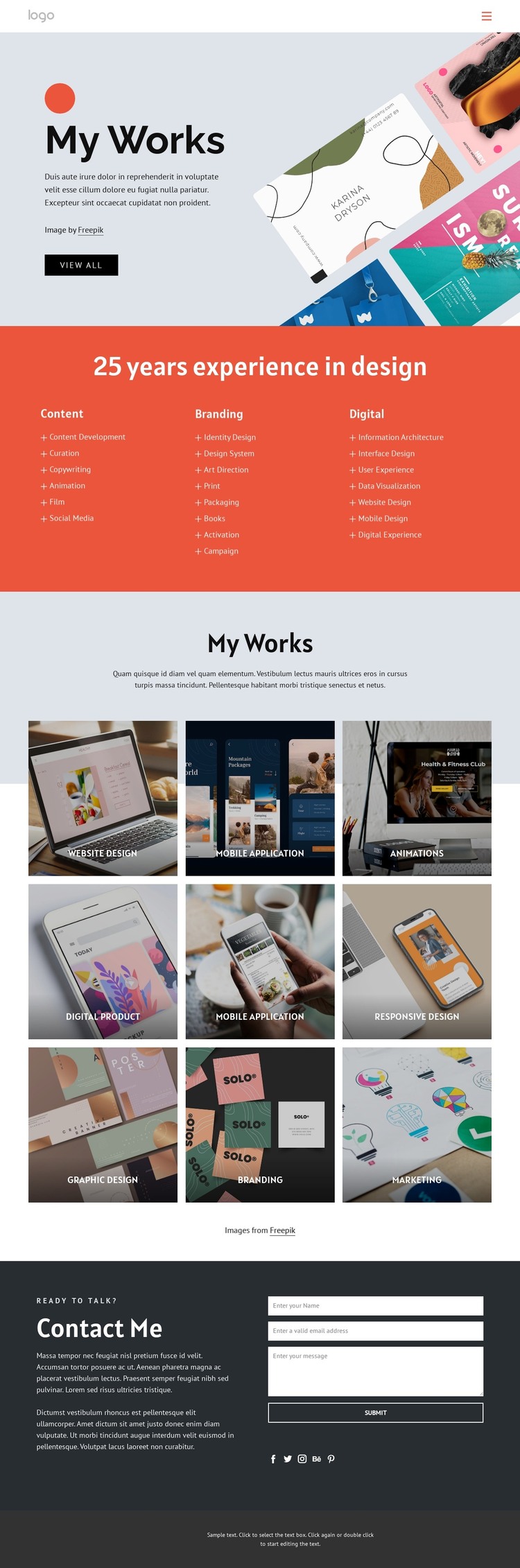
The portfolio’s content areas create a useful relationship between permanent page information and recurring project presentation. The Content, Branding, and Digital categories can frame the designer’s main service areas, while supporting labels such as copywriting, identity design, interface design, art direction, and user experience show how those broad groups can be explained through managed page content. This gives the visual design a clear editorial structure without assuming that any specific WordPress posts or categories already exist.
The nine-tile gallery provides the strongest repeated-content pattern. Website Design, Mobile Application, Animations, Digital Product, Responsive Design, Graphic Design, Branding, and Marketing are distinct subjects that can be represented through project entries or curated portfolio content while retaining a shared image-grid presentation. The labels help visitors understand the relationship between each visual example and the broader service structure, rather than treating the gallery as an anonymous collection of images.
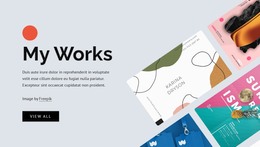
The My Works introduction and Contact Me region support the page-oriented side of the theme. The opening image and View All action can direct attention toward the work, while the closing name, email, and message fields provide a fixed inquiry area. Social links for Facebook, Twitter, Instagram, Behance, and Pinterest add connected profile content around the same visual system. This combination gives a WordPress-oriented project a clear way to separate service explanation, portfolio material, and client contact while preserving the theme’s bold graphic identity.
Customize with Nicepage
Open this ready-made template in the WordPress Website Builder and customize it visually in the Nicepage editor. Replace demo content, edit page sections, and adapt the design to your project without rebuilding the template from scratch.
Manage and Edit This Theme in WordPress
Customize and Install the WordPress Theme
Start with this ready-made theme instead of building the WordPress design from scratch. Customize its layout, content, typography, images, sections, and other design elements visually in Nicepage editor, then export and install the WordPress Theme, Plugin, and Pages on your WordPress site. The Nicepage WordPress Plugin lets you continue working with the site after installation.
Edit the Theme Directly in WordPress
After installation, you can edit the WordPress Theme directly in WordPress with the Nicepage WordPress Plugin. Use Site Style to customize site Colors, Fonts, Header, Footer, Blog, and Post Page Templates while working within your WordPress website.
Edit WordPress Pages Visually
Use the Nicepage WordPress Plugin to edit page content directly from the WordPress admin area. Open a WordPress Page with Nicepage and visually change its text, images, sections, and other page elements while continuing to manage the Page through WordPress.
WordPress Content and Theme Integration
Use the customized theme with WordPress Pages, Posts, Blog and Post Templates, menus, widgets, and other CMS-managed content. Shared theme elements such as Colors, Fonts, Header, Footer, Blog, and Post Page Templates can be managed as part of the overall site design, while WordPress provides the CMS environment for managing site content.
This workflow combines a ready-made WordPress Theme with visual customization, direct theme editing in WordPress, and continued content management through the Nicepage WordPress Plugin.