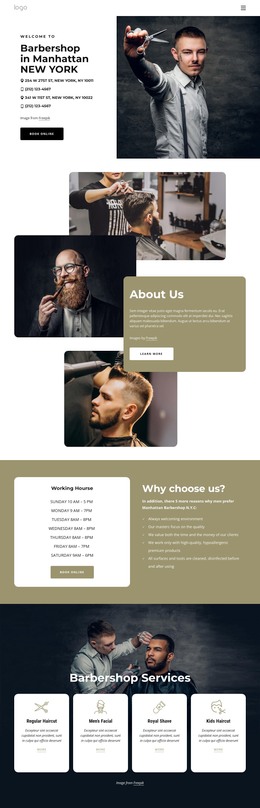
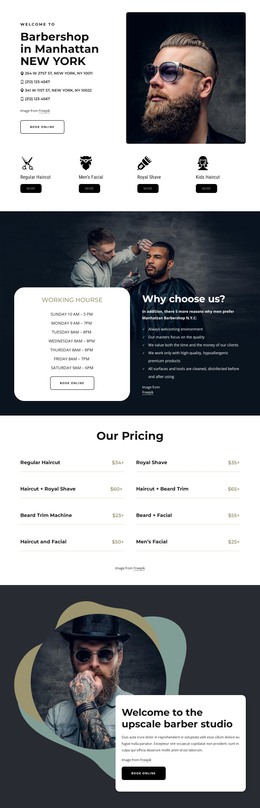
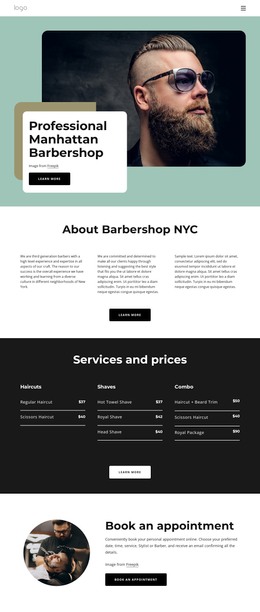
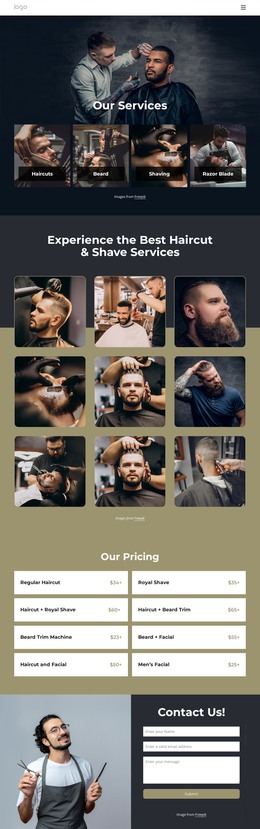
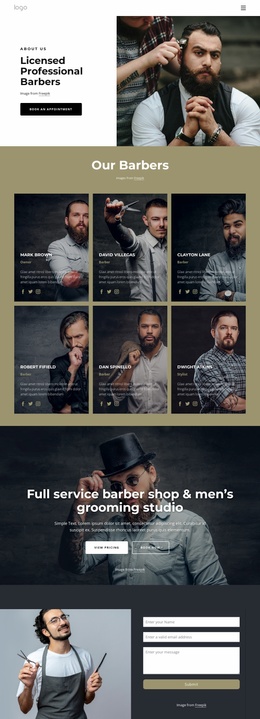
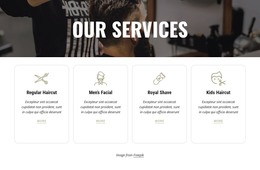
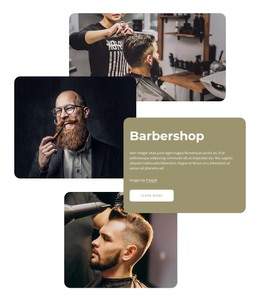
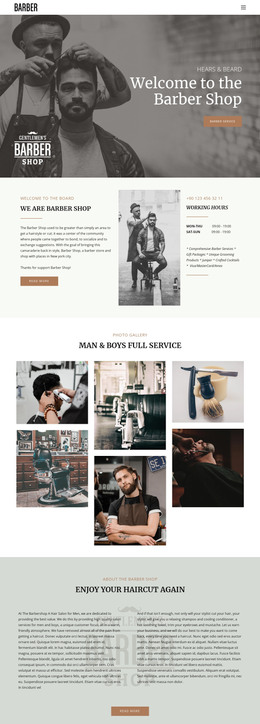
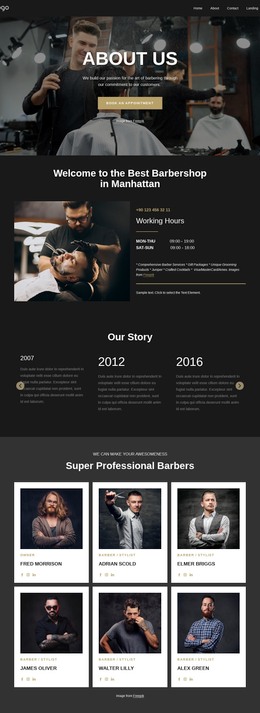
Mens haircut and beard trim WordPress Theme


The Portrait and Quote Card Create Stable Page Content
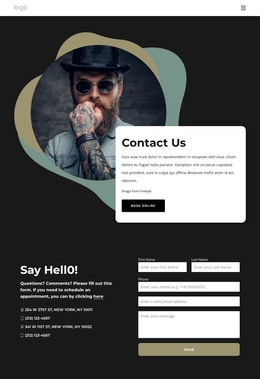
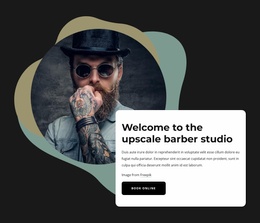
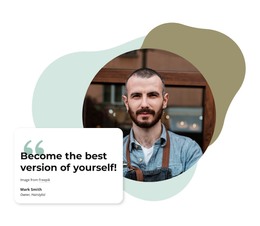
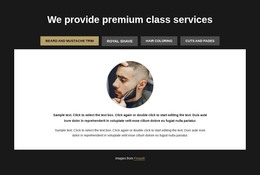
The circular portrait, quoted statement, and person-and-role attribution form a stable content unit that can sit naturally on a WordPress-managed page. The portrait gives the recommendation a clear human focus, while the rounded white card places the message in a readable foreground layer. Two organic shapes remain behind the image as visual framing, adding character without introducing another testimonial, navigation element, or interactive control.
This arrangement is suited to permanent page content because its purpose is direct and self-contained. A services or beauty-related page could use the section to present one recommendation after visitors have encountered the main offering, while the surrounding WordPress project handles other content areas separately. The bold quote heading establishes the primary reading point, and the smaller attribution line connects the statement to the displayed speaker and role without overwhelming the composition.
The block can therefore participate as a reusable testimonial section within a broader WordPress site rather than functioning as a complete theme. Its static layout keeps the quote visible, and the overlap between card and portrait gives the page a recognizable proof area. Other content can be managed around it while this section preserves its focused image, quotation, attribution, and decorative frame.
Customize with Nicepage
Open this ready-made template in the WordPress Website Builder and customize it visually in the Nicepage editor. Replace demo content, edit page sections, and adapt the design to your project without rebuilding the template from scratch.
Edit Template Offline
2. Create a new page or select existing
3. Click Add new block, search for id 2480985 and click enter
Edit Template Online
Create Awesome Websites


Free Nicepage Builder
Keywords
Manage and Edit This Theme in WordPress
Customize and Install the WordPress Theme
Start with this ready-made theme instead of building the WordPress design from scratch. Customize its layout, content, typography, images, sections, and other design elements visually in Nicepage editor, then export and install the WordPress Theme, Plugin, and Pages on your WordPress site. The Nicepage WordPress Plugin lets you continue working with the site after installation.
Edit the Theme Directly in WordPress
After installation, you can edit the WordPress Theme directly in WordPress with the Nicepage WordPress Plugin. Use Site Style to customize site Colors, Fonts, Header, Footer, Blog, and Post Page Templates while working within your WordPress website.
Edit WordPress Pages Visually
Use the Nicepage WordPress Plugin to edit page content directly from the WordPress admin area. Open a WordPress Page with Nicepage and visually change its text, images, sections, and other page elements while continuing to manage the Page through WordPress.
WordPress Content and Theme Integration
Use the customized theme with WordPress Pages, Posts, Blog and Post Templates, menus, widgets, and other CMS-managed content. Shared theme elements such as Colors, Fonts, Header, Footer, Blog, and Post Page Templates can be managed as part of the overall site design, while WordPress provides the CMS environment for managing site content.
This workflow combines a ready-made WordPress Theme with visual customization, direct theme editing in WordPress, and continued content management through the Nicepage WordPress Plugin.