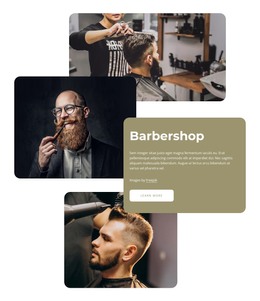
About Manhattan barbershop WordPress Theme


Edit Template Offline
2. Create new page and search for id 4814341
Edit Template Online
Create Awesome Websites


Free Nicepage Builder
Keywords
Service Content and Repeated Site Areas Suit a WordPress Theme
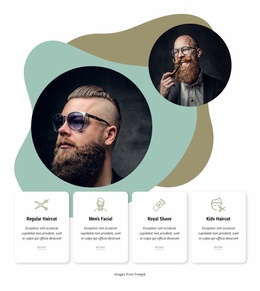
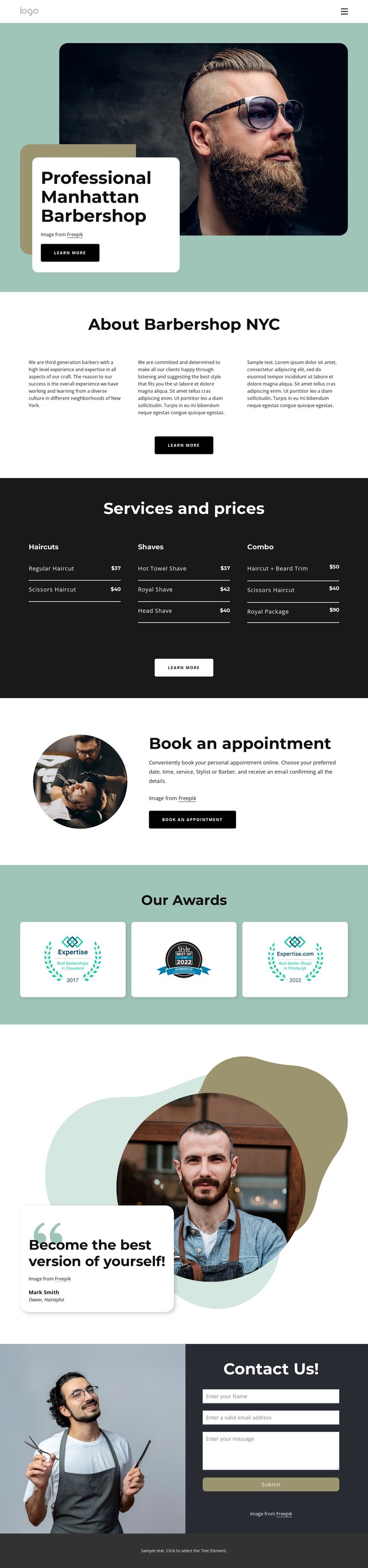
The page separates permanent business information into recognizable areas that can work well within a WordPress-managed content environment. The navigation points visitors toward Home, Our Team, and Gallery, while the About section uses three peer text blocks to explain the barbershop without merging its story with the service list. This page-oriented content can remain distinct from the visual treatment supplied by the hero, overlapping card, and layered shapes.
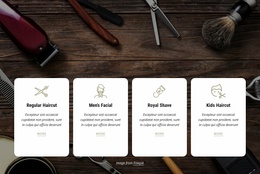
The pricing section gives the theme a strong content relationship to preserve. Haircuts, Shaves, and Combo act as clear service groupings, and their named offerings and displayed dollar prices create a structured reference area for customers. The appointment promotion then connects those services to a booking action, while the awards section supplies three repeated image tiles for recognition. These areas can continue as coordinated page content rather than being treated as unrelated design fragments.
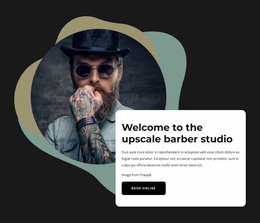
The portrait-led statement introduces an owner or feature perspective, and the closing Contact Us section provides a separate inquiry area with barber photography, a dark panel, form fields, and a Submit action. That combination is useful for a WordPress theme because permanent page content, repeated visual groups, and customer communication all have distinct roles in the same design system. The result is a theme interpretation centered on managing and extending barbershop content while retaining the established visual character.
Customize with Nicepage
Open this ready-made template in the WordPress Website Builder and customize it visually in the Nicepage editor. Replace demo content, edit page sections, and adapt the design to your project without rebuilding the template from scratch.
Manage and Edit This Theme in WordPress
Customize and Install the WordPress Theme
Start with this ready-made theme instead of building the WordPress design from scratch. Customize its layout, content, typography, images, sections, and other design elements visually in Nicepage editor, then export and install the WordPress Theme, Plugin, and Pages on your WordPress site. The Nicepage WordPress Plugin lets you continue working with the site after installation.
Edit the Theme Directly in WordPress
After installation, you can edit the WordPress Theme directly in WordPress with the Nicepage WordPress Plugin. Use Site Style to customize site Colors, Fonts, Header, Footer, Blog, and Post Page Templates while working within your WordPress website.
Edit WordPress Pages Visually
Use the Nicepage WordPress Plugin to edit page content directly from the WordPress admin area. Open a WordPress Page with Nicepage and visually change its text, images, sections, and other page elements while continuing to manage the Page through WordPress.
WordPress Content and Theme Integration
Use the customized theme with WordPress Pages, Posts, Blog and Post Templates, menus, widgets, and other CMS-managed content. Shared theme elements such as Colors, Fonts, Header, Footer, Blog, and Post Page Templates can be managed as part of the overall site design, while WordPress provides the CMS environment for managing site content.
This workflow combines a ready-made WordPress Theme with visual customization, direct theme editing in WordPress, and continued content management through the Nicepage WordPress Plugin.