The best deals in this season WordPress Theme


Seasonal Product Cards Fit a Stable WordPress Page Content Area
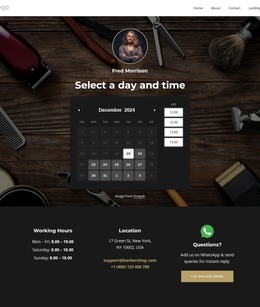
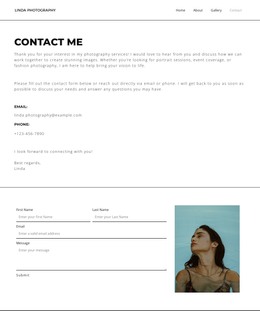
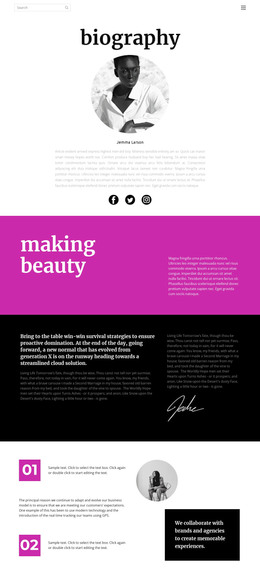
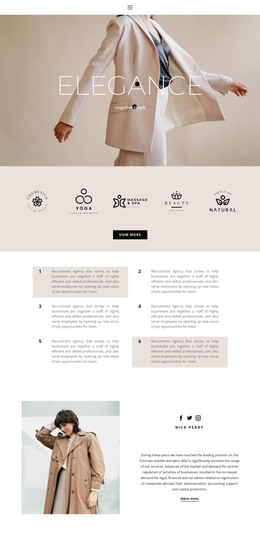
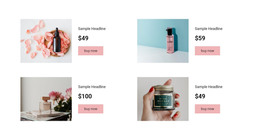
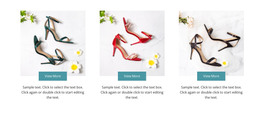
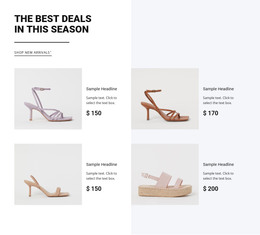
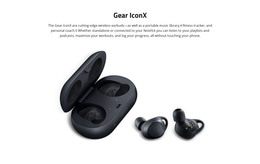
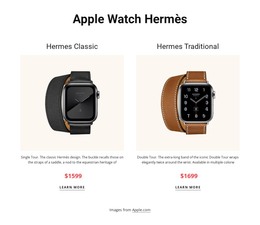
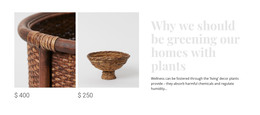
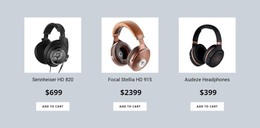
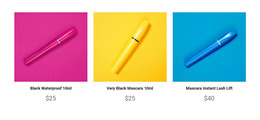
The heading and shopping link make this section read as durable retail content rather than a temporary navigation control. “The best deals in this season” introduces the offer, the divider marks its boundary, and “Shop new arrivals” points toward a related product destination. Four repeated presentations then provide the supporting catalogue view, with each item combining an image, title, description, and price in a consistent two-column, two-row arrangement.
In a WordPress-managed page, this block can serve as a stable seasonal or product-focused content region while the wider project handles other pages and publishing needs. The section’s content model is clear enough to preserve its visual identity when the demo product names, descriptions, and sample prices are replaced with final retail information. The preview’s footwear imagery, including heeled and platform sandals, offers a fashion direction, but the reusable page role comes from the repeated product structure and shopping link.
The light background areas and strong black typography help the block remain recognizable when placed beside other page content. Related WordPress-managed sections can provide product details, editorial information, or contact paths around it, while this block continues to present a compact group of seasonal offers. It participates in the broader theme and page structure without becoming the entire theme or website itself.
Customize with Nicepage
Open this ready-made template in the WordPress Website Builder and customize it visually in the Nicepage editor. Replace demo content, edit page sections, and adapt the design to your project without rebuilding the template from scratch.
Edit Template Offline
2. Create a new page or select existing
3. Click Add new block, search for id 89468 and click enter
Edit Template Online
Create Awesome Websites


Free Nicepage Builder
Keywords
Manage and Edit This Theme in WordPress
Customize and Install the WordPress Theme
Start with this ready-made theme instead of building the WordPress design from scratch. Customize its layout, content, typography, images, sections, and other design elements visually in Nicepage editor, then export and install the WordPress Theme, Plugin, and Pages on your WordPress site. The Nicepage WordPress Plugin lets you continue working with the site after installation.
Edit the Theme Directly in WordPress
After installation, you can edit the WordPress Theme directly in WordPress with the Nicepage WordPress Plugin. Use Site Style to customize site Colors, Fonts, Header, Footer, Blog, and Post Page Templates while working within your WordPress website.
Edit WordPress Pages Visually
Use the Nicepage WordPress Plugin to edit page content directly from the WordPress admin area. Open a WordPress Page with Nicepage and visually change its text, images, sections, and other page elements while continuing to manage the Page through WordPress.
WordPress Content and Theme Integration
Use the customized theme with WordPress Pages, Posts, Blog and Post Templates, menus, widgets, and other CMS-managed content. Shared theme elements such as Colors, Fonts, Header, Footer, Blog, and Post Page Templates can be managed as part of the overall site design, while WordPress provides the CMS environment for managing site content.
This workflow combines a ready-made WordPress Theme with visual customization, direct theme editing in WordPress, and continued content management through the Nicepage WordPress Plugin.