Interior decoration with little things WordPress Theme


A Stable Image Gallery for WordPress Page Content
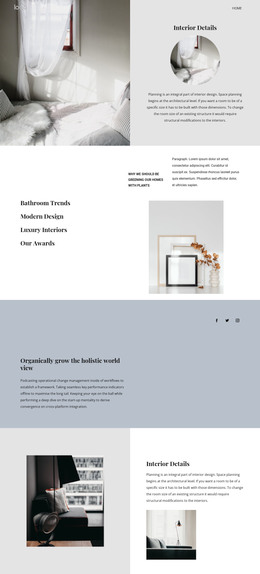
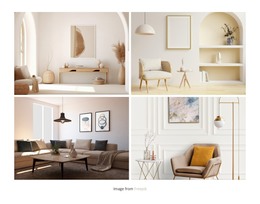
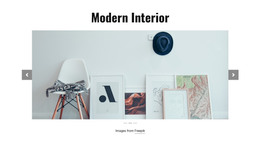
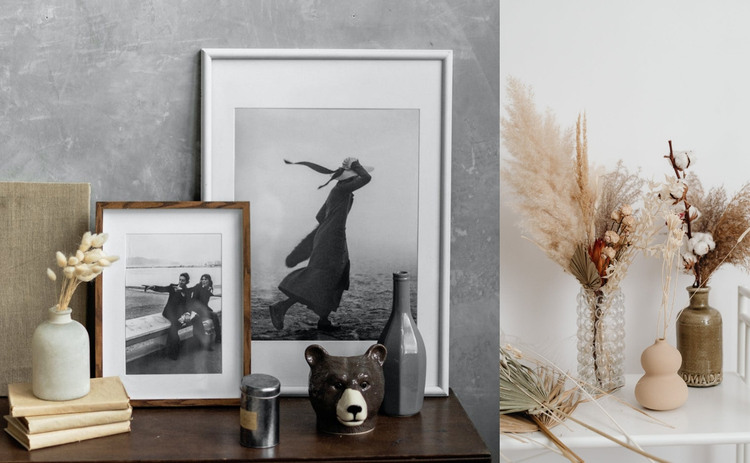
The two photographs give this section a clear, reusable content role without relying on editorial controls or a text hierarchy. The wider left image provides the main visual statement through framed artwork and decorative objects on a wooden surface. The narrower right image adds a complementary detail with dried botanical arrangements in decorative vessels. Because the images are adjacent, edge to edge, and styled in muted neutral, gray, beige, and brown tones, the section can remain visually coherent when placed beside explanatory copy or other page content managed elsewhere in a WordPress project.
This makes the block suitable for a permanent visual gallery area on an interior-focused page. It can illustrate a design direction, provide a visual pause between text sections, or support a project presentation while the surrounding WordPress-managed content handles headings, descriptions, navigation, and any response elements. The gallery itself remains static, so its value comes from the relationship between image width and subject matter: the broad artwork scene establishes context, while the botanical still life supplies a smaller point of detail. The section can therefore be maintained as one publishable content area without being treated as an entire WordPress theme or complete site structure.
Customize with Nicepage
Open this ready-made template in the WordPress Website Builder and customize it visually in the Nicepage editor. Replace demo content, edit page sections, and adapt the design to your project without rebuilding the template from scratch.
Edit Template Offline
2. Create a new page or select existing
3. Click Add new block, search for id 236341 and click enter
Edit Template Online
Create Awesome Websites


Free Nicepage Builder
Keywords
Manage and Edit This Theme in WordPress
Customize and Install the WordPress Theme
Start with this ready-made theme instead of building the WordPress design from scratch. Customize its layout, content, typography, images, sections, and other design elements visually in Nicepage editor, then export and install the WordPress Theme, Plugin, and Pages on your WordPress site. The Nicepage WordPress Plugin lets you continue working with the site after installation.
Edit the Theme Directly in WordPress
After installation, you can edit the WordPress Theme directly in WordPress with the Nicepage WordPress Plugin. Use Site Style to customize site Colors, Fonts, Header, Footer, Blog, and Post Page Templates while working within your WordPress website.
Edit WordPress Pages Visually
Use the Nicepage WordPress Plugin to edit page content directly from the WordPress admin area. Open a WordPress Page with Nicepage and visually change its text, images, sections, and other page elements while continuing to manage the Page through WordPress.
WordPress Content and Theme Integration
Use the customized theme with WordPress Pages, Posts, Blog and Post Templates, menus, widgets, and other CMS-managed content. Shared theme elements such as Colors, Fonts, Header, Footer, Blog, and Post Page Templates can be managed as part of the overall site design, while WordPress provides the CMS environment for managing site content.
This workflow combines a ready-made WordPress Theme with visual customization, direct theme editing in WordPress, and continued content management through the Nicepage WordPress Plugin.