Decorate your home WordPress Theme


Edit Template Offline
2. Create new page and search for id 1180349
Edit Template Online
Create Awesome Websites


Free Nicepage Builder
Keywords
Service, portfolio, and editorial areas give WordPress content clear roles
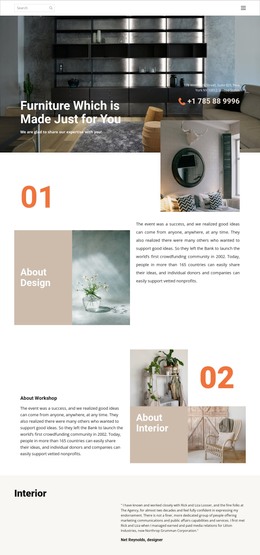
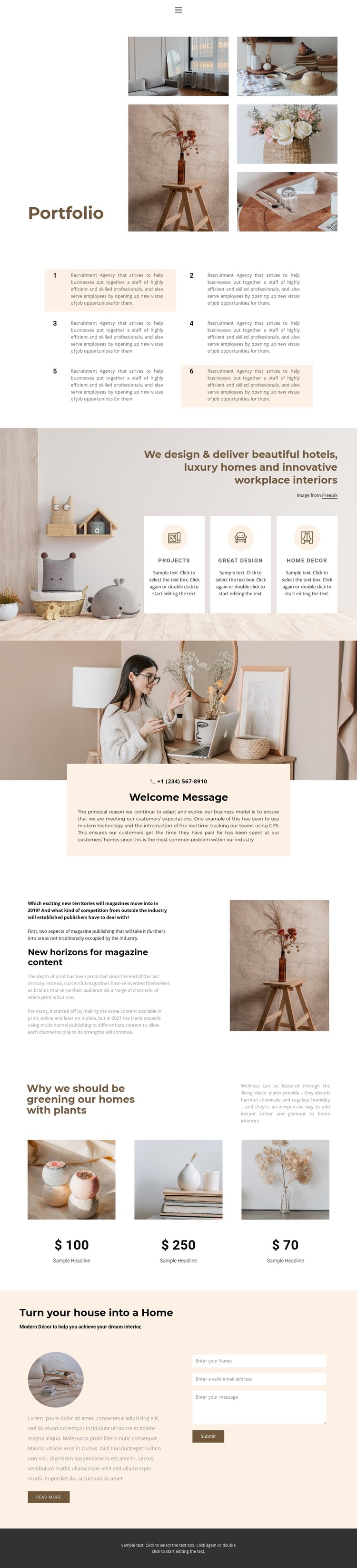
The Portfolio collage provides a natural permanent page area for presenting interior and decor work, while the statement about hotels, luxury homes, and innovative workplace interiors can introduce the service direction. Six numbered cards offer a repeated content pattern for concise information, and the three feature cards separate Projects, Great design, and Home Decor into recognizable topics. This division helps a WordPress-managed design keep different kinds of page content visually related without treating every section as one undifferentiated text block.
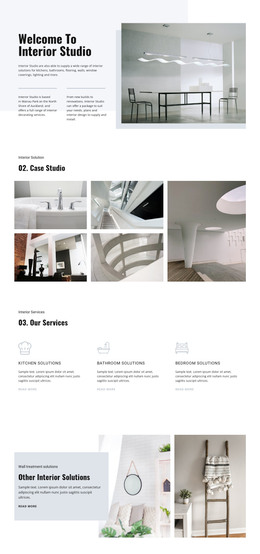
The supporting content creates additional opportunities for ongoing or page-based publishing without claiming that blog posts already exist in the template. The welcome panel can carry introductory studio information and a phone contact link; the split section can frame magazine or editorial material; and the three plant-focused image cards can present decor highlights in a repeatable visual format. The final home decor area brings these themes back to direct communication through its image, Read more action, and inquiry form. In a WordPress project, permanent pages and later editorial content could therefore share the same visual direction while retaining distinct roles. The dark footer and minimal navigation provide common site elements that help connect those content areas as the project expands.
Customize with Nicepage
Open this ready-made template in the WordPress Website Builder and customize it visually in the Nicepage editor. Replace demo content, edit page sections, and adapt the design to your project without rebuilding the template from scratch.
Manage and Edit This Theme in WordPress
Customize and Install the WordPress Theme
Start with this ready-made theme instead of building the WordPress design from scratch. Customize its layout, content, typography, images, sections, and other design elements visually in Nicepage editor, then export and install the WordPress Theme, Plugin, and Pages on your WordPress site. The Nicepage WordPress Plugin lets you continue working with the site after installation.
Edit the Theme Directly in WordPress
After installation, you can edit the WordPress Theme directly in WordPress with the Nicepage WordPress Plugin. Use Site Style to customize site Colors, Fonts, Header, Footer, Blog, and Post Page Templates while working within your WordPress website.
Edit WordPress Pages Visually
Use the Nicepage WordPress Plugin to edit page content directly from the WordPress admin area. Open a WordPress Page with Nicepage and visually change its text, images, sections, and other page elements while continuing to manage the Page through WordPress.
WordPress Content and Theme Integration
Use the customized theme with WordPress Pages, Posts, Blog and Post Templates, menus, widgets, and other CMS-managed content. Shared theme elements such as Colors, Fonts, Header, Footer, Blog, and Post Page Templates can be managed as part of the overall site design, while WordPress provides the CMS environment for managing site content.
This workflow combines a ready-made WordPress Theme with visual customization, direct theme editing in WordPress, and continued content management through the Nicepage WordPress Plugin.