Design your home from scratch WordPress Theme


Edit Template Offline
2. Create new page and search for id 206526
Edit Template Online
Create Awesome Websites


Free Nicepage Builder
Keywords
Art For Sale cards and editorial features support page-based WordPress content
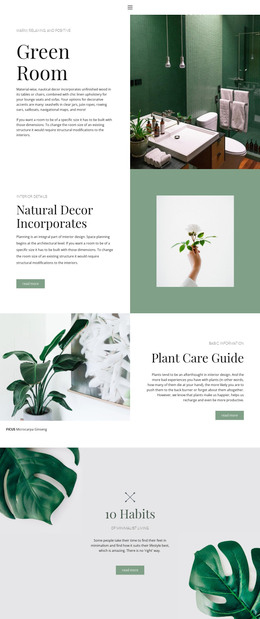
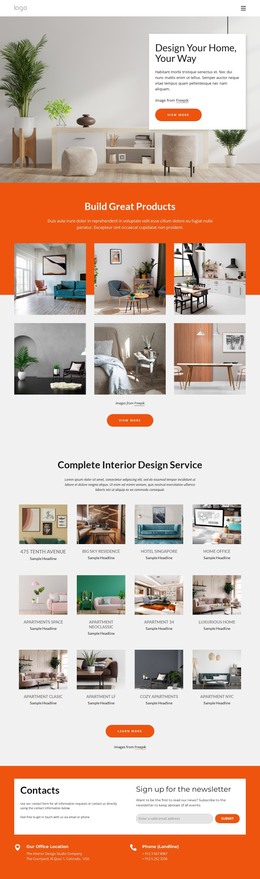
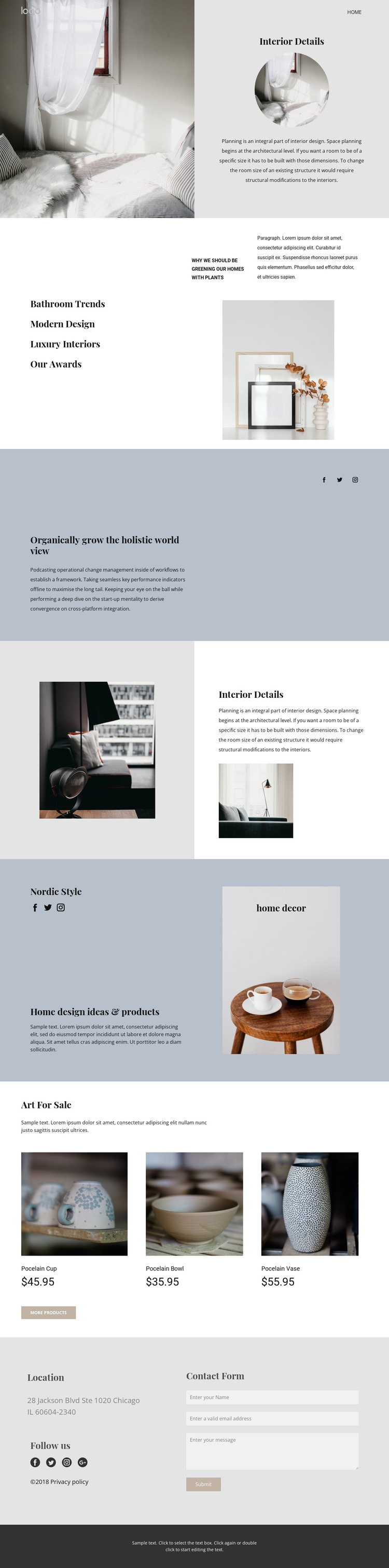
The three Art For Sale cards give the design a clear set of permanent content areas for product or featured-item presentation. Each card contains an image, a product name, a displayed price, and a purchase-oriented link, creating a repeated relationship that can be adapted to real catalog content. That structure sits within a wider page that begins with Interior Details and continues through Bathroom Trends, Modern Design, Luxury Interiors, and Our Awards.
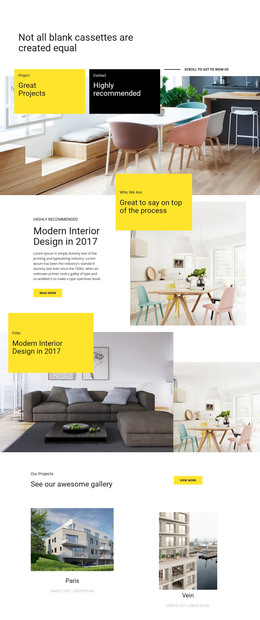
The Nordic Style feature adds a second content emphasis by combining lifestyle imagery with home design ideas and products. This makes the page suitable for a WordPress-oriented project where stable presentation content could be supported by regularly updated editorial material later, without claiming that a blog or post structure already exists in the template. Social links for Facebook, Twitter, Instagram, and the additional closing link provide another recurring site-content layer.
The contact area gives the page a practical endpoint: Location and Follow us information appear beside a contact form rather than being separated from the visual story. A WordPress Theme can preserve this relationship while its page content, product information, social destinations, and form copy are maintained for the actual website. The design therefore works best as a coordinated content environment for interior features, selected decor offerings, and direct inquiries, rather than as a generic business layout with the CMS name added afterward.
Customize with Nicepage
Open this ready-made template in the WordPress Website Builder and customize it visually in the Nicepage editor. Replace demo content, edit page sections, and adapt the design to your project without rebuilding the template from scratch.
Manage and Edit This Theme in WordPress
Customize and Install the WordPress Theme
Start with this ready-made theme instead of building the WordPress design from scratch. Customize its layout, content, typography, images, sections, and other design elements visually in Nicepage editor, then export and install the WordPress Theme, Plugin, and Pages on your WordPress site. The Nicepage WordPress Plugin lets you continue working with the site after installation.
Edit the Theme Directly in WordPress
After installation, you can edit the WordPress Theme directly in WordPress with the Nicepage WordPress Plugin. Use Site Style to customize site Colors, Fonts, Header, Footer, Blog, and Post Page Templates while working within your WordPress website.
Edit WordPress Pages Visually
Use the Nicepage WordPress Plugin to edit page content directly from the WordPress admin area. Open a WordPress Page with Nicepage and visually change its text, images, sections, and other page elements while continuing to manage the Page through WordPress.
WordPress Content and Theme Integration
Use the customized theme with WordPress Pages, Posts, Blog and Post Templates, menus, widgets, and other CMS-managed content. Shared theme elements such as Colors, Fonts, Header, Footer, Blog, and Post Page Templates can be managed as part of the overall site design, while WordPress provides the CMS environment for managing site content.
This workflow combines a ready-made WordPress Theme with visual customization, direct theme editing in WordPress, and continued content management through the Nicepage WordPress Plugin.