Cats and dogs care WordPress Theme


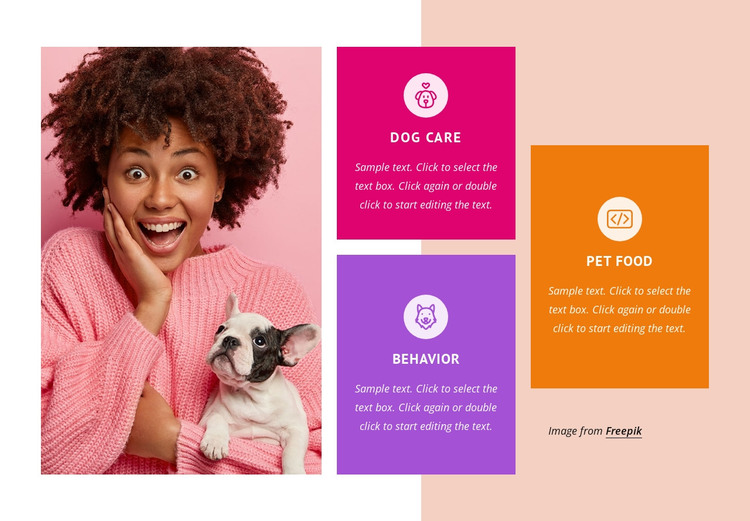
Three Stable Service Areas Fit a WordPress-Managed Page
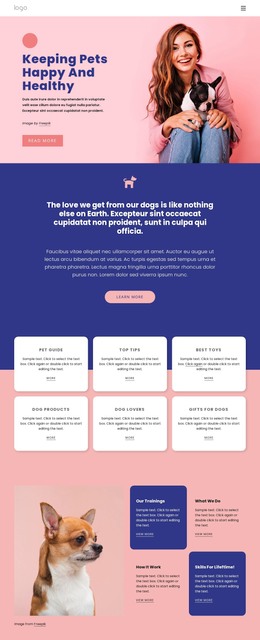
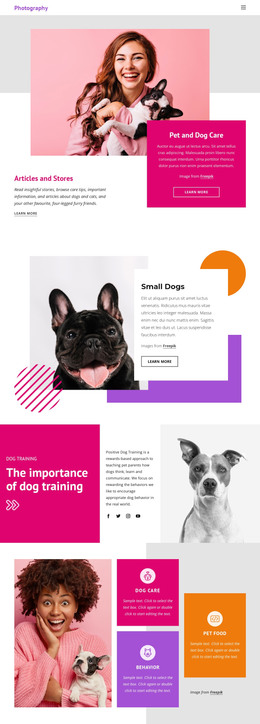
The heading-free section reads as permanent service information because its three categories are clearly named and arranged as a finished content group. Dog care and Behavior share a vertical center column, while Pet food occupies a taller right-hand card. Each area has a circular icon, a label, and descriptive text, so the block can present a stable set of pet-care offerings beside the large photograph of a person holding a dog.
In a WordPress-oriented project, this visual section can remain part of page content while the wider site manages other pages and publishing needs around it. The arrangement is especially suited to a services page or another permanent information area because the categories do not depend on a dated sequence or a changing list. The attribution area remains a local part of the right-hand card rather than a site-wide element.
The block’s visual pattern also supports content maintenance: the three service descriptions can be revised while the image, card relationships, circular icons, and color roles continue to organize the section. This interpretation concerns how the block participates in a WordPress-managed page, not a standalone theme. Other project content can provide navigation, detailed service information, testimonials, and contact actions around this reusable pet-care section.
Customize with Nicepage
Open this ready-made template in the WordPress Website Builder and customize it visually in the Nicepage editor. Replace demo content, edit page sections, and adapt the design to your project without rebuilding the template from scratch.
Edit Template Offline
2. Create a new page or select existing
3. Click Add new block, search for id 201697 and click enter
Edit Template Online
Create Awesome Websites


Free Nicepage Builder
Keywords
Manage and Edit This Theme in WordPress
Customize and Install the WordPress Theme
Start with this ready-made theme instead of building the WordPress design from scratch. Customize its layout, content, typography, images, sections, and other design elements visually in Nicepage editor, then export and install the WordPress Theme, Plugin, and Pages on your WordPress site. The Nicepage WordPress Plugin lets you continue working with the site after installation.
Edit the Theme Directly in WordPress
After installation, you can edit the WordPress Theme directly in WordPress with the Nicepage WordPress Plugin. Use Site Style to customize site Colors, Fonts, Header, Footer, Blog, and Post Page Templates while working within your WordPress website.
Edit WordPress Pages Visually
Use the Nicepage WordPress Plugin to edit page content directly from the WordPress admin area. Open a WordPress Page with Nicepage and visually change its text, images, sections, and other page elements while continuing to manage the Page through WordPress.
WordPress Content and Theme Integration
Use the customized theme with WordPress Pages, Posts, Blog and Post Templates, menus, widgets, and other CMS-managed content. Shared theme elements such as Colors, Fonts, Header, Footer, Blog, and Post Page Templates can be managed as part of the overall site design, while WordPress provides the CMS environment for managing site content.
This workflow combines a ready-made WordPress Theme with visual customization, direct theme editing in WordPress, and continued content management through the Nicepage WordPress Plugin.