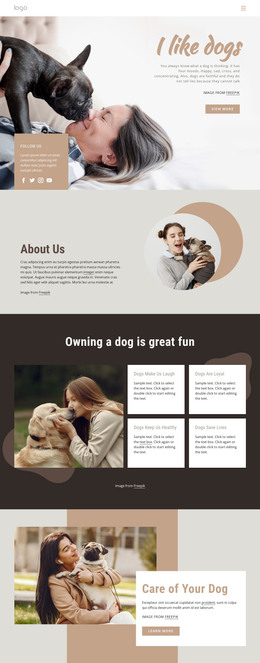
Dog care courses WordPress Theme



Edit Template Offline
2. Create new page and search for id 2466154
Edit Template Online
Create Awesome Websites


Free Nicepage Builder
Keywords
Six Course Cards Give WordPress Pages a Clear Content Starting Point
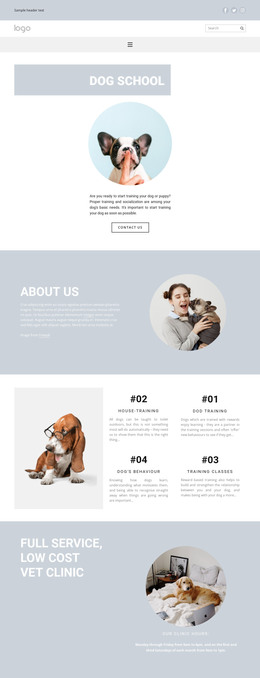
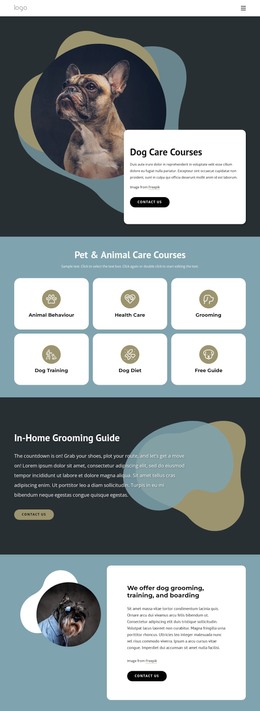
Animal Behaviour, Health Care, Grooming, Dog Training, Dog Diet, and the Free Guide form six distinct content subjects that can be represented by page-oriented WordPress content. Their shared card layout makes the relationship between the subjects immediately visible, while the different labels leave room for each area to receive its own text, imagery, or supporting information. The template therefore offers a useful visual model for organizing permanent course and guidance content without claiming that WordPress Pages or Posts already exist in the source design.
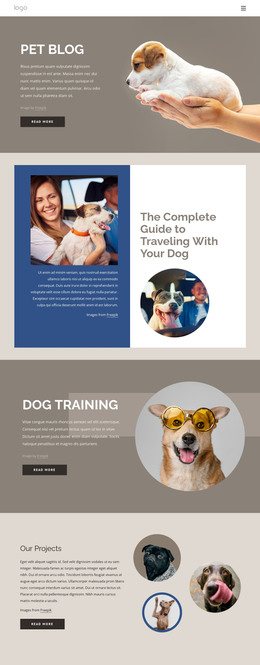
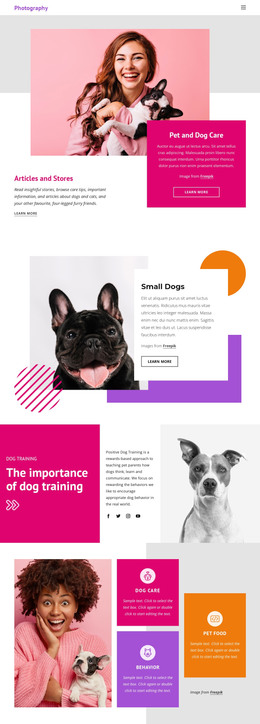
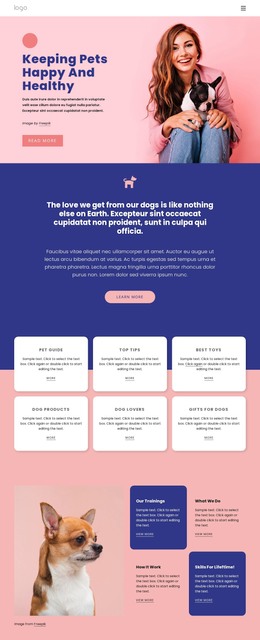
The remaining sections provide a second layer of content relationships. The in-home grooming guide and Grooming Benefits headings suggest practical educational material, while the repeated references to grooming, training, and boarding identify service-oriented content. Pet care advice and expertise, together with Behaviour, Welfare and Training, can support a broader editorial direction around responsible care. These areas could be expanded with additional managed content while retaining the template’s dark backgrounds, circular imagery, rounded white panels, and pill-shaped actions.
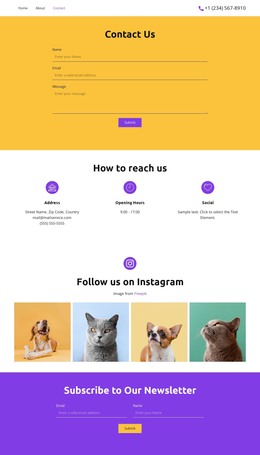
The contact form and FAQ accordion add interaction-oriented page content to the visual system. Name, email, and message inputs provide a defined inquiry area, while three questions create a compact place for answers that may change as the site develops. This combination suits a WordPress project in which stable course and service pages can coexist with updated guidance, questions, and contact information, all within the same recognizable theme direction.
Customize with Nicepage
Open this ready-made template in the WordPress Website Builder and customize it visually in the Nicepage editor. Replace demo content, edit page sections, and adapt the design to your project without rebuilding the template from scratch.
Manage and Edit This Theme in WordPress
Customize and Install the WordPress Theme
Start with this ready-made theme instead of building the WordPress design from scratch. Customize its layout, content, typography, images, sections, and other design elements visually in Nicepage editor, then export and install the WordPress Theme, Plugin, and Pages on your WordPress site. The Nicepage WordPress Plugin lets you continue working with the site after installation.
Edit the Theme Directly in WordPress
After installation, you can edit the WordPress Theme directly in WordPress with the Nicepage WordPress Plugin. Use Site Style to customize site Colors, Fonts, Header, Footer, Blog, and Post Page Templates while working within your WordPress website.
Edit WordPress Pages Visually
Use the Nicepage WordPress Plugin to edit page content directly from the WordPress admin area. Open a WordPress Page with Nicepage and visually change its text, images, sections, and other page elements while continuing to manage the Page through WordPress.
WordPress Content and Theme Integration
Use the customized theme with WordPress Pages, Posts, Blog and Post Templates, menus, widgets, and other CMS-managed content. Shared theme elements such as Colors, Fonts, Header, Footer, Blog, and Post Page Templates can be managed as part of the overall site design, while WordPress provides the CMS environment for managing site content.
This workflow combines a ready-made WordPress Theme with visual customization, direct theme editing in WordPress, and continued content management through the Nicepage WordPress Plugin.