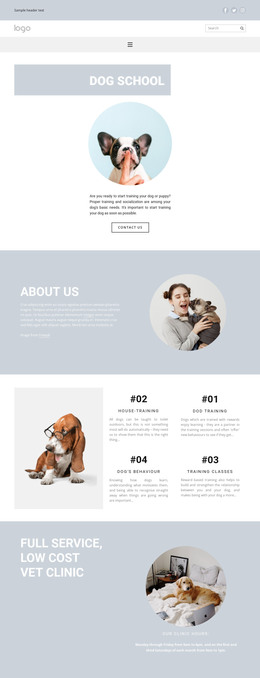
All for your pets WordPress Theme



Edit Template Offline
2. Create new page and search for id 1613044
Edit Template Online
Create Awesome Websites


Free Nicepage Builder
Keywords
Wellbeing Topics and Training Areas Map Naturally to Managed Page Content
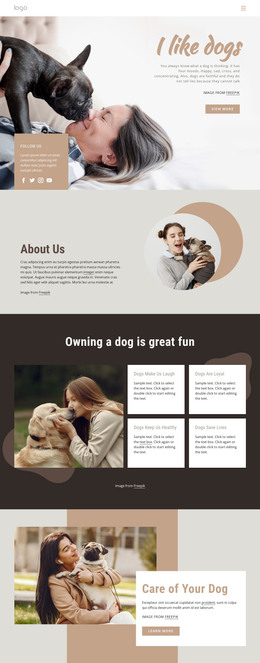
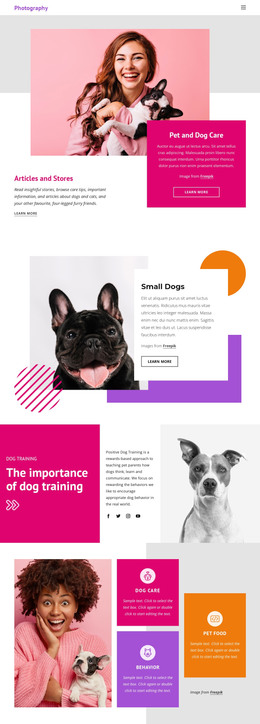
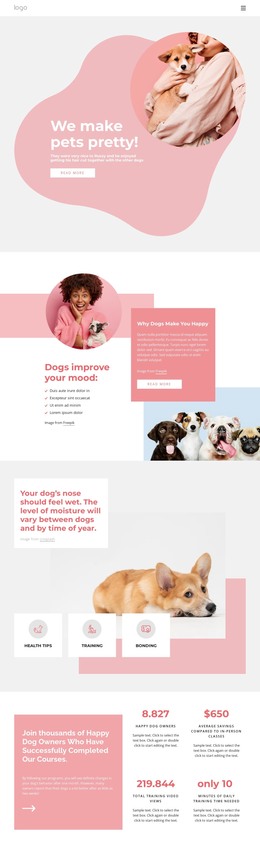
The page separates dog-related information into recognizable content areas that can be maintained within a WordPress-oriented site structure. The mood and pet ownership sections provide explanatory material, while the health feature organizes Health Tips, Training, and Bonding as a smaller topic group. These areas can remain permanent page content while their wording and images are adapted for the actual project, without assuming that blog posts or categories already exist in the template.
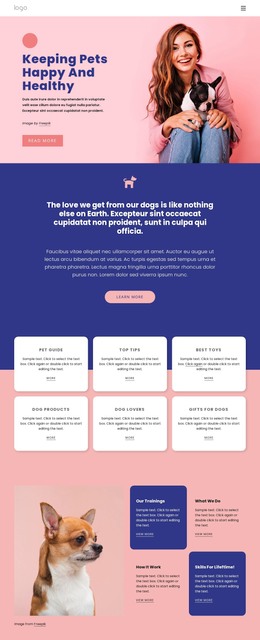
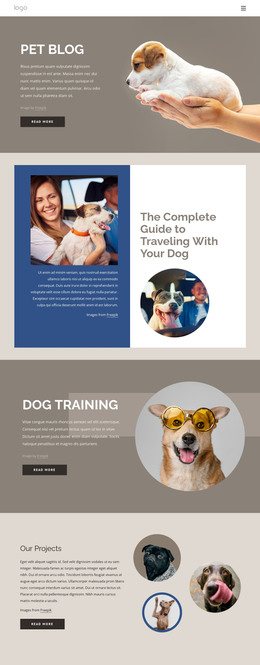
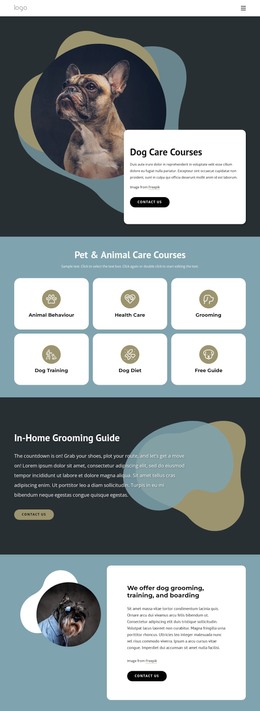
The four care categories create a second interpretation. Dog Trainings, Advanced Training, Health Checks, and Dog Tricks are repeated, clearly labeled units that could support separate content destinations or expanded program descriptions as the site grows. The dog psychology feature provides another focused content area, combining a large dog-and-owner image with a contrasting text card and a Read more action. Four displayed metric blocks add a structured place for course-related information, although the sample numbers should be replaced rather than presented as verified achievements.
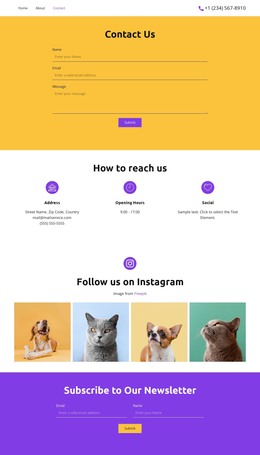
The shared header, navigation, contact information, social links, and final inquiry form give the design a site-oriented frame around those content areas. In a WordPress project, permanent pages and regularly updated material could continue within this visual system, while the contact section preserves the existing inquiry role. The theme’s value comes from the relationship between its subject-specific content groups and consistent presentation, not from claiming that WordPress Posts, categories, or other CMS structures are already present.
Customize with Nicepage
Open this ready-made template in the WordPress Website Builder and customize it visually in the Nicepage editor. Replace demo content, edit page sections, and adapt the design to your project without rebuilding the template from scratch.
Manage and Edit This Theme in WordPress
Customize and Install the WordPress Theme
Start with this ready-made theme instead of building the WordPress design from scratch. Customize its layout, content, typography, images, sections, and other design elements visually in Nicepage editor, then export and install the WordPress Theme, Plugin, and Pages on your WordPress site. The Nicepage WordPress Plugin lets you continue working with the site after installation.
Edit the Theme Directly in WordPress
After installation, you can edit the WordPress Theme directly in WordPress with the Nicepage WordPress Plugin. Use Site Style to customize site Colors, Fonts, Header, Footer, Blog, and Post Page Templates while working within your WordPress website.
Edit WordPress Pages Visually
Use the Nicepage WordPress Plugin to edit page content directly from the WordPress admin area. Open a WordPress Page with Nicepage and visually change its text, images, sections, and other page elements while continuing to manage the Page through WordPress.
WordPress Content and Theme Integration
Use the customized theme with WordPress Pages, Posts, Blog and Post Templates, menus, widgets, and other CMS-managed content. Shared theme elements such as Colors, Fonts, Header, Footer, Blog, and Post Page Templates can be managed as part of the overall site design, while WordPress provides the CMS environment for managing site content.
This workflow combines a ready-made WordPress Theme with visual customization, direct theme editing in WordPress, and continued content management through the Nicepage WordPress Plugin.