Finding your true friend pet WordPress Theme


Edit Template Offline
2. Create new page and search for id 61800
Edit Template Online
Create Awesome Websites


Free Nicepage Builder
Keywords
Permanent Pet-Care Pages Framed for Ongoing Content
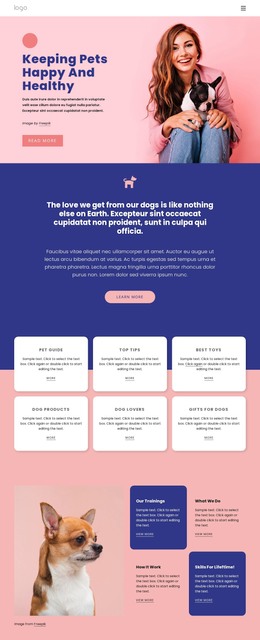
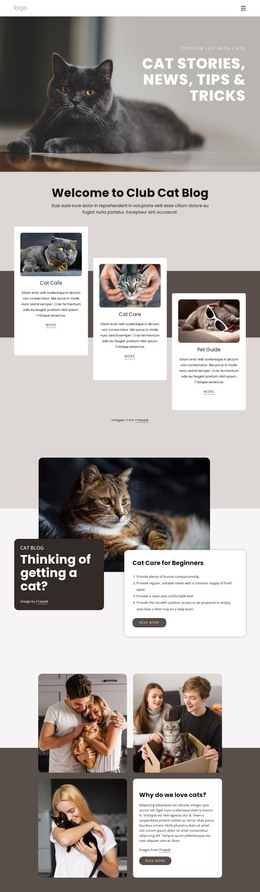
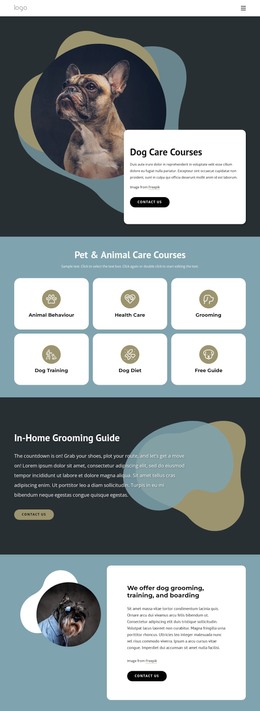
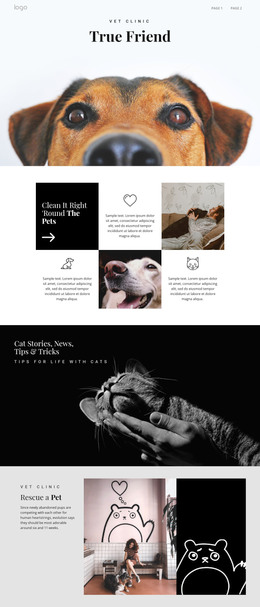
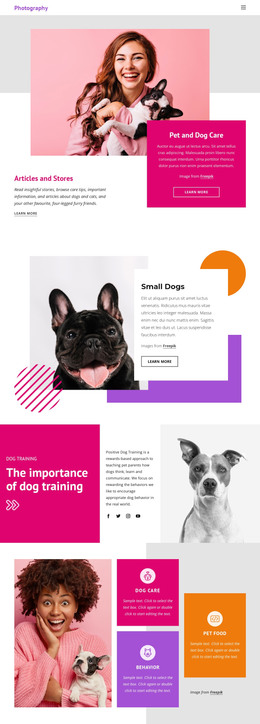
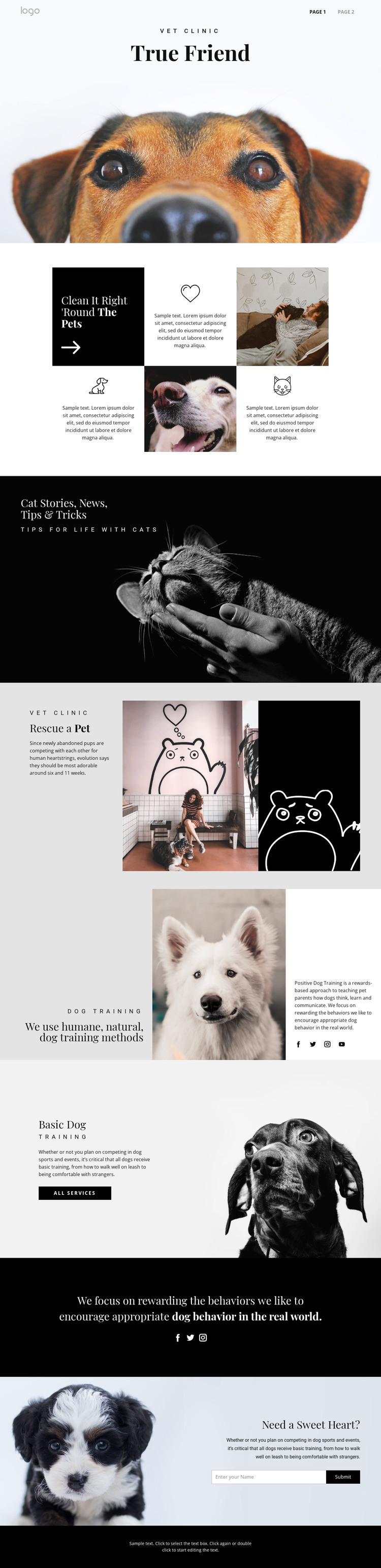
The design separates several kinds of page content that can work together in a WordPress-managed site. The veterinary clinic label, dog-care hero, and six-cell feature grid provide a stable foundation for core information, while the cat stories banner introduces a more editorial subject. That distinction matters when a project combines lasting service or care information with content that may be updated over time; the visual system can connect both without making them appear identical.
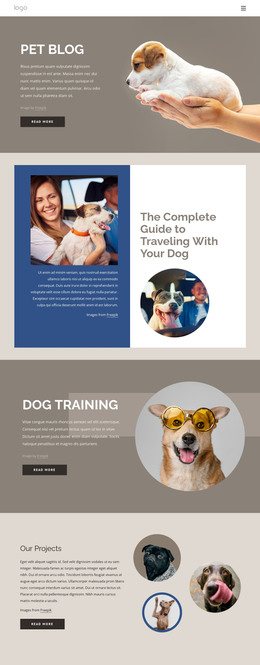
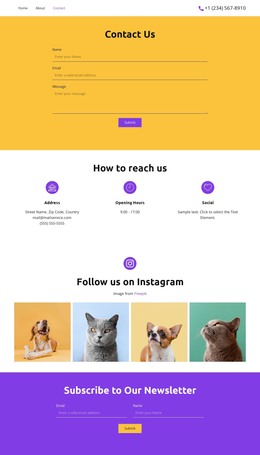
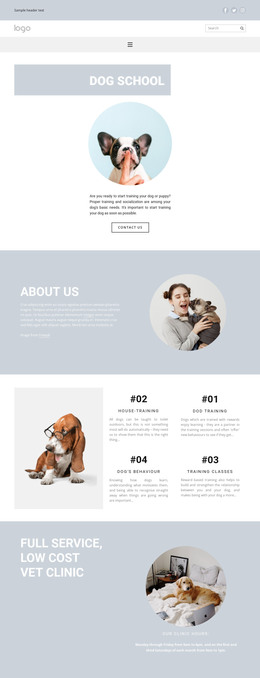
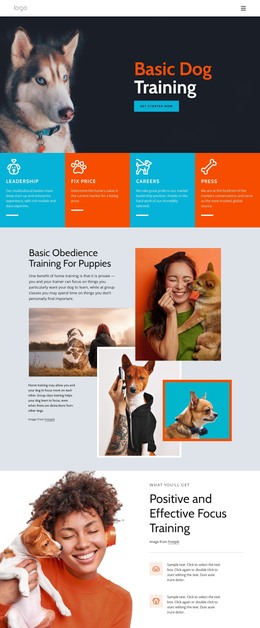
The rescue and training areas add further page-oriented content. Rescue is presented through explanatory copy, a pet photograph, and an illustrated panel, while the humane training section and Basic Dog Training block provide a practical service narrative with an “all services” action. Social links and the minimal footer act as shared supporting elements, and the final contact form gives the site a defined inquiry area. The analysis does not verify WordPress Posts, categories, blog templates, or other CMS structures already inside the template, so those should not be treated as existing components. Instead, the theme’s value lies in the clear relationship between permanent informational sections, editorial-style cat content, service presentation, and contact content. In a WordPress project, that separation can support a managed content environment while preserving the page’s pet-care visual character.
Customize with Nicepage
Open this ready-made template in the WordPress Website Builder and customize it visually in the Nicepage editor. Replace demo content, edit page sections, and adapt the design to your project without rebuilding the template from scratch.
Manage and Edit This Theme in WordPress
Customize and Install the WordPress Theme
Start with this ready-made theme instead of building the WordPress design from scratch. Customize its layout, content, typography, images, sections, and other design elements visually in Nicepage editor, then export and install the WordPress Theme, Plugin, and Pages on your WordPress site. The Nicepage WordPress Plugin lets you continue working with the site after installation.
Edit the Theme Directly in WordPress
After installation, you can edit the WordPress Theme directly in WordPress with the Nicepage WordPress Plugin. Use Site Style to customize site Colors, Fonts, Header, Footer, Blog, and Post Page Templates while working within your WordPress website.
Edit WordPress Pages Visually
Use the Nicepage WordPress Plugin to edit page content directly from the WordPress admin area. Open a WordPress Page with Nicepage and visually change its text, images, sections, and other page elements while continuing to manage the Page through WordPress.
WordPress Content and Theme Integration
Use the customized theme with WordPress Pages, Posts, Blog and Post Templates, menus, widgets, and other CMS-managed content. Shared theme elements such as Colors, Fonts, Header, Footer, Blog, and Post Page Templates can be managed as part of the overall site design, while WordPress provides the CMS environment for managing site content.
This workflow combines a ready-made WordPress Theme with visual customization, direct theme editing in WordPress, and continued content management through the Nicepage WordPress Plugin.