Cat stories, tips and tricks WordPress Theme



Edit Template Offline
2. Create new page and search for id 3444245
Edit Template Online
Create Awesome Websites


Free Nicepage Builder
Keywords
Care Stories and Topic Cards Support WordPress Content
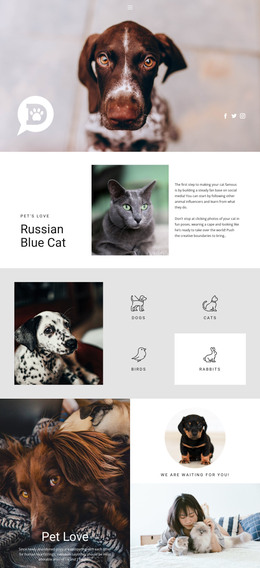
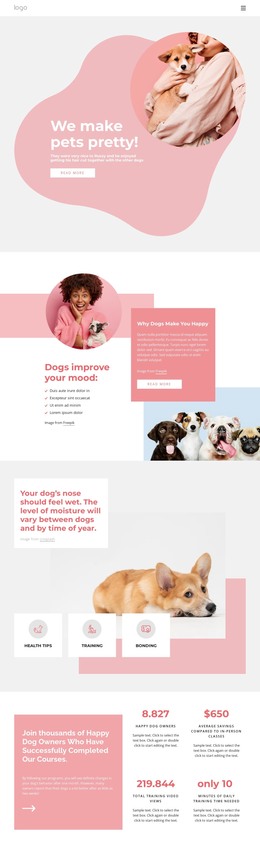
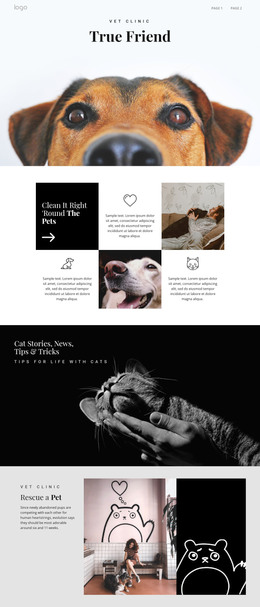
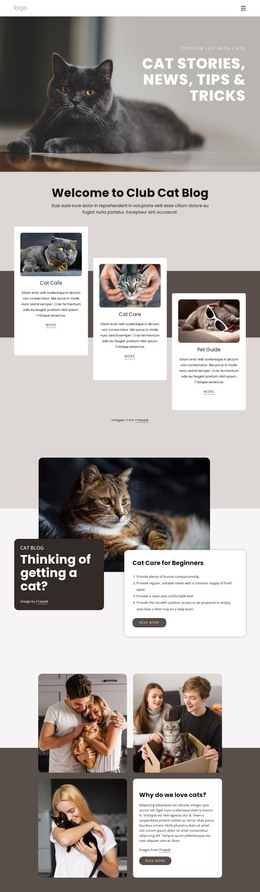
The page contains several permanent content areas that can be interpreted naturally in a WordPress-oriented project. The opening hero and welcome section establish the main editorial direction, while Cat of the Week, Cat Care, and Pet Guide provide three recognizable subject groups. The larger adoption and beginner-care sections then give the homepage featured content areas with images, short explanatory copy, and Read More actions. These relationships are useful for a site where permanent page content and regularly updated editorial material need to share one visual language.
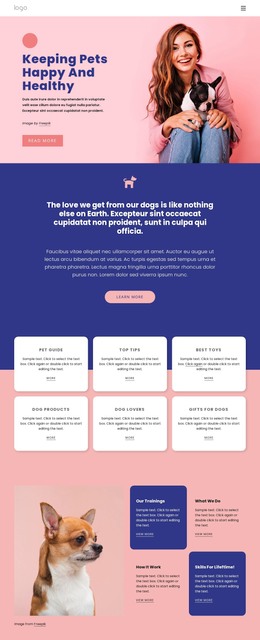
The six labeled cards add a second content layer: Pet Types, Top Tips, Best Toys, Cat Products, Cat Lovers, and Guides for Cats. Their repeated treatment is suitable for presenting related content groups while keeping each topic visually distinct. The “Keeping Pets Happy” feature adds a wellbeing angle through a compact article presentation, giving the design a further place for practical or editorial material without claiming that WordPress Posts or categories already exist in the template.
The newsletter block and Need Help panel complete the site-content interpretation. The first creates a clear subscription area for readers, and the second combines contact information with social links. In WordPress, the Nicepage WordPress Plugin can provide a bridge for working with the design environment, but the stronger theme value here is the way recurring articles, topic cards, page sections, and shared site elements can remain coordinated.
Customize with Nicepage
Open this ready-made template in the WordPress Website Builder and customize it visually in the Nicepage editor. Replace demo content, edit page sections, and adapt the design to your project without rebuilding the template from scratch.
Manage and Edit This Theme in WordPress
Customize and Install the WordPress Theme
Start with this ready-made theme instead of building the WordPress design from scratch. Customize its layout, content, typography, images, sections, and other design elements visually in Nicepage editor, then export and install the WordPress Theme, Plugin, and Pages on your WordPress site. The Nicepage WordPress Plugin lets you continue working with the site after installation.
Edit the Theme Directly in WordPress
After installation, you can edit the WordPress Theme directly in WordPress with the Nicepage WordPress Plugin. Use Site Style to customize site Colors, Fonts, Header, Footer, Blog, and Post Page Templates while working within your WordPress website.
Edit WordPress Pages Visually
Use the Nicepage WordPress Plugin to edit page content directly from the WordPress admin area. Open a WordPress Page with Nicepage and visually change its text, images, sections, and other page elements while continuing to manage the Page through WordPress.
WordPress Content and Theme Integration
Use the customized theme with WordPress Pages, Posts, Blog and Post Templates, menus, widgets, and other CMS-managed content. Shared theme elements such as Colors, Fonts, Header, Footer, Blog, and Post Page Templates can be managed as part of the overall site design, while WordPress provides the CMS environment for managing site content.
This workflow combines a ready-made WordPress Theme with visual customization, direct theme editing in WordPress, and continued content management through the Nicepage WordPress Plugin.