Pet care information WordPress Theme



Edit Template Offline
2. Create new page and search for id 3483627
Edit Template Online
Create Awesome Websites


Free Nicepage Builder
Keywords
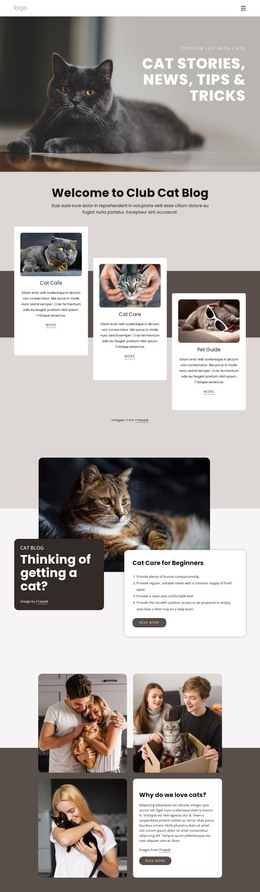
Topic Cards and Practical Sections Support Managed Pet Content
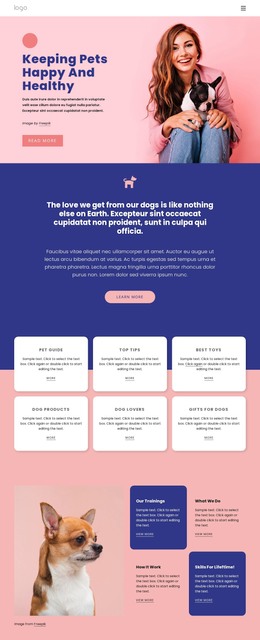
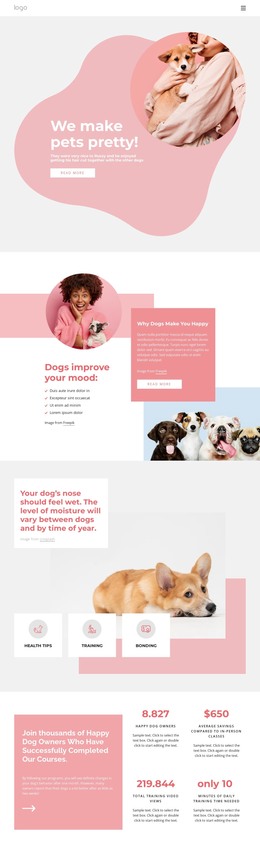
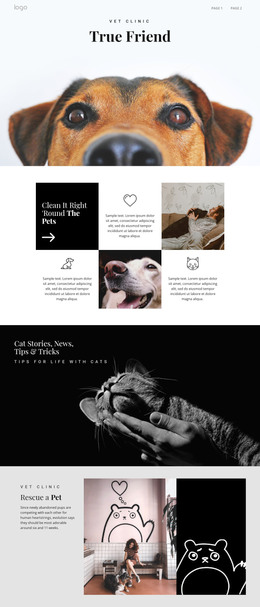
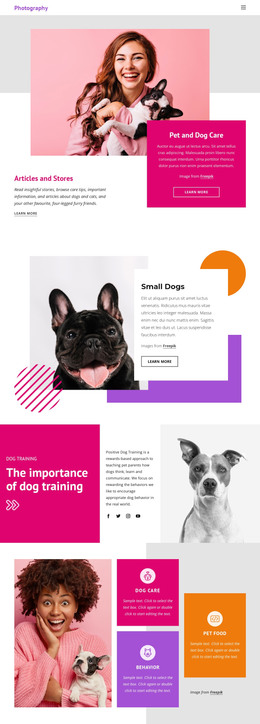
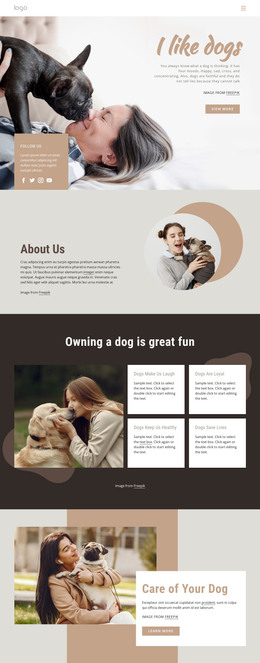
The six-card topic group gives the design a natural page-oriented content structure. Pet Guide, Top Tips, Best Toys, Dog Products, Dog Lovers, and Gifts for Dogs can be interpreted as distinct areas that readers may browse or expand, while the repeated card treatment keeps those areas visually related. The training and behavior section adds a more educational content stream, and the Homemade Food and Dog Treat Recipes topics provide practical subjects that could support regularly refreshed material.
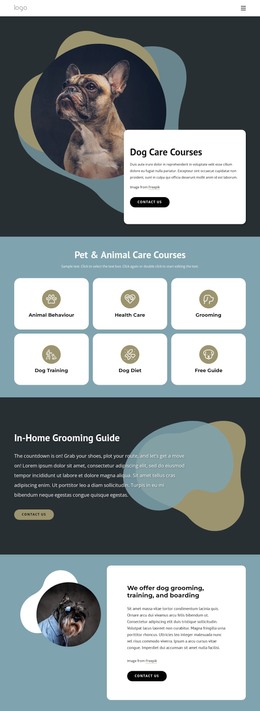
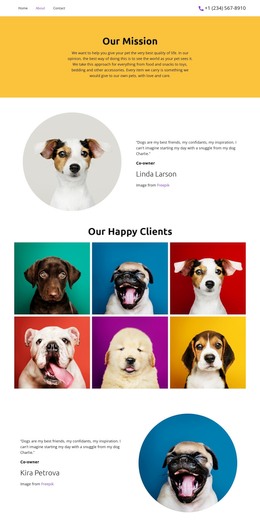
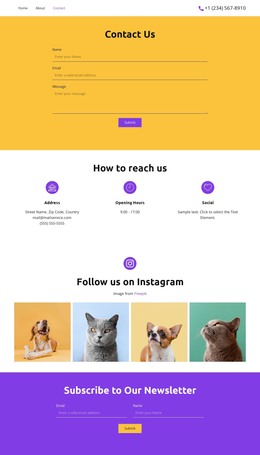
The page also contains permanent-style information that can remain part of the theme's visual direction: the dog-care introduction, the mission statement, the Interesting Facts showcase, and the Doggy Health, Walk Your Dog, and Lifestyle Tips section. The newsletter card gives the content an identifiable subscription destination, and the footer combines small link groups with social icons as a shared closing region. This interpretation concerns how the verified content areas could work within a WordPress-managed site; it does not claim that WordPress posts, categories, or blog structures are already present. A WordPress project could preserve the pink and deep-blue identity, warm pet photography, rounded headings, and card relationships while managing the page content through the CMS. The design therefore offers a coherent theme direction for both stable guidance and content that may grow over time.
Customize with Nicepage
Open this ready-made template in the WordPress Website Builder and customize it visually in the Nicepage editor. Replace demo content, edit page sections, and adapt the design to your project without rebuilding the template from scratch.
Manage and Edit This Theme in WordPress
Customize and Install the WordPress Theme
Start with this ready-made theme instead of building the WordPress design from scratch. Customize its layout, content, typography, images, sections, and other design elements visually in Nicepage editor, then export and install the WordPress Theme, Plugin, and Pages on your WordPress site. The Nicepage WordPress Plugin lets you continue working with the site after installation.
Edit the Theme Directly in WordPress
After installation, you can edit the WordPress Theme directly in WordPress with the Nicepage WordPress Plugin. Use Site Style to customize site Colors, Fonts, Header, Footer, Blog, and Post Page Templates while working within your WordPress website.
Edit WordPress Pages Visually
Use the Nicepage WordPress Plugin to edit page content directly from the WordPress admin area. Open a WordPress Page with Nicepage and visually change its text, images, sections, and other page elements while continuing to manage the Page through WordPress.
WordPress Content and Theme Integration
Use the customized theme with WordPress Pages, Posts, Blog and Post Templates, menus, widgets, and other CMS-managed content. Shared theme elements such as Colors, Fonts, Header, Footer, Blog, and Post Page Templates can be managed as part of the overall site design, while WordPress provides the CMS environment for managing site content.
This workflow combines a ready-made WordPress Theme with visual customization, direct theme editing in WordPress, and continued content management through the Nicepage WordPress Plugin.