For all of your pets WordPress Theme
Edit Template Offline
2. Create new page and search for id 6172913
Edit Template Online
Create Awesome Websites


Free Nicepage Builder
Keywords
Pet Retail Content Areas Ready for a WordPress Theme Structure
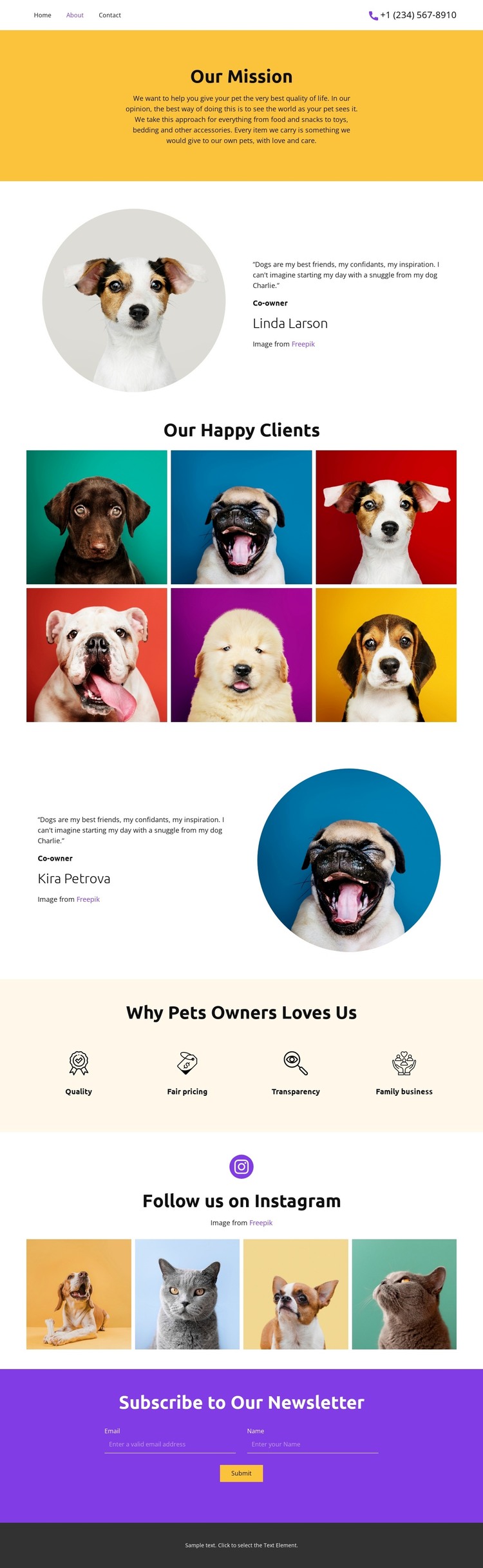
The mission statement and four value highlights create clear page-oriented content for a pet retail site. The mission explains the purpose of improving pets’ quality of life, while quality, fair pricing, transparency, and family business divide the supporting message into distinct themes. In a WordPress-managed project, these areas can guide permanent page content without claiming that WordPress pages, posts, or categories already exist in the template.
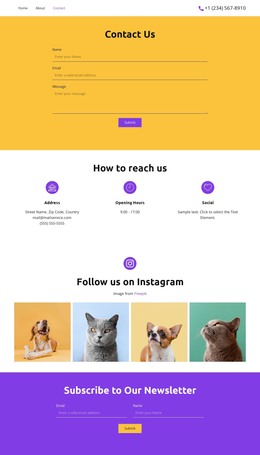
The two owner testimonial profiles and six-image pet gallery provide different types of recurring content. Portrait-based testimonials can support trust and customer experience stories, while the gallery gives pet photography a dedicated presentation area. The four-image Instagram strip adds a separate social-facing visual section, so the design can accommodate both stable brand information and content that may be refreshed as the project develops. Navigation and mobile navigation provide the visible connection between these areas.
The newsletter section adds a focused communication block at the end of the page. Its form requests a name and email address, which gives the theme a clear place for subscription content while preserving the page’s about-oriented sequence. The shared palette, centered typography, and repeated image treatments can keep these content areas visually coordinated as a WordPress project grows around the original pet retail design.
Customize with Nicepage
Open this ready-made template in the WordPress Website Builder and customize it visually in the Nicepage editor. Replace demo content, edit page sections, and adapt the design to your project without rebuilding the template from scratch.
Manage and Edit This Theme in WordPress
Customize and Install the WordPress Theme
Start with this ready-made theme instead of building the WordPress design from scratch. Customize its layout, content, typography, images, sections, and other design elements visually in Nicepage editor, then export and install the WordPress Theme, Plugin, and Pages on your WordPress site. The Nicepage WordPress Plugin lets you continue working with the site after installation.
Edit the Theme Directly in WordPress
After installation, you can edit the WordPress Theme directly in WordPress with the Nicepage WordPress Plugin. Use Site Style to customize site Colors, Fonts, Header, Footer, Blog, and Post Page Templates while working within your WordPress website.
Edit WordPress Pages Visually
Use the Nicepage WordPress Plugin to edit page content directly from the WordPress admin area. Open a WordPress Page with Nicepage and visually change its text, images, sections, and other page elements while continuing to manage the Page through WordPress.
WordPress Content and Theme Integration
Use the customized theme with WordPress Pages, Posts, Blog and Post Templates, menus, widgets, and other CMS-managed content. Shared theme elements such as Colors, Fonts, Header, Footer, Blog, and Post Page Templates can be managed as part of the overall site design, while WordPress provides the CMS environment for managing site content.
This workflow combines a ready-made WordPress Theme with visual customization, direct theme editing in WordPress, and continued content management through the Nicepage WordPress Plugin.