How to raise a dog WordPress Theme


The Heading and Portrait Create Stable WordPress Page Content
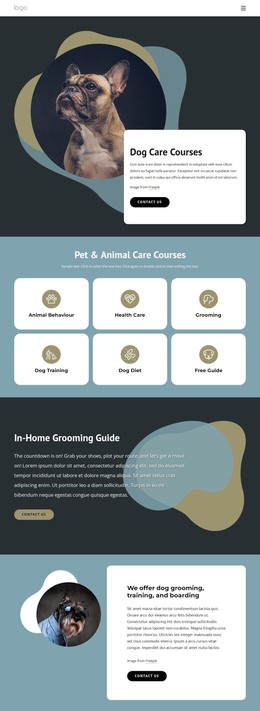
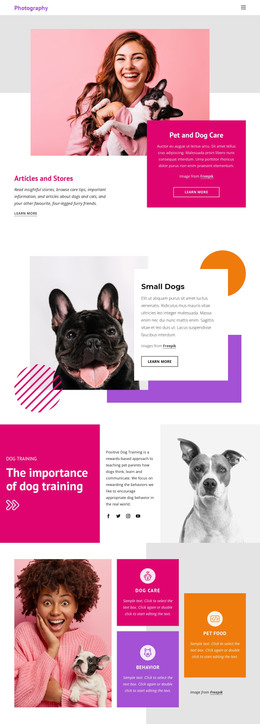
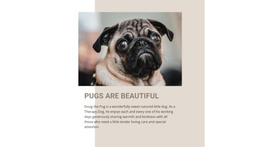
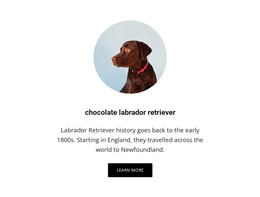
The “Dog Training” label and “The importance of dog training” heading give this section a clear page-content identity before the visitor reaches the supporting explanation. The central dog portrait separates that introductory message from the right-hand copy, creating a balanced three-column arrangement rather than a single uninterrupted text area. This structure suits a stable WordPress-managed page section where the subject and its explanation need to remain visible together.
Two paragraphs on the right describe positive, rewards-based dog training and discuss how dogs think, learn, and communicate. Their stacked arrangement gives the topic room to develop while keeping each text group easy to scan. Four social links beneath the paragraphs provide a secondary connection point without displacing the educational purpose. The white background, black typography, softly framed portrait, and strong vertical spacing support a restrained presentation that can remain consistent when the surrounding page content changes.
In a WordPress-oriented project, this block can serve as permanent introductory or about-style content for a dog-training page. The broader site can place service details, booking information, testimonials, or regularly updated material around it, while the section preserves its own subject and visual hierarchy. It can therefore participate in a WordPress-managed page without being treated as a complete theme or full site.
Customize with Nicepage
Open this ready-made template in the WordPress Website Builder and customize it visually in the Nicepage editor. Replace demo content, edit page sections, and adapt the design to your project without rebuilding the template from scratch.
Edit Template Offline
2. Create a new page or select existing
3. Click Add new block, search for id 194585 and click enter
Edit Template Online
Create Awesome Websites


Free Nicepage Builder
Keywords
Manage and Edit This Theme in WordPress
Customize and Install the WordPress Theme
Start with this ready-made theme instead of building the WordPress design from scratch. Customize its layout, content, typography, images, sections, and other design elements visually in Nicepage editor, then export and install the WordPress Theme, Plugin, and Pages on your WordPress site. The Nicepage WordPress Plugin lets you continue working with the site after installation.
Edit the Theme Directly in WordPress
After installation, you can edit the WordPress Theme directly in WordPress with the Nicepage WordPress Plugin. Use Site Style to customize site Colors, Fonts, Header, Footer, Blog, and Post Page Templates while working within your WordPress website.
Edit WordPress Pages Visually
Use the Nicepage WordPress Plugin to edit page content directly from the WordPress admin area. Open a WordPress Page with Nicepage and visually change its text, images, sections, and other page elements while continuing to manage the Page through WordPress.
WordPress Content and Theme Integration
Use the customized theme with WordPress Pages, Posts, Blog and Post Templates, menus, widgets, and other CMS-managed content. Shared theme elements such as Colors, Fonts, Header, Footer, Blog, and Post Page Templates can be managed as part of the overall site design, while WordPress provides the CMS environment for managing site content.
This workflow combines a ready-made WordPress Theme with visual customization, direct theme editing in WordPress, and continued content management through the Nicepage WordPress Plugin.