Save on all items WordPress Theme



“Save 30%” turns the block into focused WordPress page content
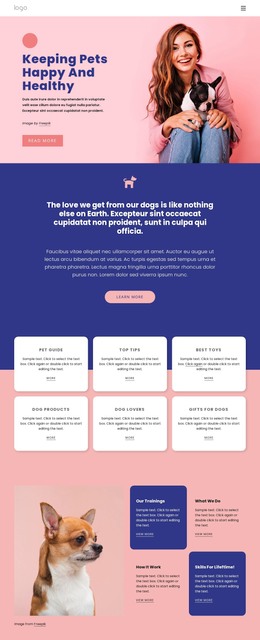
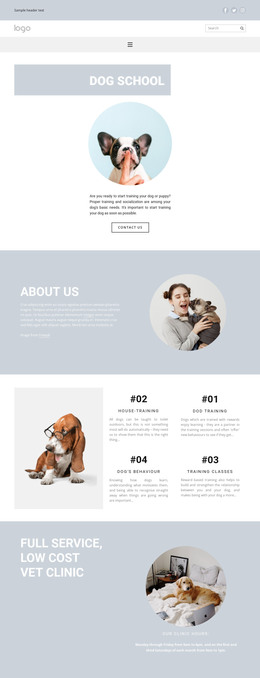
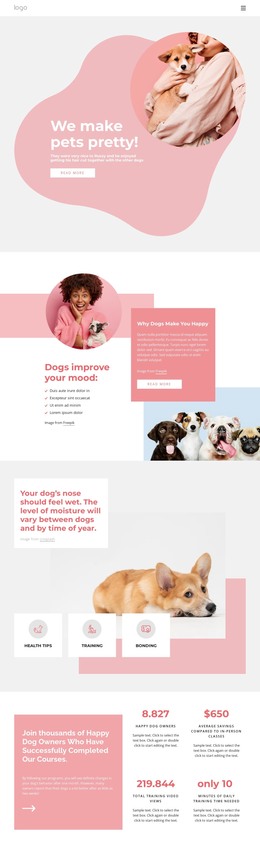
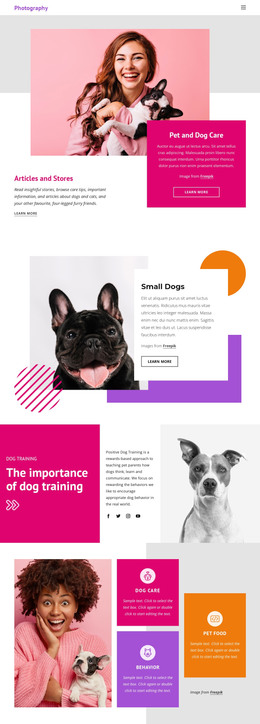
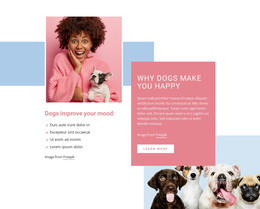
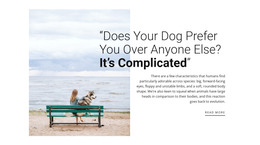
The heading “Save 30%” provides a concise content anchor for a WordPress-managed page, while the paragraph about newly abandoned pups adds the section’s supporting narrative. Rather than functioning as an entire theme, this block can remain a stable promotional area within permanent page content. The left text column carries the readable message, and the dog image on the right supplies visual emphasis without interrupting the offer’s hierarchy.
Its content is easy to understand as one self-contained page section: a promotional heading, supporting paragraph, wide background image, and image attribution line. The warm orange field separates the section from neighboring content, while the large white heading and smaller white copy create a clear typographic order. The grayscale dog wearing round glasses gives the visual presentation a specific character, making the section more distinctive than a text-only promotion. Static presentation keeps the message available without requiring interaction to reveal additional information.
Within a WordPress-oriented project, the block could sit on a services, campaign, or promotional page as reusable visual content. Other CMS-managed areas can provide navigation, detailed offer information, products, or contact options around it. This makes the section suitable for a stable page role: it introduces an offer and its theme, while the surrounding WordPress content determines what follows and how the wider site is organized.
Customize with Nicepage
Open this ready-made template in the WordPress Website Builder and customize it visually in the Nicepage editor. Replace demo content, edit page sections, and adapt the design to your project without rebuilding the template from scratch.
Edit Template Offline
2. Create a new page or select existing
3. Click Add new block, search for id 6172922 and click enter
Edit Template Online
Create Awesome Websites


Free Nicepage Builder
Keywords
Manage and Edit This Theme in WordPress
Customize and Install the WordPress Theme
Start with this ready-made theme instead of building the WordPress design from scratch. Customize its layout, content, typography, images, sections, and other design elements visually in Nicepage editor, then export and install the WordPress Theme, Plugin, and Pages on your WordPress site. The Nicepage WordPress Plugin lets you continue working with the site after installation.
Edit the Theme Directly in WordPress
After installation, you can edit the WordPress Theme directly in WordPress with the Nicepage WordPress Plugin. Use Site Style to customize site Colors, Fonts, Header, Footer, Blog, and Post Page Templates while working within your WordPress website.
Edit WordPress Pages Visually
Use the Nicepage WordPress Plugin to edit page content directly from the WordPress admin area. Open a WordPress Page with Nicepage and visually change its text, images, sections, and other page elements while continuing to manage the Page through WordPress.
WordPress Content and Theme Integration
Use the customized theme with WordPress Pages, Posts, Blog and Post Templates, menus, widgets, and other CMS-managed content. Shared theme elements such as Colors, Fonts, Header, Footer, Blog, and Post Page Templates can be managed as part of the overall site design, while WordPress provides the CMS environment for managing site content.
This workflow combines a ready-made WordPress Theme with visual customization, direct theme editing in WordPress, and continued content management through the Nicepage WordPress Plugin.