Interior nature collections WordPress Theme


Six Images Create Stable WordPress Page Content
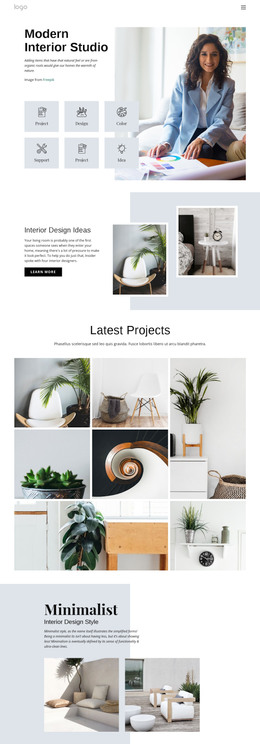
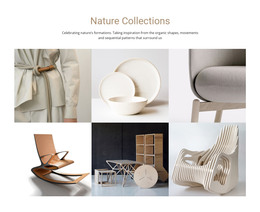
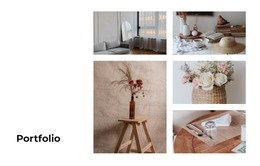
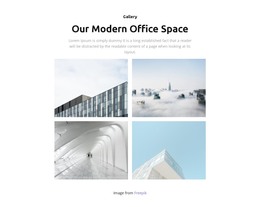
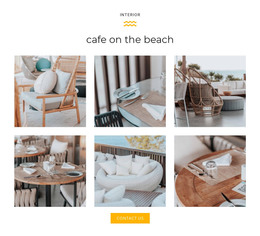
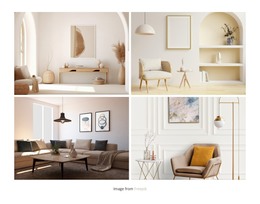
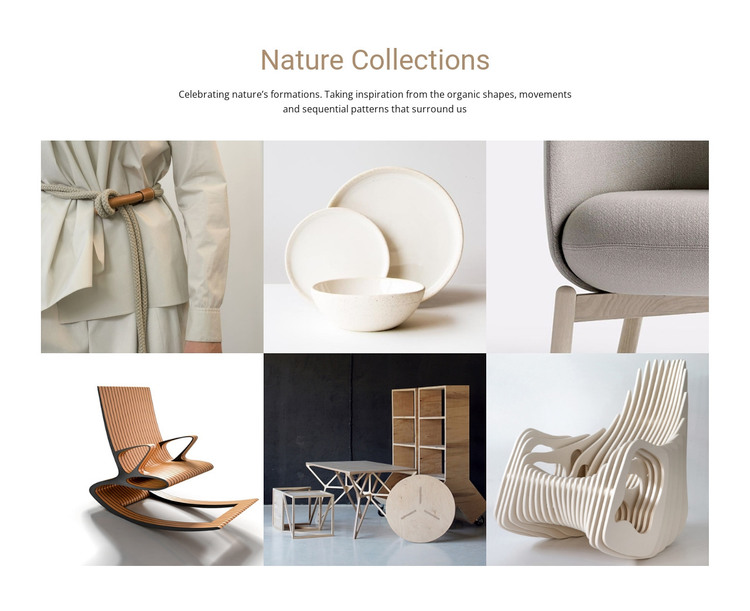
“Nature Collections” works as a defined visual content area because its heading, explanatory paragraph, and image group are organized around one subject. The text introduces inspiration from organic shapes, movements, and sequential patterns, while the six interior and homeware images give that idea visible form. Seating, ceramics, tables, and shelving create variation within the collection without breaking its focus. In a WordPress-managed page, this makes the section suitable for stable collection or project content rather than a generic decorative image row.
The two-row, three-column grid gives the gallery a repeatable layout that can sit between other page sections. Its square images establish consistent proportions, and the generous whitespace keeps the centered introduction distinct from the visual content below. Warm beige heading text and darker supporting copy create a restrained editorial contrast on the light background. Hover-revealed overlays provide feedback at the image level, while lightbox viewing lets visitors inspect individual items without removing the gallery from the page flow.
The block can therefore support a WordPress page that needs to present an interior collection, design reference, or homeware-focused project area. The surrounding project may provide related text, navigation, or commercial details, while this section retains responsibility for its own visual story. Its reusable value comes from a complete internal relationship between collection context, six image items, grid order, and image-focused viewing.
Customize with Nicepage
Open this ready-made template in the WordPress Website Builder and customize it visually in the Nicepage editor. Replace demo content, edit page sections, and adapt the design to your project without rebuilding the template from scratch.
Edit Template Offline
2. Create a new page or select existing
3. Click Add new block, search for id 41864 and click enter
Edit Template Online
Create Awesome Websites


Free Nicepage Builder
Keywords
Manage and Edit This Theme in WordPress
Customize and Install the WordPress Theme
Start with this ready-made theme instead of building the WordPress design from scratch. Customize its layout, content, typography, images, sections, and other design elements visually in Nicepage editor, then export and install the WordPress Theme, Plugin, and Pages on your WordPress site. The Nicepage WordPress Plugin lets you continue working with the site after installation.
Edit the Theme Directly in WordPress
After installation, you can edit the WordPress Theme directly in WordPress with the Nicepage WordPress Plugin. Use Site Style to customize site Colors, Fonts, Header, Footer, Blog, and Post Page Templates while working within your WordPress website.
Edit WordPress Pages Visually
Use the Nicepage WordPress Plugin to edit page content directly from the WordPress admin area. Open a WordPress Page with Nicepage and visually change its text, images, sections, and other page elements while continuing to manage the Page through WordPress.
WordPress Content and Theme Integration
Use the customized theme with WordPress Pages, Posts, Blog and Post Templates, menus, widgets, and other CMS-managed content. Shared theme elements such as Colors, Fonts, Header, Footer, Blog, and Post Page Templates can be managed as part of the overall site design, while WordPress provides the CMS environment for managing site content.
This workflow combines a ready-made WordPress Theme with visual customization, direct theme editing in WordPress, and continued content management through the Nicepage WordPress Plugin.