
Camp Website Builder
Seasonal camp information changes often, from activity schedules to cabin photos and enrollment details. A visual website builder lets staff revise these sections directly, check mobile layouts, and publish the finished site without routine coding.
More Website & HTML Templates for Camp





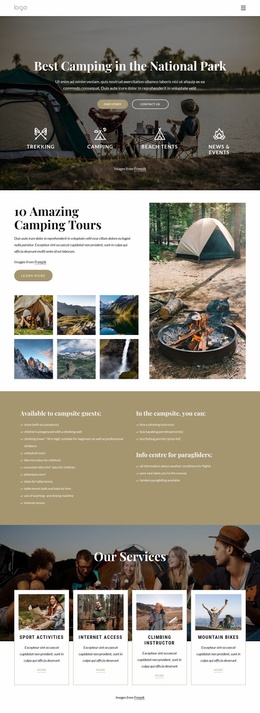
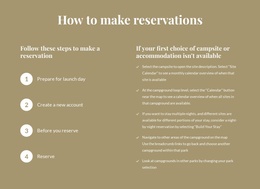
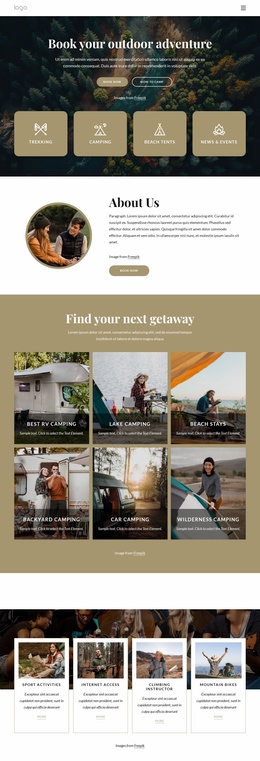
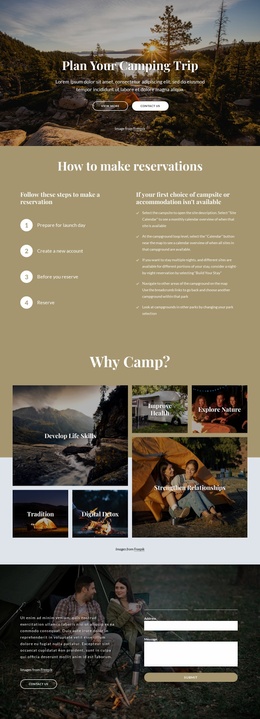


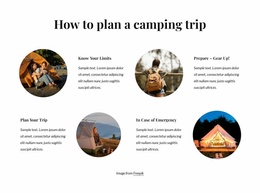





















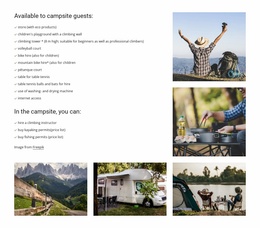

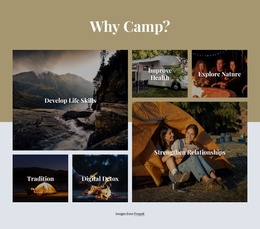








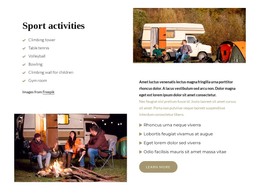
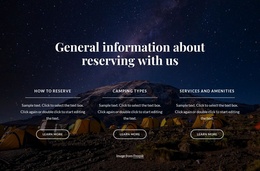



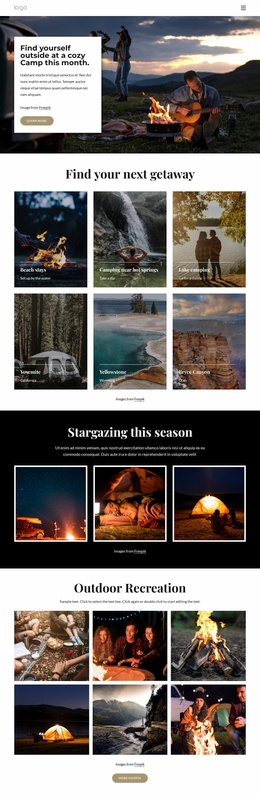
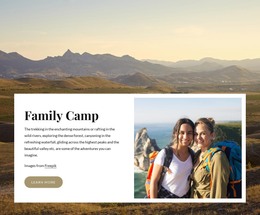
More Website Builder from Sports Category




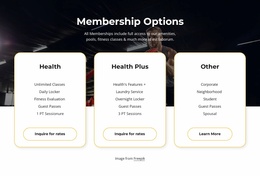

































Other Sports Website Builder
No-Code Camp Website Builder for Season-Long Updates
A camp website looks settled from the outside and behaves like a newsletter from the inside. One session fills up in March, a counselor drops out in May, and the canoe trip moves a week because of water levels. Every one of those facts lives somewhere on the site, and none of them is worth a support ticket to a developer. A website builder puts the editing where the information already is, which, at most, means the director or whoever answers the parents' emails.
What Directors Update Between Seasons
Across one operating year, the changes cluster into a few recognizable moments:
- registration opens, and the enrollment block moves up the home screen;
- a session sells out, so its card needs an availability note where the sign-up prompt used to be;
- dates and age ranges shift for the following summer;
- Fresh cabin and dining photos go up, usually the week before the first arrival.
None of that is redesign work. It is content with an expiry date, and it comes back around every year in roughly the same order.
Blocks, Forms, and Galleries in Practice
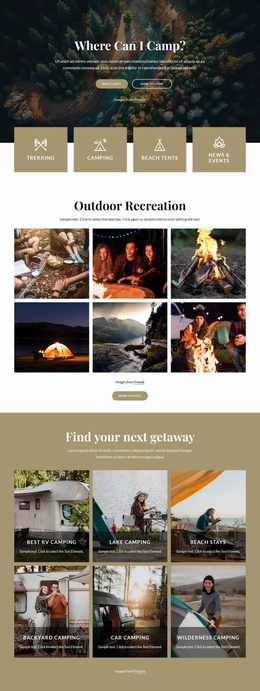
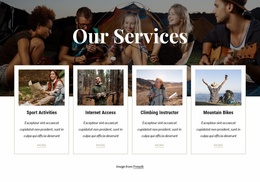
Nicepage provides pre-designed Elements and Blocks for text, images, forms, and other page parts. The element editing controls cover placing, resizing, and arranging them on the visual canvas. In a camp project, each of those lands on something concrete. The gallery becomes a facilities tour, the form becomes a group inquiry route, and a row of cards becomes this summer's program list. Duplicating one of those cards is how a new specialty week gets added at eleven at night in February, and counselor introductions get the same treatment, since half those names change with every hiring round.
Rearranging matters as much as editing. When enrollment closes, the sign-up section no longer holds the top position, and the waitlist note takes its place.
Phones Get Their Own Layout
Parents compare camps on a phone, often while doing something else. Responsive Modes let you check and adjust the layout across screen sizes, which camp content needs more than most: activity grids turn into an endless single column, long program names break across two lines in a heading, and the inquiry button slides below anything a thumb will reach.
Fixing that takes a few minutes in the builder. The payoff arrives in July, when a parent asks about a session date on Tuesday morning and reads the corrected date on Tuesday afternoon.