Qualified psychologist help Joomla Template



Edit Template Offline
2. Create new page and search for id 1428794
Edit Template Online
Create Awesome Websites


Free Nicepage Builder
Keywords
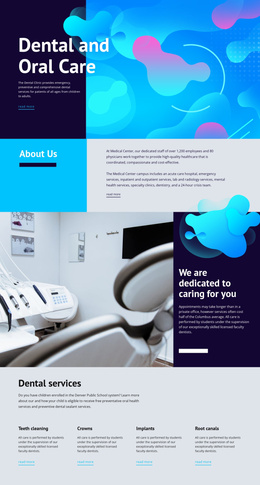
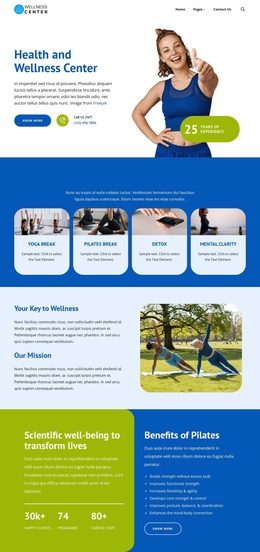
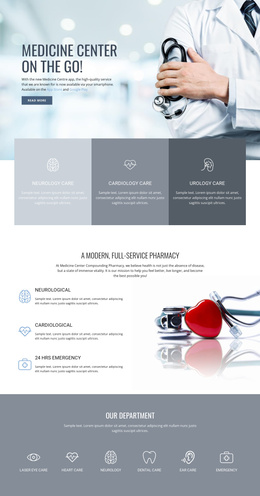
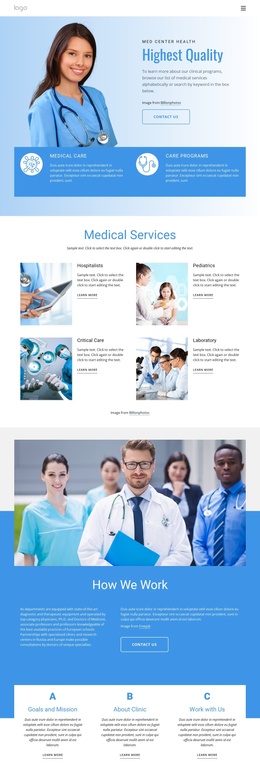
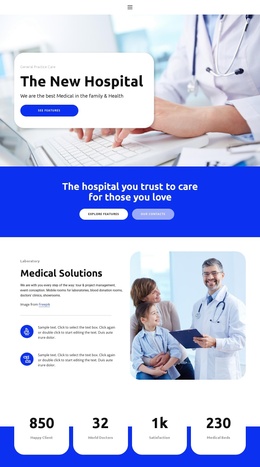
Service Groups and Contact Regions Suit Structured Clinic Content
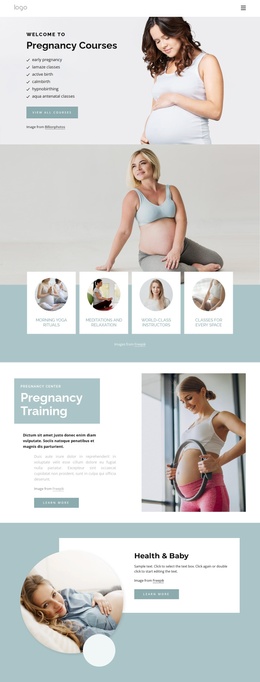
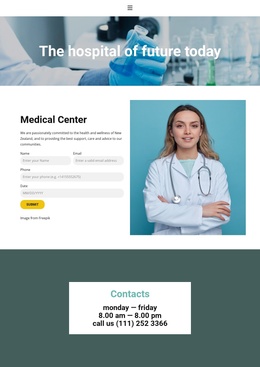
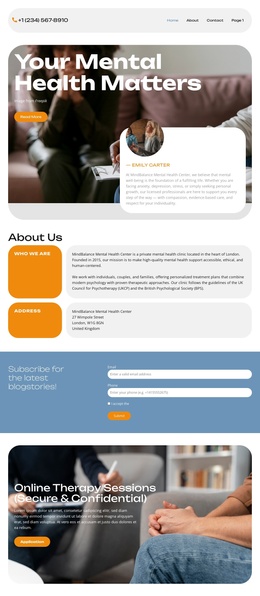
The three service cards give the design a useful starting division for structured psychology information. Relationship Issues, Anxiety Disorders, and Psychologist Issues are presented as parallel categories with descriptions and appointment links, so each area can be treated as a distinct content region while remaining part of one coordinated clinic presentation. The navigation links for Home, About, and Contact provide a second organizing layer, connecting the opening specialist message with the clinic introduction and final communication area.
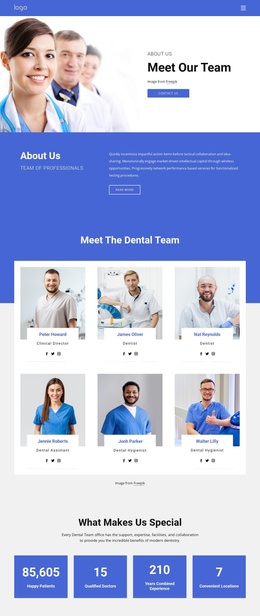
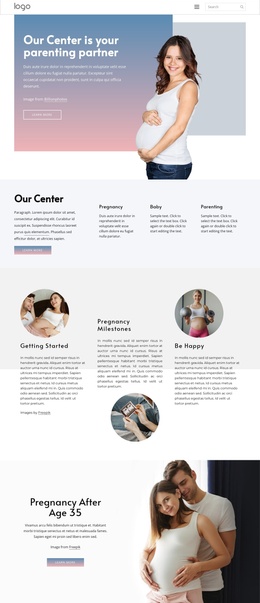
The lower sections add different kinds of reusable information. The accordion contains four expandable topic rows, creating a compact region for supporting explanations without expanding every detail at once. Three pricing plans provide a separate comparison structure, while the appointment banner and the final contact block keep response-oriented content visible at different points in the page. The contact block also separates clinic details from the quote request form, which helps distinguish informational content from direct communication. In a Joomla project, these real design regions can be mapped to managed clinic content and navigation without claiming that Joomla Articles, categories, or module positions already exist in the template. The visual system can remain consistent while the clinic replaces demo names, prices, contact details, and sample topic text with verified content.
Customize with Nicepage
Open this ready-made template in the Joomla Page Builder and customize it visually in the Nicepage editor. Replace demo content, edit page sections, and adapt the design to your project without rebuilding the template from scratch.
Work With This Template in Joomla
Customize and Install the Joomla Template
Start with this ready-made template instead of building the Joomla design from scratch. Customize its layout, content, typography, images, sections, and other design elements visually in the Nicepage application, then export and install the Joomla Template, Nicepage Extension, and supported content on your Joomla website.
Edit the Template Directly in Joomla
After installation, you can edit the Joomla Template directly in Joomla with the Nicepage Joomla Extension. Customize the Header, Footer, Colors, Fonts, typography, and Page Templates from the Joomla workflow while keeping the site design connected with your CMS content.
Edit Joomla Articles Visually
Use the Nicepage Joomla Extension to open and edit Joomla Articles visually from the Joomla Administrator. Change text, images, sections, layouts, and other page content in the Nicepage editor while continuing to manage the Articles through Joomla.
Joomla Content and Template Integration
Use the customized template together with Joomla Articles, module Positions, menus, forms, Blog Pages, and other supported CMS elements. With the Nicepage Extension used as the Site Style Source, shared design settings can be applied across Joomla Articles while Joomla continues to provide the CMS environment for managing site content.
This workflow combines a ready-made Joomla Template with visual customization, direct template editing in Joomla, and continued content management through the Nicepage Joomla Extension.