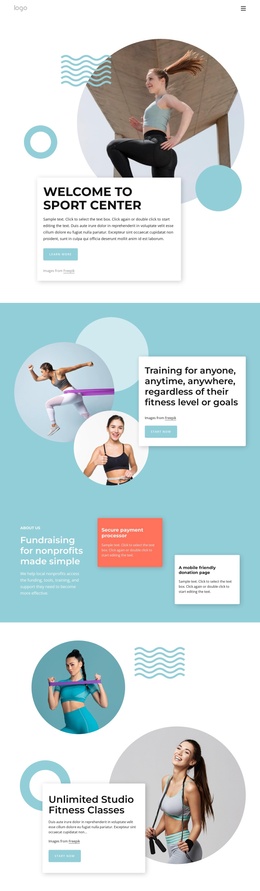
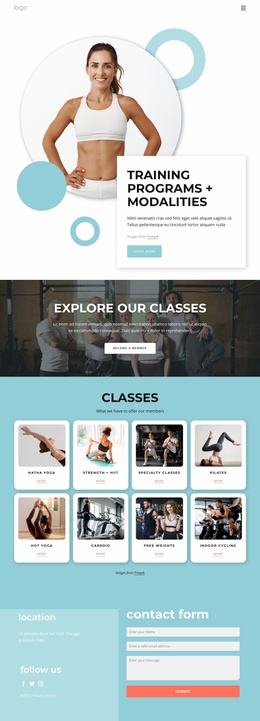
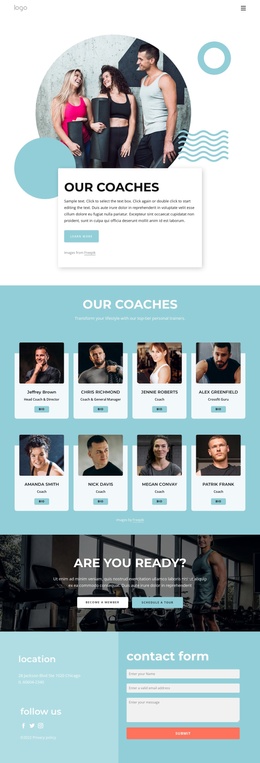
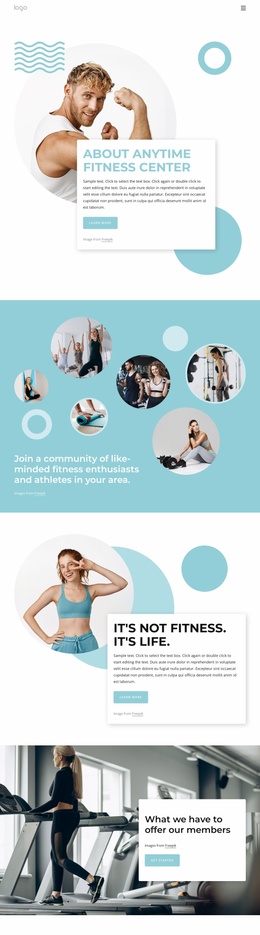
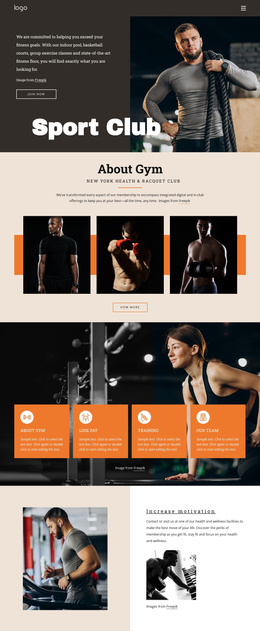
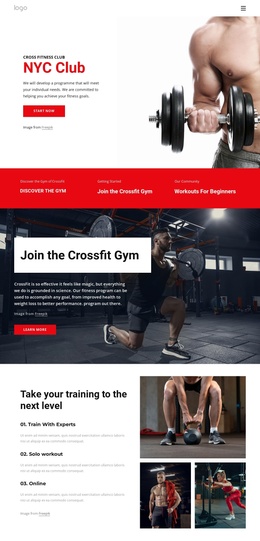
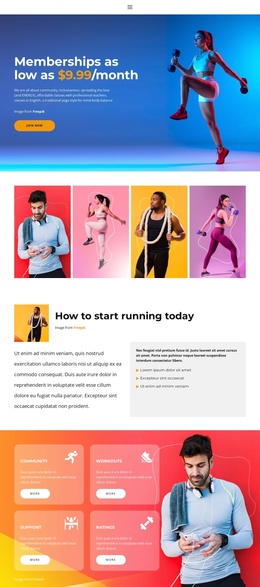
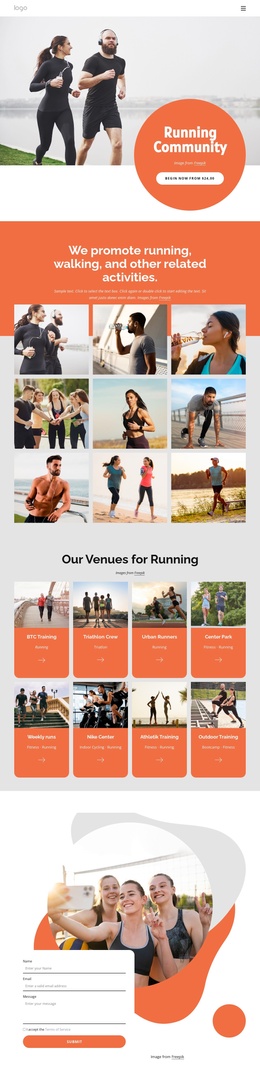
Enjoy all the benefits of sport club Joomla Template


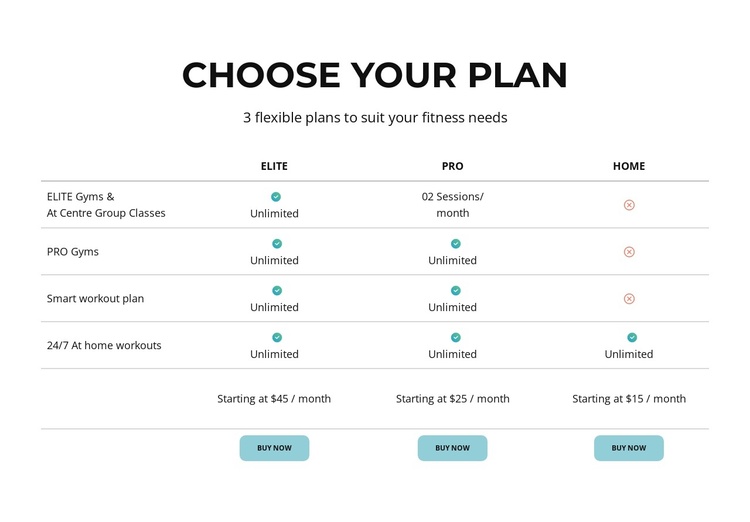
A Four-Row Membership Comparison Keeps Joomla Content Organized
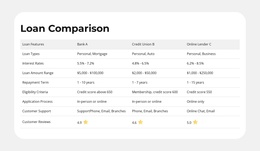
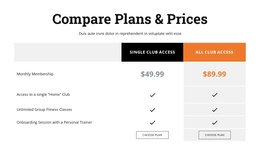
The block separates a fitness membership offer into one clear content region: a centered introduction followed by a three-column comparison table. Elite, Pro, and Home act as the primary plan groups, while four shared feature rows create the relationships visitors need for side-by-side evaluation. The rows include gym access, smart workout plans, and at-home workouts, so the section communicates differences through a consistent matrix instead of unrelated promotional panels.
The displayed starting prices—$45 per month for Elite, $25 for Pro, and $15 for Home—give each plan a defined reference point. Every column also contains a Buy Now action, preserving the same content sequence across the three choices. Turquoise availability icons add a visual status layer to the rows, while the thin light-gray rules maintain separation without introducing heavy containers. This arrangement can function as a stable structured content area within a Joomla-managed page, where related information can surround the section.
The visual hierarchy supports the content model: the bold uppercase heading establishes the subject, the subtitle provides a short introduction, and the table carries the detailed comparison. Generous whitespace separates the heading, prices, feature rows, and actions, making the plan groups easier to scan. The block therefore contributes a clearly bounded membership section to a broader Joomla page rather than acting as the site’s complete template or CMS structure.
Customize with Nicepage
Open this ready-made template in the Joomla Page Builder and customize it visually in the Nicepage editor. Replace demo content, edit page sections, and adapt the design to your project without rebuilding the template from scratch.
Edit Template Offline
2. Create a new page or select existing
3. Click Add new block, search for id 5608090 and click enter
Edit Template Online
Create Awesome Websites


Free Nicepage Builder
Keywords
Work With This Template in Joomla
Customize and Install the Joomla Template
Start with this ready-made template instead of building the Joomla design from scratch. Customize its layout, content, typography, images, sections, and other design elements visually in the Nicepage application, then export and install the Joomla Template, Nicepage Extension, and supported content on your Joomla website.
Edit the Template Directly in Joomla
After installation, you can edit the Joomla Template directly in Joomla with the Nicepage Joomla Extension. Customize the Header, Footer, Colors, Fonts, typography, and Page Templates from the Joomla workflow while keeping the site design connected with your CMS content.
Edit Joomla Articles Visually
Use the Nicepage Joomla Extension to open and edit Joomla Articles visually from the Joomla Administrator. Change text, images, sections, layouts, and other page content in the Nicepage editor while continuing to manage the Articles through Joomla.
Joomla Content and Template Integration
Use the customized template together with Joomla Articles, module Positions, menus, forms, Blog Pages, and other supported CMS elements. With the Nicepage Extension used as the Site Style Source, shared design settings can be applied across Joomla Articles while Joomla continues to provide the CMS environment for managing site content.
This workflow combines a ready-made Joomla Template with visual customization, direct template editing in Joomla, and continued content management through the Nicepage Joomla Extension.