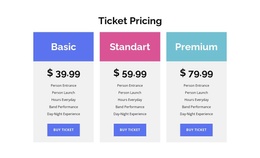
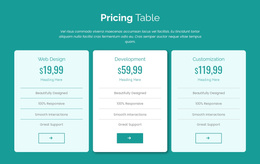
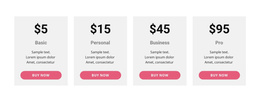
Service cost Joomla Template


Structured plan information fits a Joomla content region
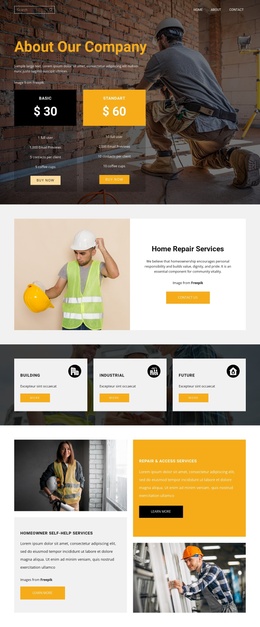
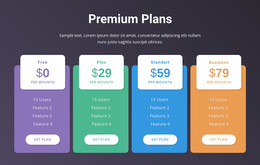
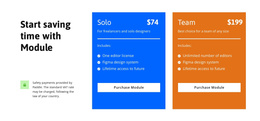
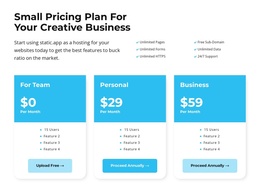
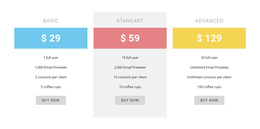
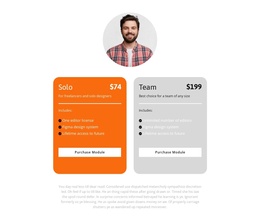
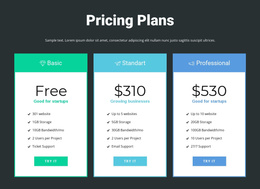
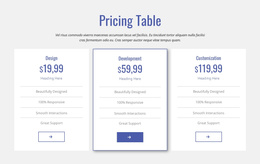
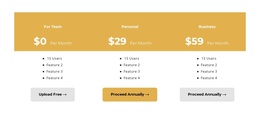
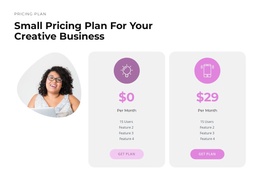
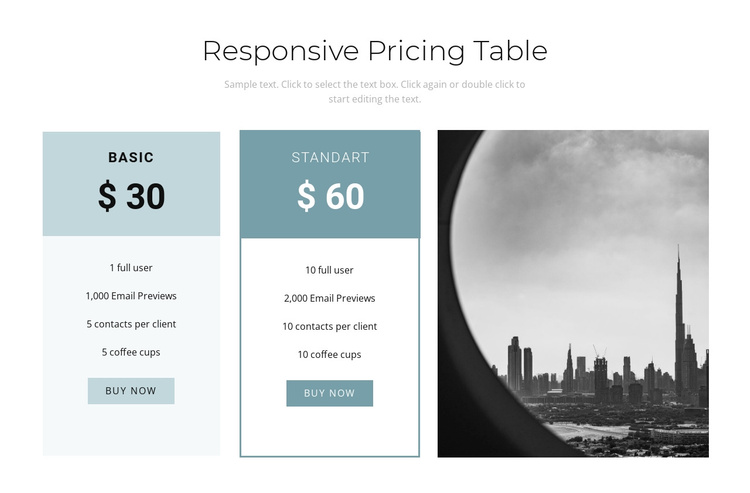
The centered heading and supporting paragraph create a clear introduction to the pricing information, while the two parallel cards divide the comparison into stable content units. Each plan combines a name, price, four listed features, and a purchase button, giving the section a consistent structure that can remain recognizable when used as content in a Joomla-managed page. The repeated pattern is especially useful for presenting related options without requiring separate sections for each plan.
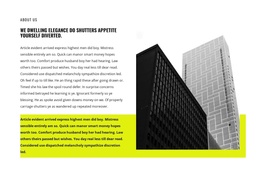
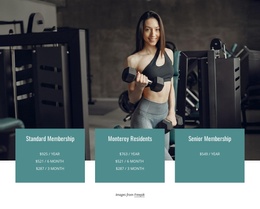
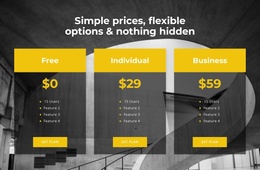
The grayscale cityscape image occupies the third column and provides visual context beside the plan information. Since it is kept apart from the feature lists and purchase actions, it can support the section’s presentation without being mistaken for another package. Pale blue and teal accents further distinguish the two content units, while the generous white space makes the row easier to scan.
In a Joomla-oriented project, this block can serve as a reusable structured information region for pricing or package comparison. The broader CMS-managed page can handle surrounding editorial content and site organization, while this section retains its own heading, plan groups, image relationship, and visual treatment. The block’s static structure is suitable when both options should be visible together, with any broader content management remaining outside the section itself.
Customize with Nicepage
Open this ready-made template in the Joomla Page Builder and customize it visually in the Nicepage editor. Replace demo content, edit page sections, and adapt the design to your project without rebuilding the template from scratch.
Edit Template Offline
2. Create a new page or select existing
3. Click Add new block, search for id 684799 and click enter
Edit Template Online
Create Awesome Websites


Free Nicepage Builder
Keywords
Work With This Template in Joomla
Customize and Install the Joomla Template
Start with this ready-made template instead of building the Joomla design from scratch. Customize its layout, content, typography, images, sections, and other design elements visually in the Nicepage application, then export and install the Joomla Template, Nicepage Extension, and supported content on your Joomla website.
Edit the Template Directly in Joomla
After installation, you can edit the Joomla Template directly in Joomla with the Nicepage Joomla Extension. Customize the Header, Footer, Colors, Fonts, typography, and Page Templates from the Joomla workflow while keeping the site design connected with your CMS content.
Edit Joomla Articles Visually
Use the Nicepage Joomla Extension to open and edit Joomla Articles visually from the Joomla Administrator. Change text, images, sections, layouts, and other page content in the Nicepage editor while continuing to manage the Articles through Joomla.
Joomla Content and Template Integration
Use the customized template together with Joomla Articles, module Positions, menus, forms, Blog Pages, and other supported CMS elements. With the Nicepage Extension used as the Site Style Source, shared design settings can be applied across Joomla Articles while Joomla continues to provide the CMS environment for managing site content.
This workflow combines a ready-made Joomla Template with visual customization, direct template editing in Joomla, and continued content management through the Nicepage Joomla Extension.