Increase Website Traffic Master SEO Tactics Joomla Template


Plan Cards Create a Structured Joomla Content Region
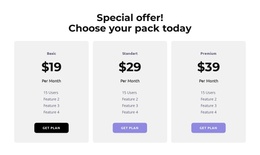
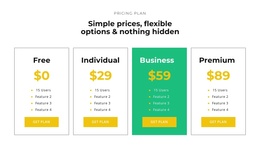
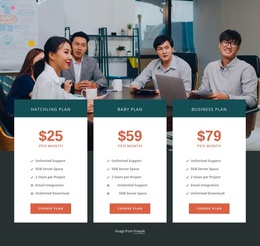
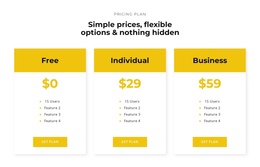
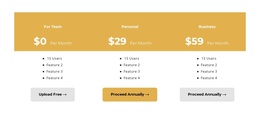
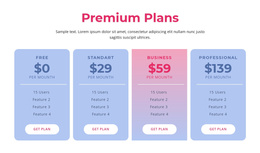
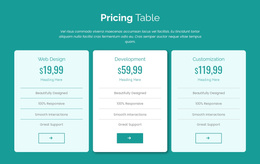
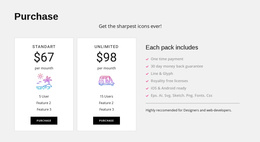
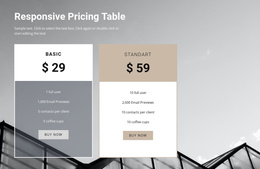
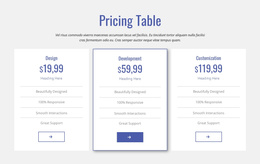
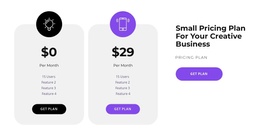
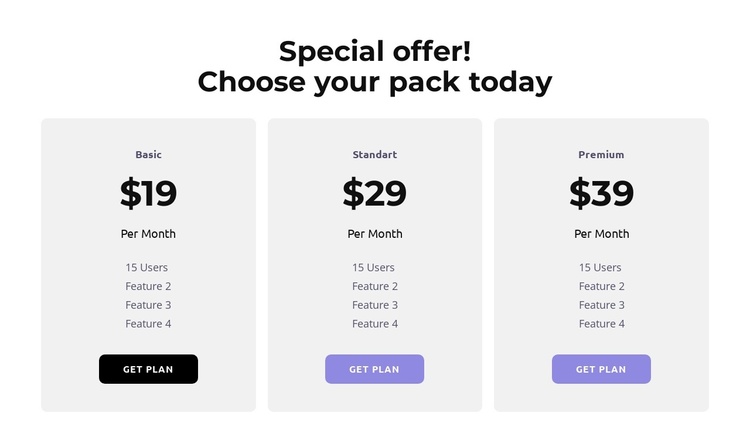
The heading “Special offer! Choose your pack today” introduces a focused information area, while the three matching cards divide the available packages into separate content units. Each unit combines a plan label, displayed price, billing period, feature list, and “Get plan” button. This repeated pattern suits a Joomla-managed page because the section communicates structured package information without depending on a particular article topic or broader page sequence.
Rounded light-gray cards keep each plan visually contained, and centered alignment gives all three columns equal emphasis. The bold black typography makes the comparison readable, while the black and lavender buttons mark the same action position in each card. Generous whitespace between the heading, cards, and internal details prevents the content from merging into a single undifferentiated pricing table. The static interaction also keeps the information immediately visible rather than hiding plan details behind tabs or expandable controls.
Within a Joomla project, this block can serve as a reusable pricing or package-information region on a managed page. Related site content can surround it, but the block itself retains one clear responsibility: help visitors compare the presented options and move toward a plan action. The consistent card structure also makes the section suitable for coordinated editorial updates when package labels, feature descriptions, or displayed billing details change.
Customize with Nicepage
Open this ready-made template in the Joomla Page Builder and customize it visually in the Nicepage editor. Replace demo content, edit page sections, and adapt the design to your project without rebuilding the template from scratch.
Edit Template Offline
2. Create a new page or select existing
3. Click Add new block, search for id 6359069 and click enter
Edit Template Online
Create Awesome Websites


Free Nicepage Builder
Keywords
Work With This Template in Joomla
Customize and Install the Joomla Template
Start with this ready-made template instead of building the Joomla design from scratch. Customize its layout, content, typography, images, sections, and other design elements visually in the Nicepage application, then export and install the Joomla Template, Nicepage Extension, and supported content on your Joomla website.
Edit the Template Directly in Joomla
After installation, you can edit the Joomla Template directly in Joomla with the Nicepage Joomla Extension. Customize the Header, Footer, Colors, Fonts, typography, and Page Templates from the Joomla workflow while keeping the site design connected with your CMS content.
Edit Joomla Articles Visually
Use the Nicepage Joomla Extension to open and edit Joomla Articles visually from the Joomla Administrator. Change text, images, sections, layouts, and other page content in the Nicepage editor while continuing to manage the Articles through Joomla.
Joomla Content and Template Integration
Use the customized template together with Joomla Articles, module Positions, menus, forms, Blog Pages, and other supported CMS elements. With the Nicepage Extension used as the Site Style Source, shared design settings can be applied across Joomla Articles while Joomla continues to provide the CMS environment for managing site content.
This workflow combines a ready-made Joomla Template with visual customization, direct template editing in Joomla, and continued content management through the Nicepage Joomla Extension.