All for your pets Website Template



Edit Template Offline
2. Create new page and search for id 1613044
Edit Template Online
Create Awesome Websites


Free Nicepage Builder
Keywords
Four Care Categories Anchor a Broader Dog-Training Site Foundation
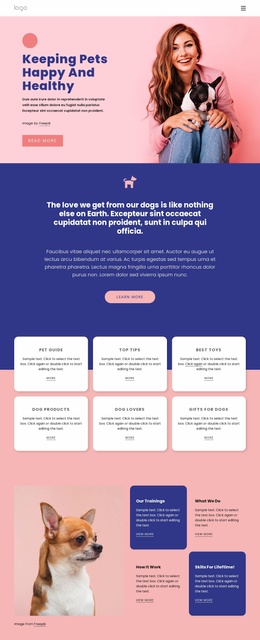
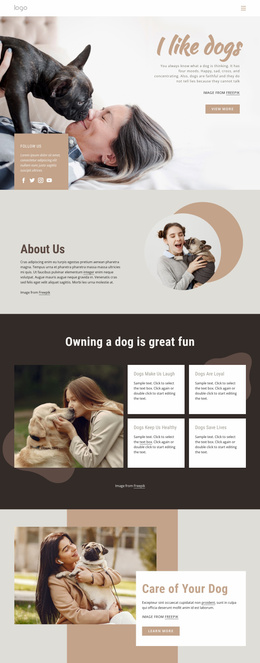
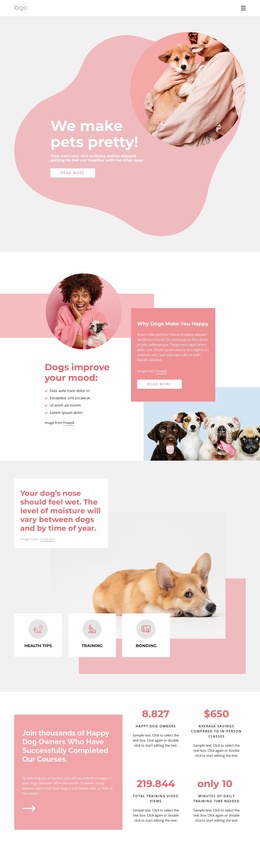
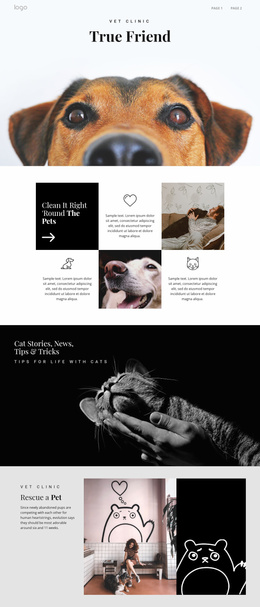
The design already defines several major content areas that can serve as the basis for a wider pet-care project. The hero establishes the subject, while the mood, health, pet ownership, and dog psychology sections provide different informational directions within the same visual system. These are useful foundation areas because they separate educational guidance from program-oriented content instead of treating every message as one undifferentiated introduction.
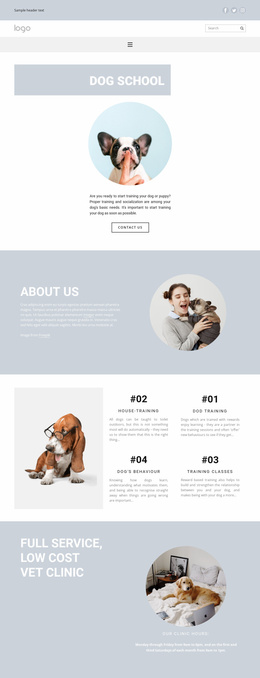
The four-category group gives the project an especially clear expansion point. Dog Trainings, Advanced Training, Health Checks, and Dog Tricks can represent core service or information areas that later receive deeper page content, while the earlier Health Tips, Training, and Bonding topics provide supporting themes. The four displayed metric blocks add a course-related presentation area, but their sample values should remain structural evidence until replaced with verified project data. This combination gives the design room to support both guidance and program presentation without claiming that additional pages already exist.
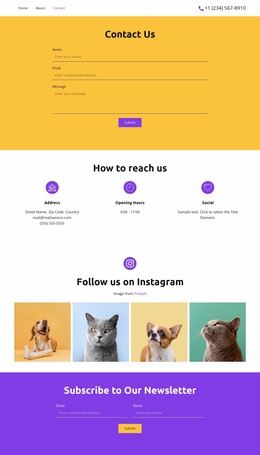
The shared navigation, repeated Read more actions, large dog photography, and consistent pink, coral, white, and light-gray styling can connect future content to the current page. At the project’s closing point, contact details, four social icons, an inquiry form, and a Submit button provide a defined communication area. The design therefore works as a starting information architecture for a broader dog wellbeing website: it identifies the subject, organizes the main content categories, and leaves a natural route toward inquiry while remaining grounded in the verified single-page structure.
Customize with Nicepage
Open this ready-made template in the Website Template Builder and customize it visually in the Nicepage editor. Replace demo content, edit page sections, and adapt the design to your project without rebuilding the template from scratch.
Build a Complete Website From This Template
Customize the Website Visually
Use this ready-made website template as a starting point for your project and adapt its pages visually in Nicepage. Change content, images, typography, navigation, sections, and other design elements while keeping the website together as a single editable project.
Manage Website Pages in One Project
Use the Pages panel to open, add, duplicate, and manage the pages of your website. Work on individual pages while keeping navigation and the overall site structure accessible from the same project, making it easier to develop a complete website instead of managing separate page files.
Expand the Website With Matching Designs
When you need additional pages or sections, use Page Design Sets to find Page and Block Designs created in the same visual style. Design Sets group matching designs together, making it easier to expand the website with new content while maintaining a consistent look across its pages and sections.
Organize Larger Multi-Page Websites
As the website grows, use Page Folders to organize related pages and keep larger multi-page projects easier to navigate in the editor. This is especially useful for websites with separate service pages, company information, contacts, landing pages, and other content areas.
This workflow makes the template a practical foundation for building and expanding a complete website while managing its pages, content, and visual design within one Nicepage project.