Questions to the real estate agent Web Page Design


The Left Accordion and Right Image Create a Clear Page Rhythm
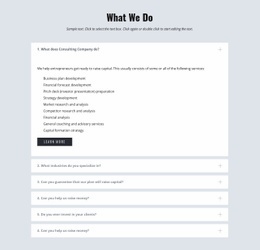
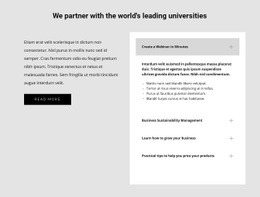
The composition concentrates the explanatory sequence on the left and gives the supporting context its own visual column on the right. The heading “How Do We Help Companies To Transform?” introduces the subject above the supporting paragraph and three vertically arranged accordion questions. Because the first item is expanded while the remaining questions are collapsed, the left side has a visible information hierarchy: visitors encounter the main topic, one developed answer, and two compact prompts.
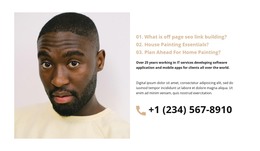
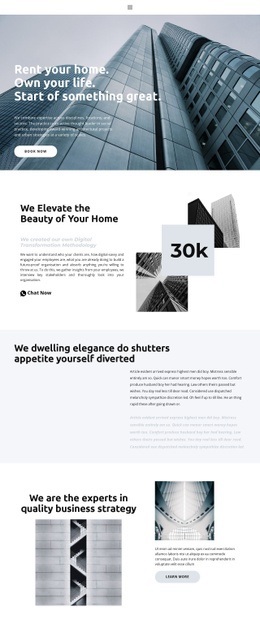
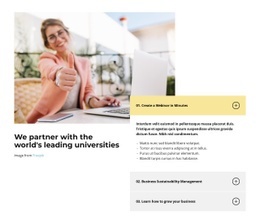
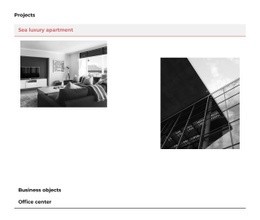
The right column changes the rhythm without breaking the connection. A grayscale architectural photograph carries strong visual weight above a paragraph about gathering employee insights, interviewing stakeholders, and reviewing the organization. This image-to-text arrangement gives the section a stable counterweight to the denser interactive content opposite it. Warm beige heading accents add a controlled emphasis, while black text, a white background, and generous whitespace preserve separation between the content groups.
As one section within a webpage, the block can create a purposeful transition between broader introductory content and later supporting material. Its two-column structure offers enough visual variation to prevent a long page from becoming a sequence of identical text areas, yet the accordion keeps the information compact. The design should be understood as a compositional unit: the surrounding page supplies the neighboring sections, while this block contributes a focused transformation explanation with a deliberate left-to-right reading path.
Customize with Nicepage
Open this ready-made template in the Web Page Design Builder and customize it visually in the Nicepage editor. Replace demo content, edit page sections, and adapt the design to your project without rebuilding the template from scratch.
Edit Template Offline
2. Create a new page or select existing
3. Click Add new block, search for id 2059479 and click enter
Edit Template Online
Create Awesome Websites


Free Nicepage Builder
Keywords
Design a Web Page With This Block as One Section
Place the Block in the Page Composition
Use Block Designs to combine individual sections into a complete page. The analyzed block contributes one part of that composition, while other sections can handle the introduction, services, proof, portfolio, pricing, contact, or other page-level needs.
Refine the Elements Inside the Block
Use Web Page Elements such as Text, Image, Hyperlink, Grid, Gallery, and other elements to refine the section's content. Adjust the existing elements without assuming that one block must carry the entire page structure.
Balance the Section With Neighboring Content
After the block is placed, refine its spacing, image scale, text density, alignment, and background treatment so the transition into and out of the section feels intentional. Reorder Blocks at the page level when necessary while keeping the internal composition of each section coherent.
This workflow treats the block as one compositional unit in a web page: internally designed, visually distinct, and coordinated with the sections around it.