I look forward to connecting with you WordPress Theme


Edit Template Offline
2. Create new page and search for id 6294379
Edit Template Online
Create Awesome Websites


Free Nicepage Builder
Keywords
Photography Services Give WordPress Content Clear Page Roles
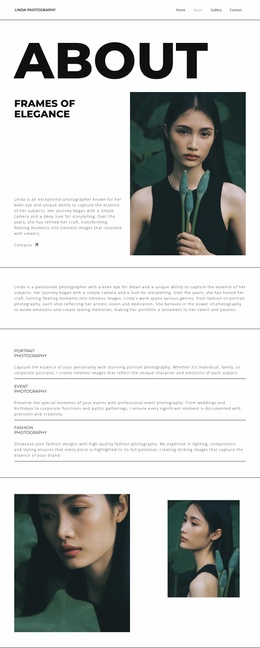
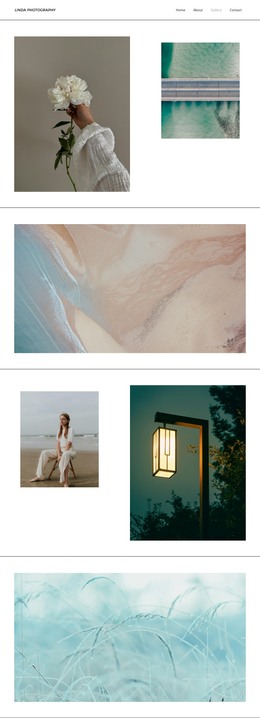
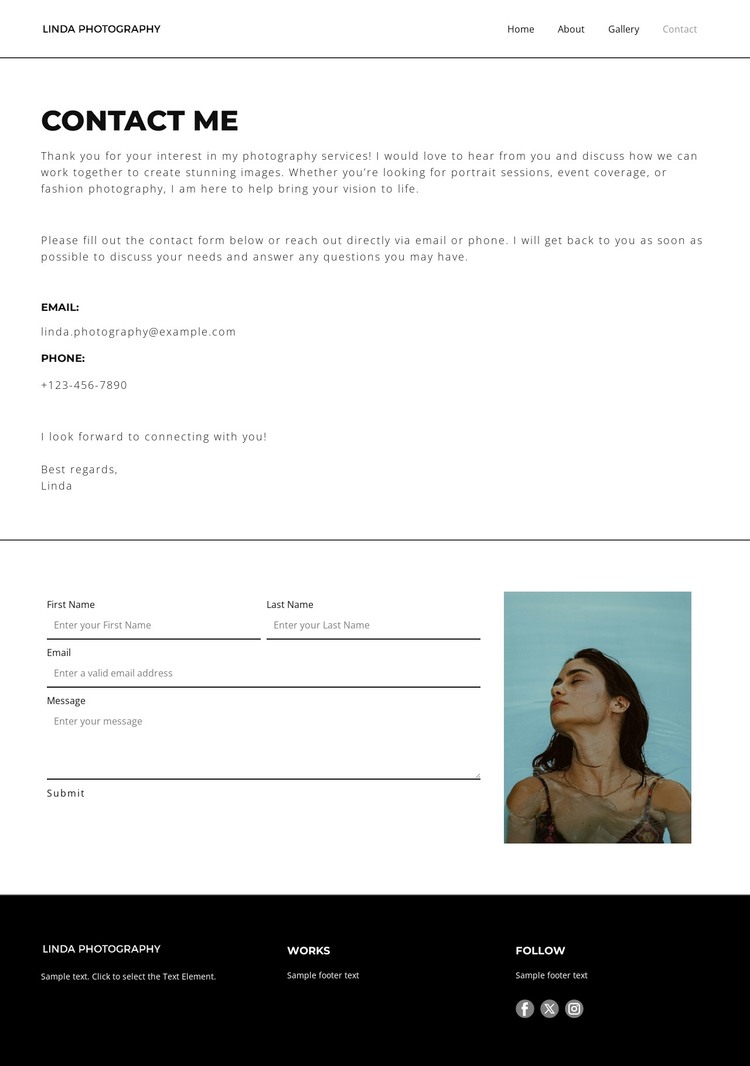
The page-oriented content is easy to separate into durable areas for a WordPress-managed photography site. Portrait sessions, event coverage, and fashion photography provide three subject groups for permanent service information, while the About and Gallery links point toward related page content without claiming that those pages or posts are already present. The compact navigation can therefore remain the connecting frame for content that grows around the same visual direction.
The contact region combines fixed explanatory material with a clear visitor response area. Email and phone details can remain part of the page information, while the form's name, email, and message inputs represent submitted inquiry content. The portrait photograph beside the form adds a personal visual element, distinguishing the response area from the service description and helping the page retain its photography focus. This relationship gives the design a useful content arrangement for WordPress Pages without requiring unsupported blog or post structures.
At the site level, the footer provides shared content cues through branding, work and follow labels, and Facebook, Twitter, and Instagram links. Its black background and light text contrast with the spacious monochrome body, while thin rules and compact sans-serif type keep the presentation controlled. A WordPress theme interpretation can preserve that visual system as service and contact content are edited or expanded, rather than treating the layout as only a one-time static image.
Customize with Nicepage
Open this ready-made template in the WordPress Website Builder and customize it visually in the Nicepage editor. Replace demo content, edit page sections, and adapt the design to your project without rebuilding the template from scratch.
Manage and Edit This Theme in WordPress
Customize and Install the WordPress Theme
Start with this ready-made theme instead of building the WordPress design from scratch. Customize its layout, content, typography, images, sections, and other design elements visually in Nicepage editor, then export and install the WordPress Theme, Plugin, and Pages on your WordPress site. The Nicepage WordPress Plugin lets you continue working with the site after installation.
Edit the Theme Directly in WordPress
After installation, you can edit the WordPress Theme directly in WordPress with the Nicepage WordPress Plugin. Use Site Style to customize site Colors, Fonts, Header, Footer, Blog, and Post Page Templates while working within your WordPress website.
Edit WordPress Pages Visually
Use the Nicepage WordPress Plugin to edit page content directly from the WordPress admin area. Open a WordPress Page with Nicepage and visually change its text, images, sections, and other page elements while continuing to manage the Page through WordPress.
WordPress Content and Theme Integration
Use the customized theme with WordPress Pages, Posts, Blog and Post Templates, menus, widgets, and other CMS-managed content. Shared theme elements such as Colors, Fonts, Header, Footer, Blog, and Post Page Templates can be managed as part of the overall site design, while WordPress provides the CMS environment for managing site content.
This workflow combines a ready-made WordPress Theme with visual customization, direct theme editing in WordPress, and continued content management through the Nicepage WordPress Plugin.